
Age Calculator Pro
Age Calculator Pro

Age Calculator Pro

Tools

| ng-labs

Play on PC with BlueStacks or from our cloud

  • Overview
  • How to Download

Page Modified On: October 13, 2025

Run Age Calculator Pro on PC or Mac

Why limit yourself to your small screen on the phone? Run Age Calculator Pro, an app by ng-labs, best experienced on your PC or Mac with BlueStacks, the world’s #1 Android emulator.

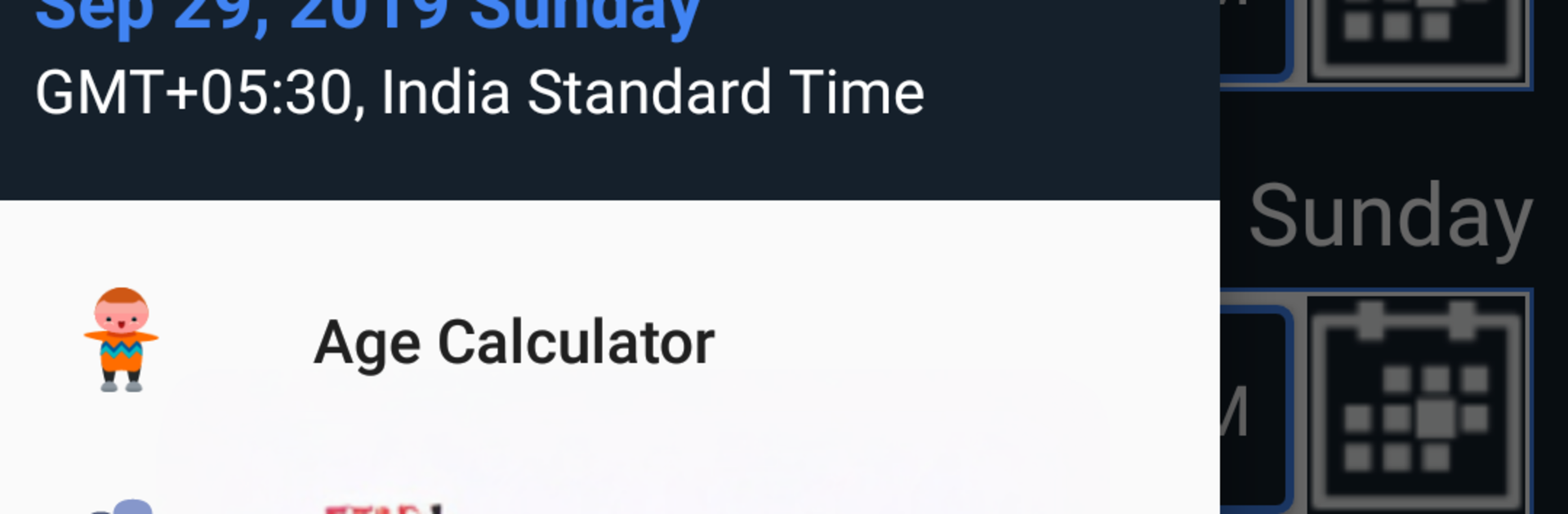
Age Calculator Pro feels like a neat little toolbox for anyone who deals with dates a lot. Punch in a birthday and it breaks the age down into years, months, days, weeks, hours, minutes, and yes, seconds. It also shows how long until the next birthday, which is oddly satisfying to see. The app is not just about age either. It can compare any two dates, so planning around anniversaries, holidays, or a move becomes less guessy and more exact. There is a simple add or subtract dates thing too, so someone can say “90 days from now” or “3 months before that trip” and get a clear answer without mental math.

There are a few extras that make it feel complete. Multiple date formats are available, weekday checks for any date, and it will list the weekdays for the next ten birthdays or anniversaries, which makes scheduling dinners or travel easier. It even has a pregnancy due date calculator and a quick leap year checker. Nothing feels complicated, the flow is very straightforward. On BlueStacks, the bigger screen and keyboard make typing dates faster and double checking results easier, especially when doing a bunch of comparisons back to back. It ends up feeling more like a trusty reference than a calculator, and that is the point.

Switch to BlueStacks and make the most of your apps on your PC or Mac.

How to Download and Run Age Calculator Pro on PC or Mac

  • Download and install BlueStacks on your PC or Mac

  • Complete Google sign-in to access the Play Store, or do it later

  • Look for Age Calculator Pro in the search bar at the top right corner

  • Click to install Age Calculator Pro from the search results

  • Complete Google sign-in (if you skipped step 2) to install Age Calculator Pro

  • Click the Age Calculator Pro icon on the home screen to start playing

video
Watch Video

Minimum System Requirements

With BlueStacks 5, you can get started on a PC that fulfills the following requirements.

  • Operating System

    Microsoft Windows 7 or above, macOS 11 (Big Sur) or above

  • Processor

    Intel, AMD or Apple Silicon Processor

  • RAM

    at least 4GB

  • HDD

    10GB Free Disk Space

Note:

* You must be an Administrator on your PC. Up to date graphics drivers from Microsoft or the chipset vendor.

Age Calculator Pro - FAQs

  • How to Run Age Calculator Pro on Windows PC & Mac?

    Run Age Calculator Pro on your PC or Mac by following these simple steps.

    • Click on ‘Download Age Calculator Pro on PC’ to download BlueStacks
    • Install it and log-in to Google Play Store
    • Launch and run the app.
  • Why is BlueStacks the fastest and safest platform to play games on PC?

    BlueStacks respects your privacy and is always safe and secure to use. It does not carry any malware, spyware, or any sort of additional software that could harm your PC.

    It is engineered to optimize speed and performance for a seamless gaming experience.

  • What are Age Calculator Pro PC requirements?

    Minimum requirement to run Age Calculator Pro on your PC

    • OS: Microsoft Windows 7 and above:
    • Processor: Intel or AMD Processor:
    • RAM: Your PC must have at least 2GB of RAM. (Note that having 2GB or more disk space is not a substitute for RAM):
    • HDD: 5GB Free Disk Space.
    • You must be an Administrator on your PC.




