Alarm clock
Alarm clock

Alarm clock

Tools

| Appozitive

Play on PC with BlueStacks or from our cloud

  • Overview
  • How to Download

Page Modified On: August 20, 2026

Run Alarm clock on PC or Mac

Get freedom from your phone’s obvious limitations. Use Alarm clock, made by Appozitive, a Tools app on your PC or Mac with BlueStacks, and level up your experience.

About the App

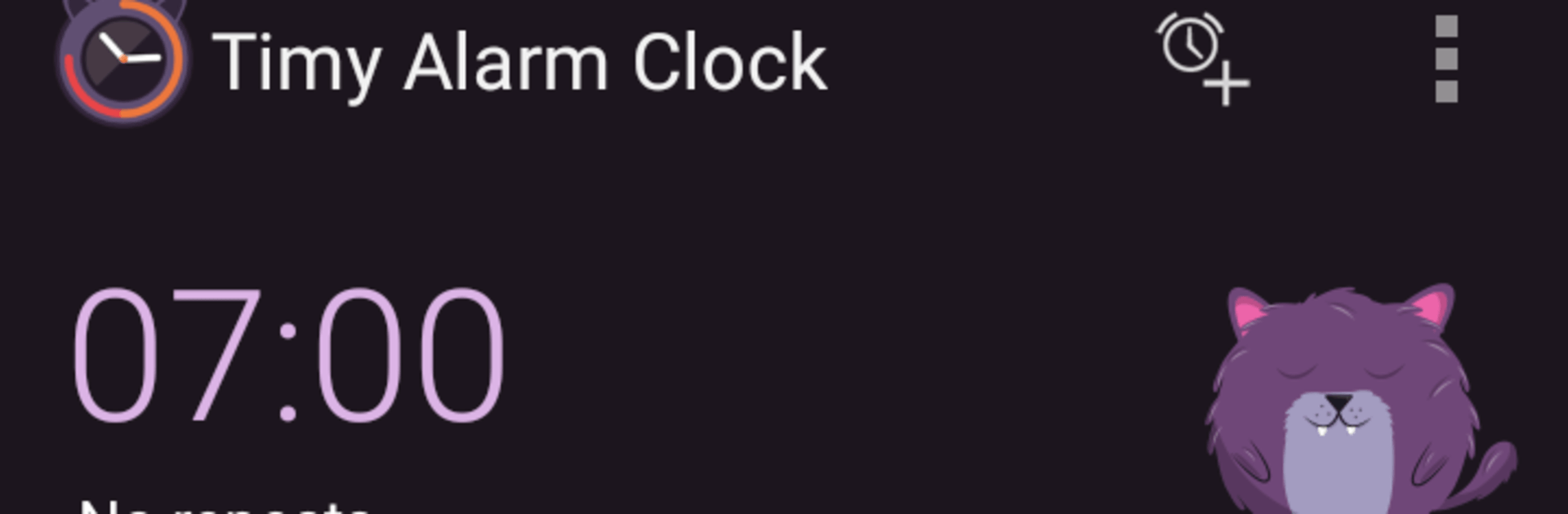
Alarm clock turns waking up into something a little more fun (and a lot harder to ignore). This Tools app doesn’t just ring and hope for the best—it gets you moving by having you nudge a cast of cute characters awake before the alarm will stop. Prefer keeping things on your computer while you work? It runs smoothly on BlueStacks, too.

App Features

  • Multiple alarms: Set as many alarms as you need—early workouts, power naps, weekend sleep-ins—each one can be tailored to your routine.
  • Character wake-up challenges: To dismiss the alarm, rouse adorable pals like a cat, dog, bunny, fox, crocodile, shark, or duck, with three difficulty levels to match your sleepy state.
  • Your tones or songs: Pick the sound that actually gets your attention, from classic tones to your favorite tracks.
  • Repeat schedules: Make alarms repeat on the days you choose so your weekday and weekend plans stay on track automatically.
  • Snooze, on your terms: Need a few more minutes? Tap snooze and grab a short breather without losing the whole morning.
  • Independent volume control: Give each alarm its own volume setting so gentle reminders and must-wake alerts don’t compete.
  • Stay powered for reliability: Keep the device turned on so alarms fire exactly when you need them—no surprises.

Switch to BlueStacks and make the most of your apps on your PC or Mac.

How to Download and Run Alarm clock on PC or Mac

  • Download and install BlueStacks on your PC or Mac

  • Complete Google sign-in to access the Play Store, or do it later

  • Look for Alarm clock in the search bar at the top right corner

  • Click to install Alarm clock from the search results

  • Complete Google sign-in (if you skipped step 2) to install Alarm clock

  • Click the Alarm clock icon on the home screen to start playing

video
Watch Video

Minimum System Requirements

With BlueStacks 5, you can get started on a PC that fulfills the following requirements.

  • Operating System

    Microsoft Windows 7 or above, macOS 11 (Big Sur) or above

  • Processor

    Intel, AMD or Apple Silicon Processor

  • RAM

    at least 4GB

  • HDD

    10GB Free Disk Space

Note:

* You must be an Administrator on your PC. Up to date graphics drivers from Microsoft or the chipset vendor.

Alarm clock - FAQs

  • How to Run Alarm clock on Windows PC & Mac?

    Run Alarm clock on your PC or Mac by following these simple steps.

    • Click on ‘Download Alarm clock on PC’ to download BlueStacks
    • Install it and log-in to Google Play Store
    • Launch and run the app.
  • Why is BlueStacks the fastest and safest platform to play games on PC?

    BlueStacks respects your privacy and is always safe and secure to use. It does not carry any malware, spyware, or any sort of additional software that could harm your PC.

    It is engineered to optimize speed and performance for a seamless gaming experience.

  • What are Alarm clock PC requirements?

    Minimum requirement to run Alarm clock on your PC

    • OS: Microsoft Windows 7 and above:
    • Processor: Intel or AMD Processor:
    • RAM: Your PC must have at least 2GB of RAM. (Note that having 2GB or more disk space is not a substitute for RAM):
    • HDD: 5GB Free Disk Space.
    • You must be an Administrator on your PC.