




Get freedom from your phone’s obvious limitations. Use ArduController, made by Ettore Gallina, a Tools app on your PC or Mac with BlueStacks, and level up your experience.
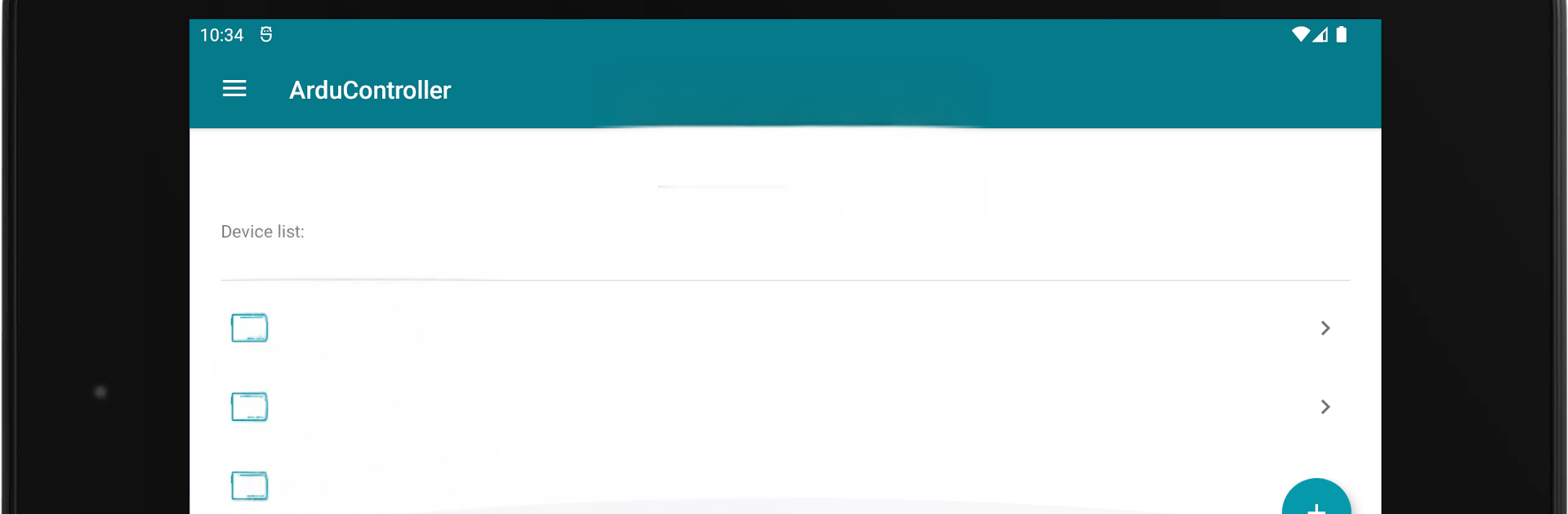
ArduController feels like a simple control panel for an Arduino, the kind someone would sketch on paper and then wish was real. It talks to a board over WiFi, Ethernet, or a basic Bluetooth module, then lets a person flip outputs, read inputs, and watch numbers change in real time. The main screen is all widgets, so there are switches for on or off, push buttons for momentary stuff, a PWM slider for brightness or speed, little tiles that show pin states, and readouts for sensor data. There are ready pieces for DHT, DS18B20, and LM35, and a custom widget when something does not fit the defaults. On BlueStacks, the bigger window makes the layout easier to manage with a mouse, and it is nice seeing several values without scrolling.
Setup is not magical, but it is clear. A small library goes into the Arduino IDE, a sketch is loaded, and the app connects. Once that is done, tapping a switch flips a pin right away, the PWM slider moves smoothly, and raw data pops in at a steady pace. It has wiring examples baked in, which helps when the breadboard looks like spaghetti. Uno, Mega 2560, and Leonardo are fine, and an Ethernet shield or a Bluetooth HC-06 fits right in. The whole thing suits anyone who wants a quick dashboard for testing sensors or driving relays without building a web page or writing a bunch of UI code.
Ready to experience ArduController on a bigger screen, in all its glory? Download BlueStacks now.





