




Get freedom from your phone’s obvious limitations. Use Battery Indicator, made by Fulmine Software, a Tools app on your PC or Mac with BlueStacks, and level up your experience.
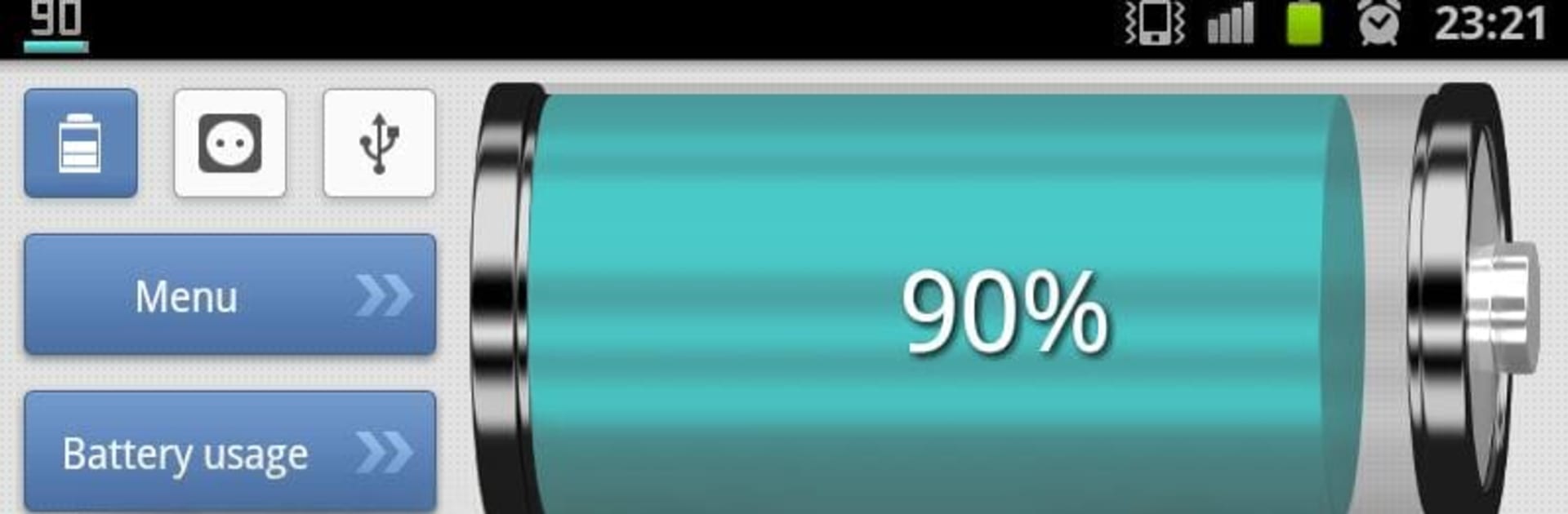
Battery Indicator is one of those simple utility apps that feels instantly useful. It sits on the screen with clean, big numbers so the battery level is always obvious, and it can show a rough time left until empty or until full while charging. On a PC with BlueStacks, it is handy to keep open alongside other apps, because the widget and the small notification icon keep the battery status in sight without digging through menus. The icon color helps at a glance, although on newer Android styles the status bar may force it to look mono, so do not be surprised if the color there is limited.
What stands out is the detail it gives without feeling geeky. It shows temperature and voltage, and it even calculates how fast the battery is going up or down in percent per hour, which is a neat way to see if something is draining too fast. It also links into the phone’s own battery usage info so it is easier to spot what is eating power. There are a few themes so it can match a darker or lighter setup, and plenty of toggles to decide what appears in the widget or notification. It is very much a set it once, keep an eye on it kind of tool, straightforward, no fuss, and it just keeps track of the numbers that matter.
BlueStacks brings your apps to life on a bigger screen—seamless and straightforward.





