




Get freedom from your phone’s obvious limitations. Use Battery Monitor, made by System monitor tools lab – Cpu Ram Battery, a Tools app on your PC or Mac with BlueStacks, and level up your experience.
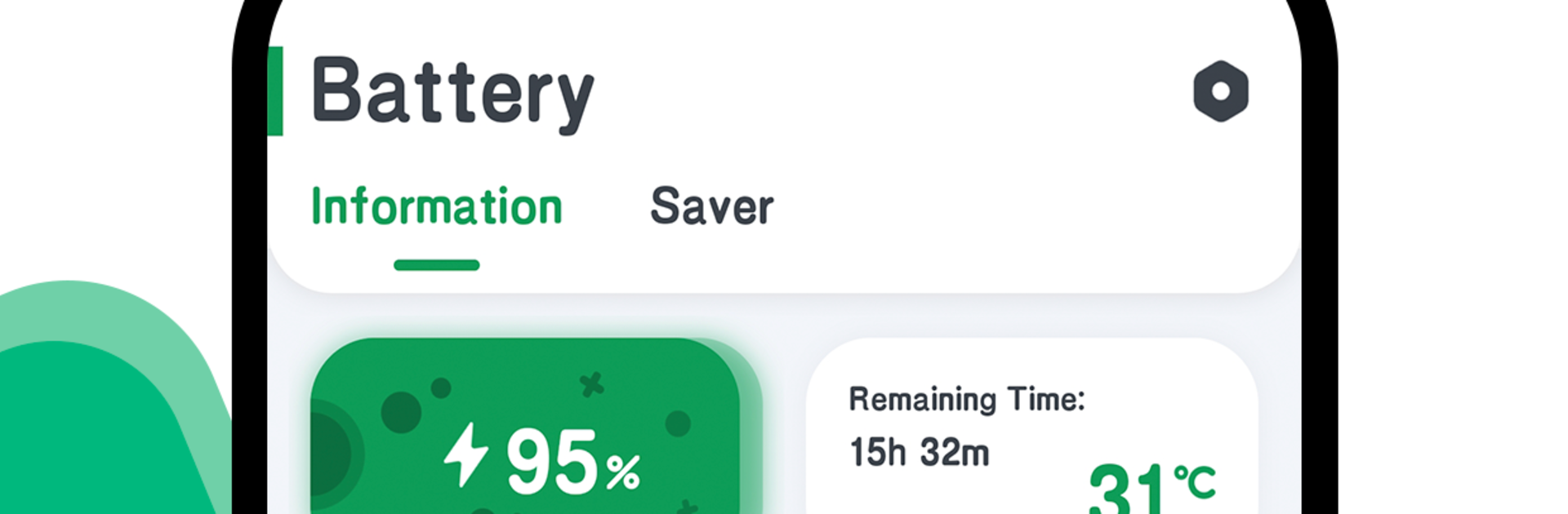
Battery Monitor feels like a simple dashboard for battery stats, not a complicated toolbox. It opens to clean, live numbers that actually matter: charge level, temperature, voltage, and whether the device is charging or not. The real standout is the graph. It draws a curve for battery level and temperature in real time, so someone can see how fast power is dropping during a long session or how heat changes when an app gets heavy. There is a floating window they can pin on top of whatever they are doing, and it shows percent and temperature without taking much space. It is the kind of overlay that makes sense during games or streaming because there is no need to leave the screen.
On BlueStacks it runs smoothly and the little floating panel sits over the emulator window, so a quick glance tells the story while playing on PC. There is a home screen widget for the Android side, which is useful if someone likes a glanceable setup. Theme colors are included, so the look can match light, dark, or something brighter. Menus are straightforward, nothing hidden behind weird labels. It reports battery health and power status plainly, and the temperature readout is front and center. Overall it feels like a small tool that stays out of the way and quietly reports what is going on.
Switch to BlueStacks and make the most of your apps on your PC or Mac.





