
BIWAPP
BIWAPP

BIWAPP

Tools

| Marktplatz GmbH - Agentur für Web & App

Play on PC with BlueStacks or from our cloud

  • Overview
  • How to Download

Page Modified On: January 09, 2026

Run BIWAPP on PC or Mac

What’s better than using BIWAPP by Marktplatz GmbH – Agentur für Web & App? Well, try it on a big screen, on your PC or Mac, with BlueStacks to see the difference.

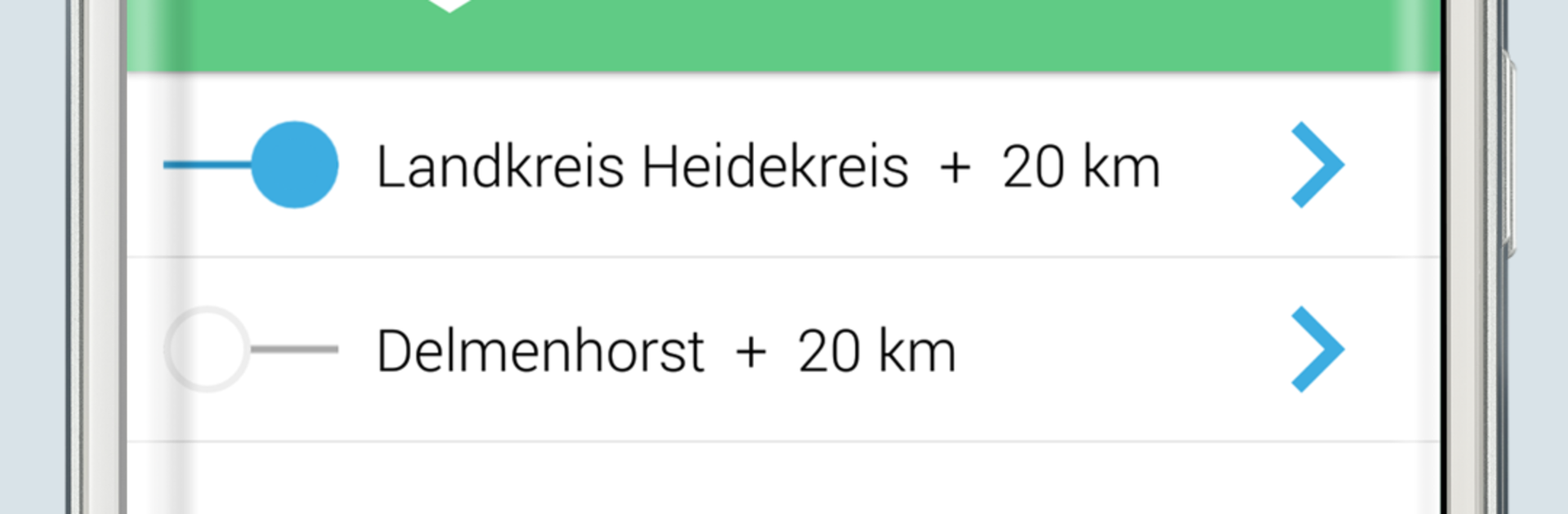
BIWAPP feels more like a calm, no fuss safety companion than something to fiddle with all day. It sends clear, timely alerts about local incidents and official warnings for places that matter to a person. After choosing towns and a radius on a map or simple list, the app sends push messages only for the topics that were picked: school closures, traffic accidents, fires, floods, severe weather from the German Weather Service, even bomb disposal or general notices from local authorities. There is a guardian mode that follows the current location without chewing through battery. Alerts are short and direct, with optional different tones, and there is an archive to look back at what happened. Quick actions connect to police or fire, and the app can show coordinates if someone is out in open areas.

On a PC with BlueStacks, the bigger screen makes the map easier to work with, especially when setting many places and tweaking the radius, and longer alerts are just easier to read. Notifications can be toggled per place and per topic, old alerts can be cleared, and messages can be shared with friends. It pulls information straight from the responsible authorities, and it ties into MoWaS and NINA, so selected warnings published here can appear there as well. A data connection is required for updates, location services are needed for location based alerts, and there is an offline function built in. It stays out of the way until something important needs attention.

Ready to experience BIWAPP on a bigger screen, in all its glory? Download BlueStacks now.

How to Download and Run BIWAPP on PC or Mac

  • Download and install BlueStacks on your PC or Mac

  • Complete Google sign-in to access the Play Store, or do it later

  • Look for BIWAPP in the search bar at the top right corner

  • Click to install BIWAPP from the search results

  • Complete Google sign-in (if you skipped step 2) to install BIWAPP

  • Click the BIWAPP icon on the home screen to start playing

video
Watch Video

Minimum System Requirements

With BlueStacks 5, you can get started on a PC that fulfills the following requirements.

  • Operating System

    Microsoft Windows 7 or above, macOS 11 (Big Sur) or above

  • Processor

    Intel, AMD or Apple Silicon Processor

  • RAM

    at least 4GB

  • HDD

    10GB Free Disk Space

Note:

* You must be an Administrator on your PC. Up to date graphics drivers from Microsoft or the chipset vendor.

BIWAPP - FAQs

  • How to Run BIWAPP on Windows PC & Mac?

    Run BIWAPP on your PC or Mac by following these simple steps.

    • Click on ‘Download BIWAPP on PC’ to download BlueStacks
    • Install it and log-in to Google Play Store
    • Launch and run the app.
  • Why is BlueStacks the fastest and safest platform to play games on PC?

    BlueStacks respects your privacy and is always safe and secure to use. It does not carry any malware, spyware, or any sort of additional software that could harm your PC.

    It is engineered to optimize speed and performance for a seamless gaming experience.

  • What are BIWAPP PC requirements?

    Minimum requirement to run BIWAPP on your PC

    • OS: Microsoft Windows 7 and above:
    • Processor: Intel or AMD Processor:
    • RAM: Your PC must have at least 2GB of RAM. (Note that having 2GB or more disk space is not a substitute for RAM):
    • HDD: 5GB Free Disk Space.
    • You must be an Administrator on your PC.




