
BlinkID: ID & passport scanner

BlinkID: ID & passport scanner

Tools

| Microblink

Play on PC with BlueStacks or from our cloud

  • Overview
  • How to Download

Page Modified On: October 03, 2025

Run BlinkID: ID & passport scanner on PC or Mac

Upgrade your experience. Try BlinkID: ID & passport scanner, the fantastic Tools app from Microblink, from the comfort of your laptop, PC, or Mac, only on BlueStacks.

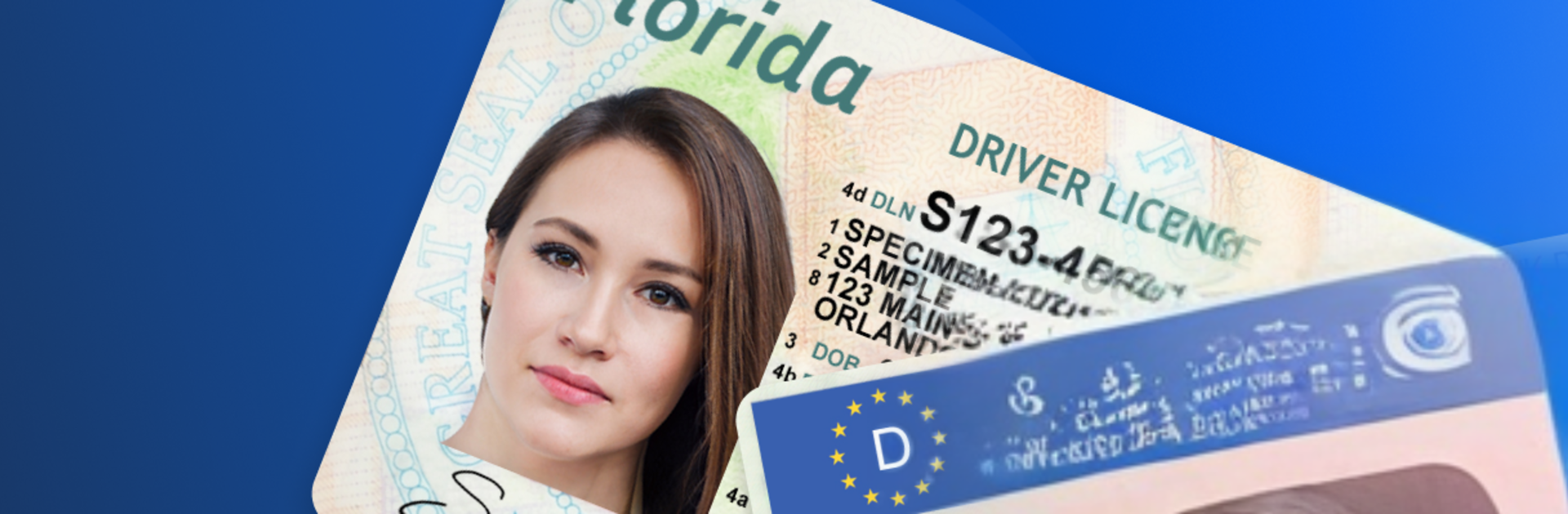
BlinkID is a simple, no fuss way to scan and stash identity documents so they stop living in random folders or old emails. It reads passports, ID cards, driver licenses, visas, work permits, and even the less serious stuff like library, loyalty, and membership cards. Point the camera, it picks up the text, and the important details land where they belong. The whole thing feels geared toward saving time, so people are not retyping names, numbers, and dates every time a form pops up.

There is a clean wallet-style view that keeps everything in one place, and sharing is easy too, whether someone needs a quick PDF, an image, or plain text for another app. The text recognition is fast and quite accurate, and the app will nudge before a document expires, which quietly prevents headaches. No ads, no in app purchases, no weird popups. On a PC with BlueStacks, it is handy to manage scans on a bigger screen and bring in images from the computer, and using a webcam for capture works well enough. It feels practical rather than flashy, the sort of tool that stays installed because it does a dull job well and then gets out of the way.

Ready to experience BlinkID: ID & passport scanner on a bigger screen, in all its glory? Download BlueStacks now.


How to Download and Run BlinkID: ID & passport scanner on PC or Mac

  • Download and install BlueStacks on your PC or Mac

  • Complete Google sign-in to access the Play Store, or do it later

  • Look for BlinkID: ID & passport scanner in the search bar at the top right corner

  • Click to install BlinkID: ID & passport scanner from the search results

  • Complete Google sign-in (if you skipped step 2) to install BlinkID: ID & passport scanner

  • Click the BlinkID: ID & passport scanner icon on the home screen to start playing

video
Watch Video

Minimum System Requirements

With BlueStacks 5, you can get started on a PC that fulfills the following requirements.

  • Operating System

    Microsoft Windows 7 or above, macOS 11 (Big Sur) or above

  • Processor

    Intel, AMD or Apple Silicon Processor

  • RAM

    at least 4GB

  • HDD

    10GB Free Disk Space

Note:

* You must be an Administrator on your PC. Up to date graphics drivers from Microsoft or the chipset vendor.

BlinkID: ID & passport scanner - FAQs

  • How to Run BlinkID: ID & passport scanner on Windows PC & Mac?

    Run BlinkID: ID & passport scanner on your PC or Mac by following these simple steps.

    • Click on ‘Download BlinkID: ID & passport scanner on PC’ to download BlueStacks
    • Install it and log-in to Google Play Store
    • Launch and run the app.
  • Why is BlueStacks the fastest and safest platform to play games on PC?

    BlueStacks respects your privacy and is always safe and secure to use. It does not carry any malware, spyware, or any sort of additional software that could harm your PC.

    It is engineered to optimize speed and performance for a seamless gaming experience.

  • What are BlinkID: ID & passport scanner PC requirements?

    Minimum requirement to run BlinkID: ID & passport scanner on your PC

    • OS: Microsoft Windows 7 and above:
    • Processor: Intel or AMD Processor:
    • RAM: Your PC must have at least 2GB of RAM. (Note that having 2GB or more disk space is not a substitute for RAM):
    • HDD: 5GB Free Disk Space.
    • You must be an Administrator on your PC.



