
COL Reminder
COL Reminder

COL Reminder

Tools

| Christian Grasser Softwareentwicklung und IT

Play on PC with BlueStacks or from our cloud

  • Overview
  • How to Download

Page Modified On: January 02, 2026

Run COL Reminder on PC or Mac

Get freedom from your phone’s obvious limitations. Use COL Reminder, made by Christian Grasser Softwareentwicklung und IT, a Tools app on your PC or Mac with BlueStacks, and level up your experience.

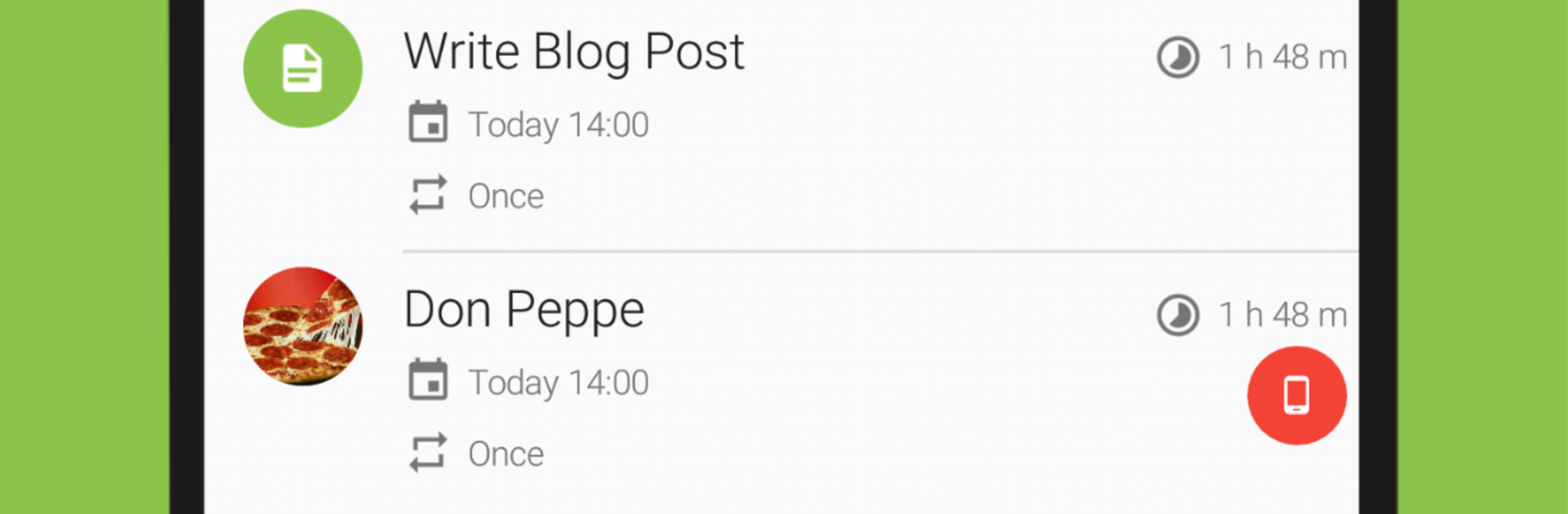
COL Reminder is that no-nonsense reminder app that just taps someone on the shoulder at the right moment and moves on. It is not a to-do list or some big productivity suite. It is a straight reminder tool with a few smart tricks. There are quick text reminders for things that need doing later, a proper call reminder that can jump right into the dialer, and a parking timer with a countdown so the meter does not catch anyone off guard. Birthdays are handled cleanly with heads-up alerts a few days before and again on the day. Location based reminders are here too, so a note can pop when someone arrives at the store or gets home. Backups go to Google Drive, which makes swaps between devices painless, and it speaks a lot of languages, from English and German to Spanish, Korean, Turkish, and more.

On a PC with BlueStacks it feels surprisingly nice, because typing longer reminders is easier and organizing a bunch of alerts on a larger screen just takes less effort. Notifications can also reach a Wear OS watch if that is part of the setup, so nothing gets missed when the phone is not in hand. The whole thing feels light and quick. Set, forget, get pinged, done. No clutter, no pressure to manage projects, just clear reminders that show up when they should.

BlueStacks gives you the much-needed freedom to experience your favorite apps on a bigger screen. Get it now.


How to Download and Run COL Reminder on PC or Mac

  • Download and install BlueStacks on your PC or Mac

  • Complete Google sign-in to access the Play Store, or do it later

  • Look for COL Reminder in the search bar at the top right corner

  • Click to install COL Reminder from the search results

  • Complete Google sign-in (if you skipped step 2) to install COL Reminder

  • Click the COL Reminder icon on the home screen to start playing

video
Watch Video

Minimum System Requirements

With BlueStacks 5, you can get started on a PC that fulfills the following requirements.

  • Operating System

    Microsoft Windows 7 or above, macOS 11 (Big Sur) or above

  • Processor

    Intel, AMD or Apple Silicon Processor

  • RAM

    at least 4GB

  • HDD

    10GB Free Disk Space

Note:

* You must be an Administrator on your PC. Up to date graphics drivers from Microsoft or the chipset vendor.

COL Reminder - FAQs

  • How to Run COL Reminder on Windows PC & Mac?

    Run COL Reminder on your PC or Mac by following these simple steps.

    • Click on ‘Download COL Reminder on PC’ to download BlueStacks
    • Install it and log-in to Google Play Store
    • Launch and run the app.
  • Why is BlueStacks the fastest and safest platform to play games on PC?

    BlueStacks respects your privacy and is always safe and secure to use. It does not carry any malware, spyware, or any sort of additional software that could harm your PC.

    It is engineered to optimize speed and performance for a seamless gaming experience.

  • What are COL Reminder PC requirements?

    Minimum requirement to run COL Reminder on your PC

    • OS: Microsoft Windows 7 and above:
    • Processor: Intel or AMD Processor:
    • RAM: Your PC must have at least 2GB of RAM. (Note that having 2GB or more disk space is not a substitute for RAM):
    • HDD: 5GB Free Disk Space.
    • You must be an Administrator on your PC.



