
CraftBox
CraftBox

CraftBox

Tools

| UserLAnd Technologies

Play on PC with BlueStacks or from our cloud

  • Overview
  • How to Download

Page Modified On: October 13, 2025

Run CraftBox on PC or Mac

Multitask effortlessly on your PC or Mac as you try out CraftBox, a Tools app by UserLAnd Technologies on BlueStacks.

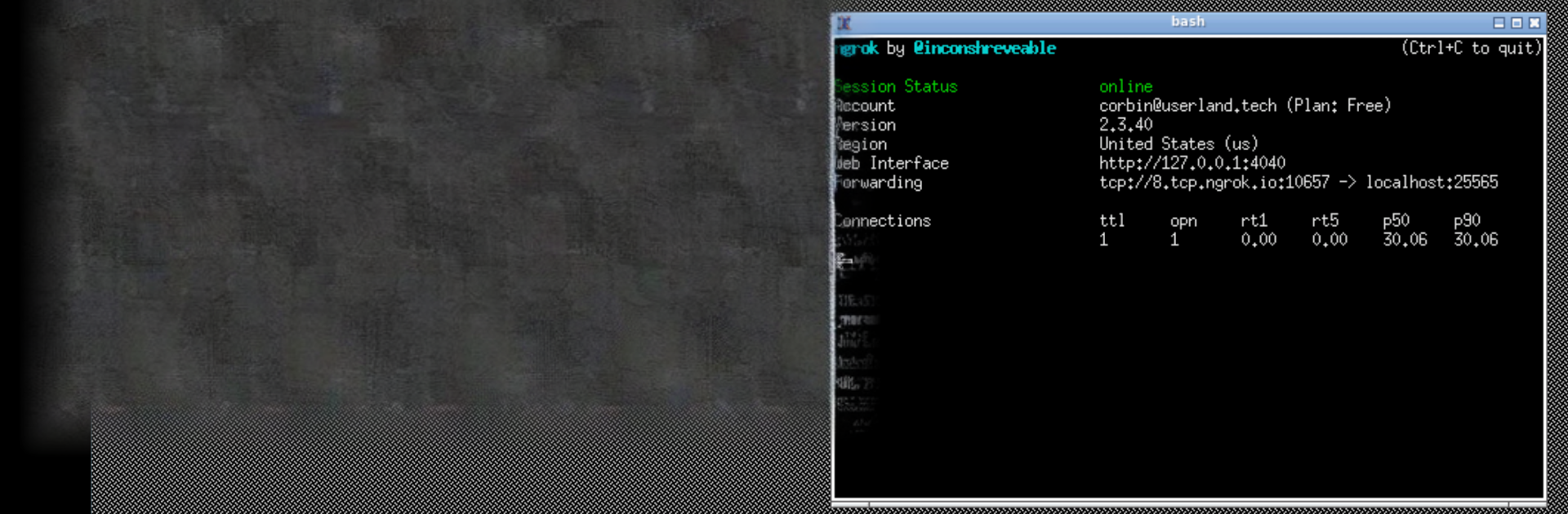
CraftBox turns a phone or tablet into a little Minecraft Java Edition server, and it keeps the setup surprisingly chill. There is a simple launcher feel to it. Start the server, watch the console logs roll by, share the address, done. It handles local network play for quick sessions with friends, and it can use ngrok so others can join over the internet without port forwarding. It currently sticks to vanilla server versions, which keeps things stable. The plan for Forge and custom mods is on the roadmap, so anyone who likes modded worlds might want to keep an eye on that. It is open source and licensed under GPLv3, which is nice if someone cares about how it works behind the scenes or just likes transparent tools. Also, it is not an official Minecraft product, so expectations should match that.

On a PC through BlueStacks, it feels even easier to manage. Running the app in a window with mouse and keyboard makes starting, stopping, and peeking at logs way less fiddly, and leaving it running in the background works fine while doing other stuff. The whole point is convenience. No router tweaks, no deep config to host a quick world. Players who want heavy plugin stacks or huge communities will want a dedicated server, but for friends hopping on after school or a weekend build, this fits. It gets the job done without trying to be fancy, which is kind of the charm.

Big screen. Bigger performance. Use BlueStacks on your PC or Mac to run your favorite apps.

How to Download and Run CraftBox on PC or Mac

  • Download and install BlueStacks on your PC or Mac

  • Complete Google sign-in to access the Play Store, or do it later

  • Look for CraftBox in the search bar at the top right corner

  • Click to install CraftBox from the search results

  • Complete Google sign-in (if you skipped step 2) to install CraftBox

  • Click the CraftBox icon on the home screen to start playing

video
Watch Video

Minimum System Requirements

With BlueStacks 5, you can get started on a PC that fulfills the following requirements.

  • Operating System

    Microsoft Windows 7 or above, macOS 11 (Big Sur) or above

  • Processor

    Intel, AMD or Apple Silicon Processor

  • RAM

    at least 4GB

  • HDD

    10GB Free Disk Space

Note:

* You must be an Administrator on your PC. Up to date graphics drivers from Microsoft or the chipset vendor.

CraftBox - FAQs

  • How to Run CraftBox on Windows PC & Mac?

    Run CraftBox on your PC or Mac by following these simple steps.

    • Click on ‘Download CraftBox on PC’ to download BlueStacks
    • Install it and log-in to Google Play Store
    • Launch and run the app.
  • Why is BlueStacks the fastest and safest platform to play games on PC?

    BlueStacks respects your privacy and is always safe and secure to use. It does not carry any malware, spyware, or any sort of additional software that could harm your PC.

    It is engineered to optimize speed and performance for a seamless gaming experience.

  • What are CraftBox PC requirements?

    Minimum requirement to run CraftBox on your PC

    • OS: Microsoft Windows 7 and above:
    • Processor: Intel or AMD Processor:
    • RAM: Your PC must have at least 2GB of RAM. (Note that having 2GB or more disk space is not a substitute for RAM):
    • HDD: 5GB Free Disk Space.
    • You must be an Administrator on your PC.




