
Ephemeris: Sun and Moon Seeker

Ephemeris: Sun and Moon Seeker

Tools

| Vito Technology

Play on PC with BlueStacks or from our cloud

  • Overview
  • How to Download

Page Modified On: October 03, 2025

Run Ephemeris: Sun and Moon Seeker on PC or Mac

Upgrade your experience. Try Ephemeris: Sun and Moon Seeker, the fantastic Tools app from Vito Technology, from the comfort of your laptop, PC, or Mac, only on BlueStacks.

About the App

Ephemeris: Sun and Moon Seeker is your go-to planning buddy for sun, moon, and Milky Way shots. Whether you’re mapping out a sunrise over the coast or timing a moonrise behind a skyline, it shows you exactly when and where things will line up. Built by Vito Technology in the Tools genre, it blends precise data with an easy, visual experience so you can plan with confidence—no guesswork, just great timing.

App Features

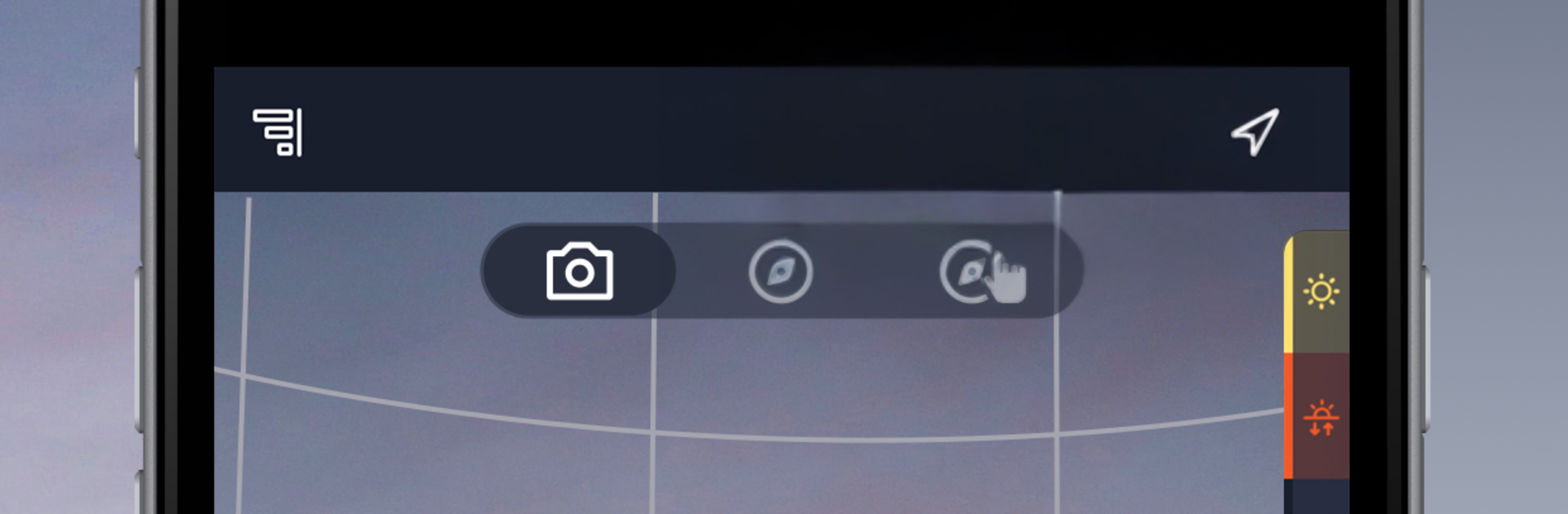
  • Live AR View: Point your camera and see the Sun, Moon, and Milky Way projected in the sky around you, so you can preview compositions right on location.

  • 3D Compass & Paths: Track the path and position of the Sun, Moon, and Milky Way for any place and date. Switch between simple and advanced modes to check golden hour, blue hour, and all phases of twilight.

  • Detailed Ephemeris Data: Get the nitty-gritty—altitude, azimuth, shadow ratio, sunrise/sunset, moonrise/moonset, lunar phases, and illumination—at a glance.

  • Time Machine Planner: Scrub through hours, days, or months to preview future alignments or revisit past conditions. Planning a trip? It’s perfect for that.

  • Sun & Moon Calculator: Need the Moon right above a landmark or the Sun at a specific angle? Calculate the best date and time and plan shoots months ahead.

  • Milky Way Finder: Zero in on the galactic core’s visibility window and nail those astrophotography nights.

  • Reminders & Alerts: Set notifications so you won’t miss rare lighting or that perfect alignment you’ve been waiting for.

  • Global Location Support: Check conditions anywhere in the world and save favorite spots for quick access.

  • Optional Subscription: Unlock advanced tools and extended planning with an optional subscription and trial.

  • Big-Screen Planning: Prefer a larger view? You can run it on your PC or Mac with BlueStacks for easier map and path exploration.

Eager to take your app experience to the next level? Start right away by downloading BlueStacks on your PC or Mac.


How to Download and Run Ephemeris: Sun and Moon Seeker on PC or Mac

  • Download and install BlueStacks on your PC or Mac

  • Complete Google sign-in to access the Play Store, or do it later

  • Look for Ephemeris: Sun and Moon Seeker in the search bar at the top right corner

  • Click to install Ephemeris: Sun and Moon Seeker from the search results

  • Complete Google sign-in (if you skipped step 2) to install Ephemeris: Sun and Moon Seeker

  • Click the Ephemeris: Sun and Moon Seeker icon on the home screen to start playing

video
Watch Video

Minimum System Requirements

With BlueStacks 5, you can get started on a PC that fulfills the following requirements.

  • Operating System

    Microsoft Windows 7 or above, macOS 11 (Big Sur) or above

  • Processor

    Intel, AMD or Apple Silicon Processor

  • RAM

    at least 4GB

  • HDD

    10GB Free Disk Space

Note:

* You must be an Administrator on your PC. Up to date graphics drivers from Microsoft or the chipset vendor.

Ephemeris: Sun and Moon Seeker - FAQs

  • How to Run Ephemeris: Sun and Moon Seeker on Windows PC & Mac?

    Run Ephemeris: Sun and Moon Seeker on your PC or Mac by following these simple steps.

    • Click on ‘Download Ephemeris: Sun and Moon Seeker on PC’ to download BlueStacks
    • Install it and log-in to Google Play Store
    • Launch and run the app.
  • Why is BlueStacks the fastest and safest platform to play games on PC?

    BlueStacks respects your privacy and is always safe and secure to use. It does not carry any malware, spyware, or any sort of additional software that could harm your PC.

    It is engineered to optimize speed and performance for a seamless gaming experience.

  • What are Ephemeris: Sun and Moon Seeker PC requirements?

    Minimum requirement to run Ephemeris: Sun and Moon Seeker on your PC

    • OS: Microsoft Windows 7 and above:
    • Processor: Intel or AMD Processor:
    • RAM: Your PC must have at least 2GB of RAM. (Note that having 2GB or more disk space is not a substitute for RAM):
    • HDD: 5GB Free Disk Space.
    • You must be an Administrator on your PC.



