
Fisherman's Watch
Fisherman's Watch

Fisherman's Watch

Tools

| FISH PLANET APPS

Play on PC with BlueStacks or from our cloud

  • Overview
  • How to Download

Page Modified On: January 13, 2026

Run Fisherman's Watch on PC or Mac

Multitask effortlessly on your PC or Mac as you try out Fisherman’s Watch, a Tools app by FISH PLANET APPS on BlueStacks.

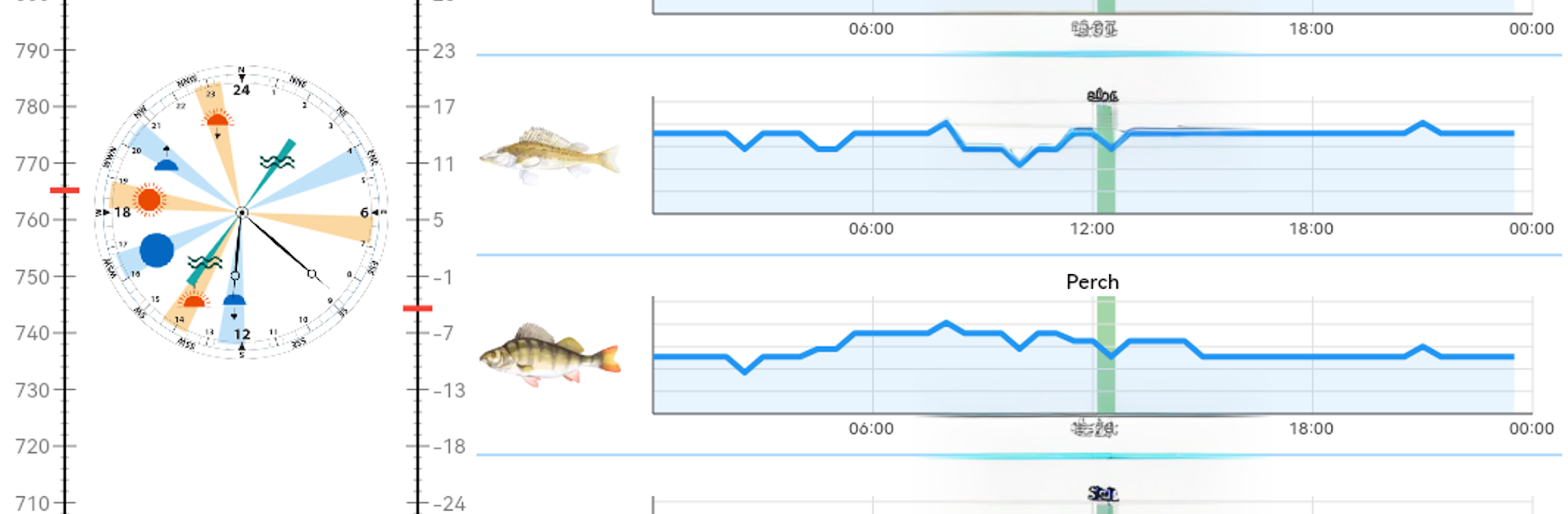
Fisherman’s Watch feels like a calm, practical companion for planning a day on the water. It takes weather, seasons, sun and moon info, and even tides, then suggests when fish are most likely to bite. There are models for over 300 species, so someone can pick pike, carp, perch, bream, whatever, and see windows of activity by hour or by day. The forecast is not a black box either. Users can turn certain factors on or off to see how moon phase, wind, pressure, or clouds change the prediction, which is nice when local spots behave a bit different. It covers sunrise and sunset, moon phases and transit, and coastal tides, then folds in seasonal and daily behavior patterns. Rivers, lakes, shore fishing, it all fits. There is an interactive map with climate zones and currents for scanning broader areas, helpful when planning a trip in a new region. The free version includes forecasts for a smaller set of species, about 40, which is still enough to get a feel for it.

On a PC with BlueStacks it feels like a clean dashboard. The bite calendar is easier to read on a big screen, switching species with a mouse is quick, and the map does not feel cramped. It is not a game, more a data-minded guide that tries to turn guesswork into a plan. It will not catch fish for anyone, but it sets expectations and helps choose better hours without overcomplicating things. There are separate companion tools out there for fish encyclopedias or knot guides, but this one keeps focus on timing and forecasts.

Switch to BlueStacks and make the most of your apps on your PC or Mac.

How to Download and Run Fisherman's Watch on PC or Mac

  • Download and install BlueStacks on your PC or Mac

  • Complete Google sign-in to access the Play Store, or do it later

  • Look for Fisherman's Watch in the search bar at the top right corner

  • Click to install Fisherman's Watch from the search results

  • Complete Google sign-in (if you skipped step 2) to install Fisherman's Watch

  • Click the Fisherman's Watch icon on the home screen to start playing

video
Watch Video

Minimum System Requirements

With BlueStacks 5, you can get started on a PC that fulfills the following requirements.

  • Operating System

    Microsoft Windows 7 or above, macOS 11 (Big Sur) or above

  • Processor

    Intel, AMD or Apple Silicon Processor

  • RAM

    at least 4GB

  • HDD

    10GB Free Disk Space

Note:

* You must be an Administrator on your PC. Up to date graphics drivers from Microsoft or the chipset vendor.

Fisherman's Watch - FAQs

  • How to Run Fisherman's Watch on Windows PC & Mac?

    Run Fisherman's Watch on your PC or Mac by following these simple steps.

    • Click on ‘Download Fisherman's Watch on PC’ to download BlueStacks
    • Install it and log-in to Google Play Store
    • Launch and run the app.
  • Why is BlueStacks the fastest and safest platform to play games on PC?

    BlueStacks respects your privacy and is always safe and secure to use. It does not carry any malware, spyware, or any sort of additional software that could harm your PC.

    It is engineered to optimize speed and performance for a seamless gaming experience.

  • What are Fisherman's Watch PC requirements?

    Minimum requirement to run Fisherman's Watch on your PC

    • OS: Microsoft Windows 7 and above:
    • Processor: Intel or AMD Processor:
    • RAM: Your PC must have at least 2GB of RAM. (Note that having 2GB or more disk space is not a substitute for RAM):
    • HDD: 5GB Free Disk Space.
    • You must be an Administrator on your PC.




