
hager Pilot
hager Pilot

hager Pilot

Tools

| Hager Controls SAS

Play on PC with BlueStacks or from our cloud

  • Overview
  • How to Download

Page Modified On: January 09, 2026

Run hager Pilot on PC or Mac

Get freedom from your phone’s obvious limitations. Use hager Pilot, made by Hager Controls SAS, a Tools app on your PC or Mac with BlueStacks, and level up your experience.

About the App

hager Pilot is a straightforward way to commission and manage your domovea setup without juggling a laptop and a bunch of cables. Built by Hager Controls SAS, this Tools app walks you through the installation steps you actually need, then helps you keep everything tidy afterward. If you’re bringing a KNX project online with a domovea server, this is the app you’ll reach for first.

App Features

  • Fast commissioning for domovea servers: Get TJA670 and TJA470 up and running with a clear, step-by-step flow that keeps the install moving and minimizes guesswork on site.

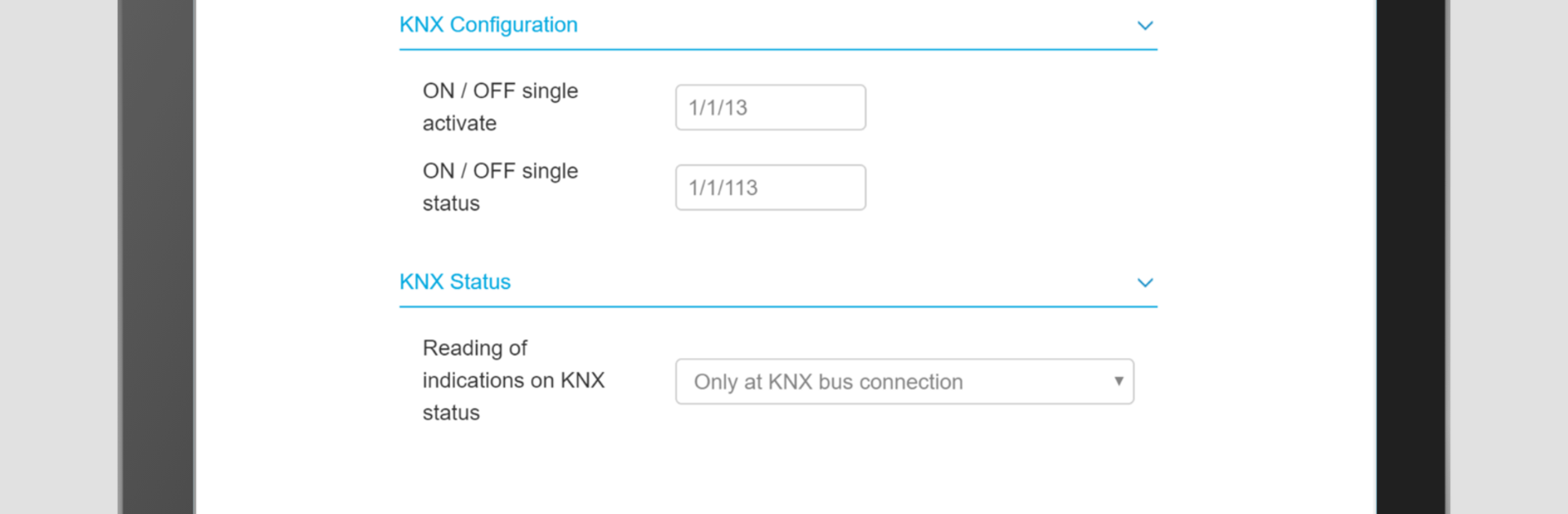
  • KNX setup with the Easy tool: Use the Easy tool to build out your KNX installation, pair devices, and structure your project the way you want—without digging through endless menus.

  • Configure domovea supervision: Set up the domovea supervision layer so controls, rooms, and functions feel organized and ready for day-to-day use.

  • Practical administration tools: Tweak network settings, rename devices, adjust parameters, and keep your configuration consistent as the project evolves.

  • Clear project organization: Map devices to rooms and categories so the system’s logic makes sense to anyone who uses it later.

  • On-site checks and validation: Confirm that what you’ve configured is actually responding as expected, helping you spot issues early.

  • Built for installers’ workflow: Quick actions, clean screens, and a process that fits real-world jobs—whether you’re starting from scratch or updating an existing setup.

  • Flexible use across devices: Handy on phones in tight spaces and great on tablets for a bigger overview. Prefer a full keyboard? You can also run hager Pilot on your PC using BlueStacks.

Eager to take your app experience to the next level? Start right away by downloading BlueStacks on your PC or Mac.


How to Download and Run hager Pilot on PC or Mac

  • Download and install BlueStacks on your PC or Mac

  • Complete Google sign-in to access the Play Store, or do it later

  • Look for hager Pilot in the search bar at the top right corner

  • Click to install hager Pilot from the search results

  • Complete Google sign-in (if you skipped step 2) to install hager Pilot

  • Click the hager Pilot icon on the home screen to start playing

video
Watch Video

Minimum System Requirements

With BlueStacks 5, you can get started on a PC that fulfills the following requirements.

  • Operating System

    Microsoft Windows 7 or above, macOS 11 (Big Sur) or above

  • Processor

    Intel, AMD or Apple Silicon Processor

  • RAM

    at least 4GB

  • HDD

    10GB Free Disk Space

Note:

* You must be an Administrator on your PC. Up to date graphics drivers from Microsoft or the chipset vendor.

hager Pilot - FAQs

  • How to Run hager Pilot on Windows PC & Mac?

    Run hager Pilot on your PC or Mac by following these simple steps.

    • Click on ‘Download hager Pilot on PC’ to download BlueStacks
    • Install it and log-in to Google Play Store
    • Launch and run the app.
  • Why is BlueStacks the fastest and safest platform to play games on PC?

    BlueStacks respects your privacy and is always safe and secure to use. It does not carry any malware, spyware, or any sort of additional software that could harm your PC.

    It is engineered to optimize speed and performance for a seamless gaming experience.

  • What are hager Pilot PC requirements?

    Minimum requirement to run hager Pilot on your PC

    • OS: Microsoft Windows 7 and above:
    • Processor: Intel or AMD Processor:
    • RAM: Your PC must have at least 2GB of RAM. (Note that having 2GB or more disk space is not a substitute for RAM):
    • HDD: 5GB Free Disk Space.
    • You must be an Administrator on your PC.



