
GPS HUD Speedometer Plus

GPS HUD Speedometer Plus

Tools

| AscendApps

Play on PC with BlueStacks or from our cloud

  • Overview
  • How to Download

Page Modified On: January 09, 2026

Run GPS HUD Speedometer Plus on PC or Mac

What’s better than using GPS HUD Speedometer Plus by AscendApps? Well, try it on a big screen, on your PC or Mac, with BlueStacks to see the difference.

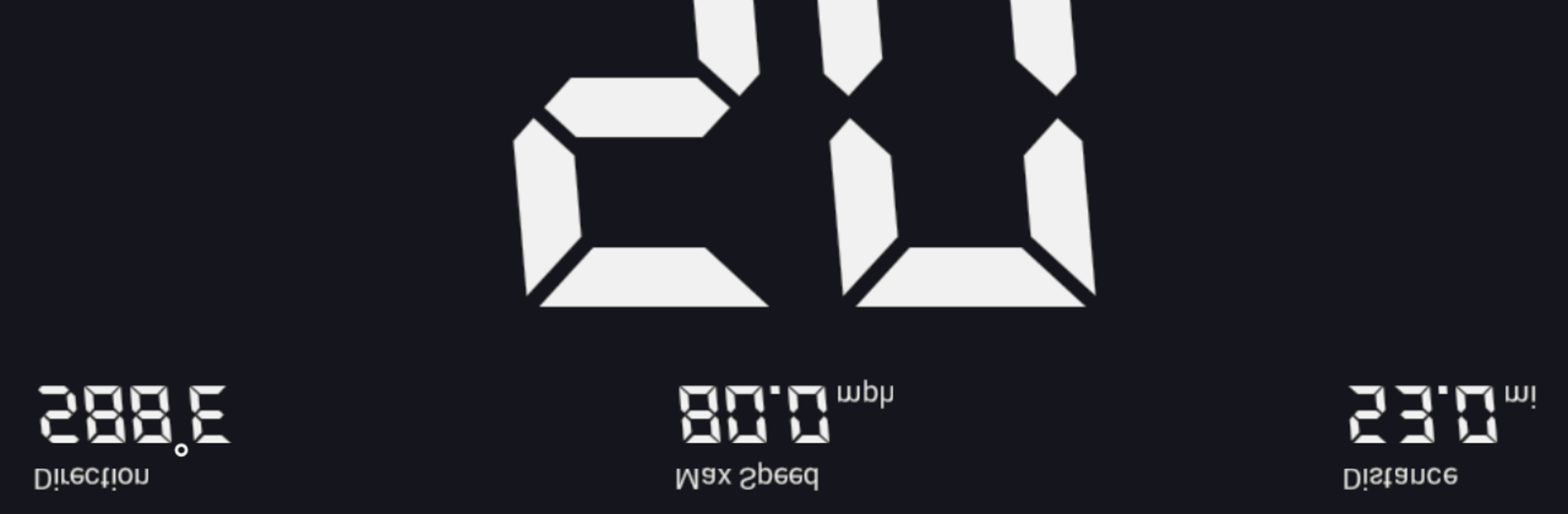
GPS HUD Speedometer Plus is basically a clean, no-nonsense dashboard for speed and trip data. It pulls straight from GPS to show current speed, average, and max, plus direction, distance, and time on the road. The whole thing feels focused on numbers and clarity. There are several skins to swap between, including a compass style that looks nice on a bigger screen. With BlueStacks on a PC, the layouts are easier to read at a glance, and switching views is quick. HUD mode flips the display so a phone can reflect on a windshield, which is more of a phone thing, but it is still useful to preview and set up on desktop before heading out.

The practical bits are what stand out. Voice readouts can announce speed or distance so eyes stay on the road. Speed alerts are simple to set and there are three slots for different limits, which is handy if someone bounces between city, rural, and highway. It logs routes and builds a stats summary that makes sense, and it supports miles, kilometers, or nautical miles. There is a basic acceleration test for zero to sixty and a quarter mile, which weekend tinkerers will like. Saving a location is available in the plus version, helpful for finding a parked car or a trailhead. It can show speed while using navigation, and it lets users export GPX tracks or back up data to local storage. Since it relies on GPS, accuracy will vary with hardware and clear sky, but when conditions are good it often feels tighter than a car’s dash. No ads in this build, so the screen stays clean.

Switch to BlueStacks and make the most of your apps on your PC or Mac.

How to Download and Run GPS HUD Speedometer Plus on PC or Mac

  • Download and install BlueStacks on your PC or Mac

  • Complete Google sign-in to access the Play Store, or do it later

  • Look for GPS HUD Speedometer Plus in the search bar at the top right corner

  • Click to install GPS HUD Speedometer Plus from the search results

  • Complete Google sign-in (if you skipped step 2) to install GPS HUD Speedometer Plus

  • Click the GPS HUD Speedometer Plus icon on the home screen to start playing

video
Watch Video

Minimum System Requirements

With BlueStacks 5, you can get started on a PC that fulfills the following requirements.

  • Operating System

    Microsoft Windows 7 or above, macOS 11 (Big Sur) or above

  • Processor

    Intel, AMD or Apple Silicon Processor

  • RAM

    at least 4GB

  • HDD

    10GB Free Disk Space

Note:

* You must be an Administrator on your PC. Up to date graphics drivers from Microsoft or the chipset vendor.

GPS HUD Speedometer Plus - FAQs

  • How to Run GPS HUD Speedometer Plus on Windows PC & Mac?

    Run GPS HUD Speedometer Plus on your PC or Mac by following these simple steps.

    • Click on ‘Download GPS HUD Speedometer Plus on PC’ to download BlueStacks
    • Install it and log-in to Google Play Store
    • Launch and run the app.
  • Why is BlueStacks the fastest and safest platform to play games on PC?

    BlueStacks respects your privacy and is always safe and secure to use. It does not carry any malware, spyware, or any sort of additional software that could harm your PC.

    It is engineered to optimize speed and performance for a seamless gaming experience.

  • What are GPS HUD Speedometer Plus PC requirements?

    Minimum requirement to run GPS HUD Speedometer Plus on your PC

    • OS: Microsoft Windows 7 and above:
    • Processor: Intel or AMD Processor:
    • RAM: Your PC must have at least 2GB of RAM. (Note that having 2GB or more disk space is not a substitute for RAM):
    • HDD: 5GB Free Disk Space.
    • You must be an Administrator on your PC.




