




Upgrade your experience. Try GPS Track Viewer, the fantastic Tools app from FlashLight, from the comfort of your laptop, PC, or Mac, only on BlueStacks.
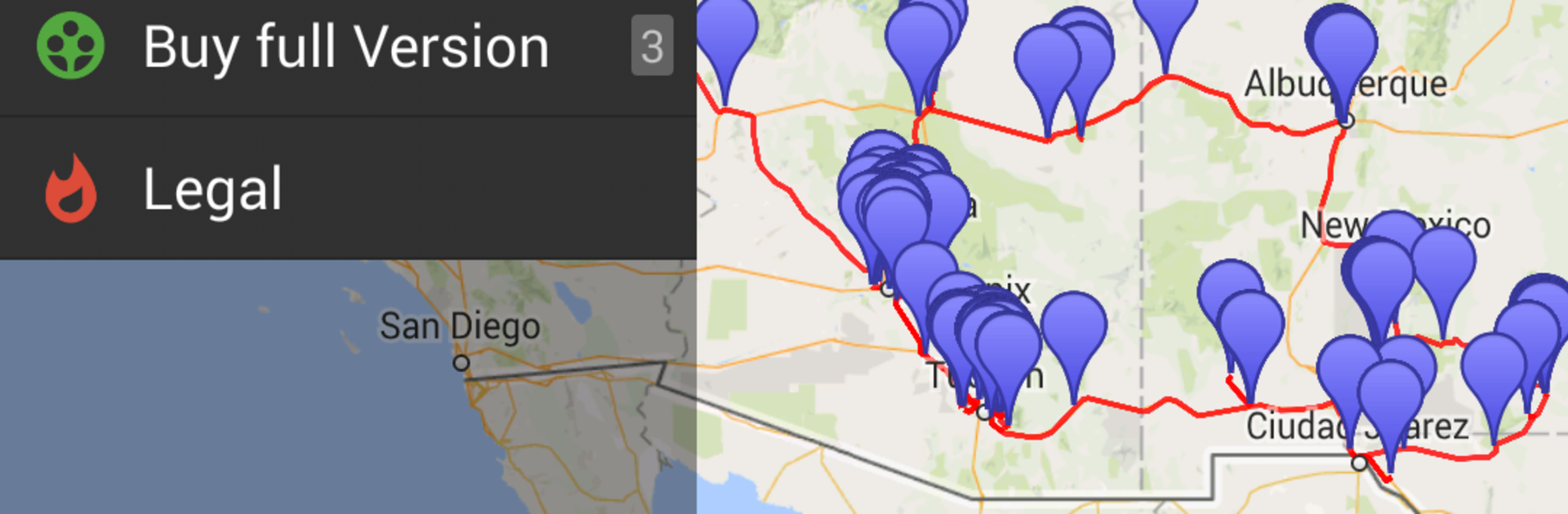
GPS Track Viewer is a straight-up map viewer for people who keep piles of route files and just want to see them cleanly on a Google map. Think KML or KMZ from a trip, GPX from a watch or bike computer, a CSV with latitude and longitude columns, even old NMEA or TXT logs. Drop them in and the app draws the track without fuss. Map styles switch fast too, so someone can flip between standard, terrain, satellite, or a hybrid view when the trail disappears under trees or the road layout is confusing.
What is nice is how it plugs into file managers. It shows up in Open with menus, so a person can tap a file from Downloads or cloud storage and it opens right away. On a PC with BlueStacks, the big screen makes long hikes and multi-day rides easier to follow, zooming with a mouse wheel feels natural, and comparing bends or trail forks is less squinty. It is a viewer first, not a full editor, so there is no heavy toolbox in the way. Just the track, the map, and quick pan or zoom.
There is one catch to keep in mind. It lets someone open up to 10 tracks for free, then it asks for a purchase. That is fine for checking a handful of files, but power users who cycle through lots of GPX logs will hit that limit. For anyone who mainly needs to peek at routes and confirm where a path actually went, the simple layout and the map choices do the job without extra noise.
Switch to BlueStacks and make the most of your apps on your PC or Mac.





