
Izy Smart
Izy Smart

Izy Smart

Tools

| Intelbras S/A

Play on PC with BlueStacks or from our cloud

  • Overview
  • How to Download

Page Modified On: October 23, 2025

Run Izy Smart on PC or Mac

Multitask effortlessly on your PC or Mac as you try out Izy Smart, a Tools app by Intelbras S/A on BlueStacks.

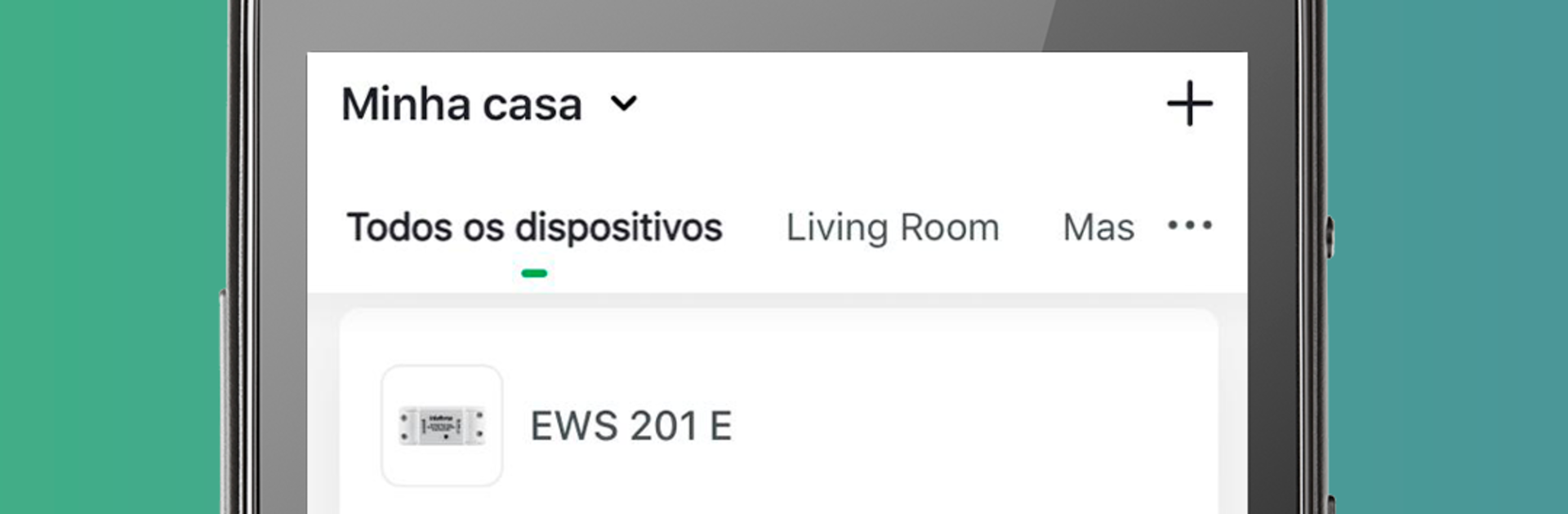
Izy Smart is basically the hub for Intelbras smart home gear, and it keeps everything in one clean place. Lights, plugs, sensors, whatever is in the Intelbras line, it shows up as simple tiles and room groups that are easy to scan. Setting schedules and routines feels straightforward, no maze of menus. Pick a time, pick days, choose what turns on or off, done. Scenes let someone bundle a few actions into one tap, so the house can behave how they like without fiddling with each device every time. Remote control works when away from home too, which is kind of the main point with this stuff.

The part that stands out is the sharing. It lets a household or small office invite other people into the same group so everyone can control the devices at the same time. There is no weird workaround, just a simple invite and they are in. Setup is quick, pairing walks through each step without jargon, and the app does not bury things under layers. On a PC through BlueStacks, the bigger screen makes a difference when managing lots of rooms or creating more detailed routines, since clicking through lists is calmer than doing it on a small phone screen. It is very no-drama and focused, which suits anyone who wants basic automation that actually runs. It does lean on the Intelbras ecosystem, so it shines most when the devices are all from that family.

BlueStacks brings your apps to life on a bigger screen—seamless and straightforward.

How to Download and Run Izy Smart on PC or Mac

  • Download and install BlueStacks on your PC or Mac

  • Complete Google sign-in to access the Play Store, or do it later

  • Look for Izy Smart in the search bar at the top right corner

  • Click to install Izy Smart from the search results

  • Complete Google sign-in (if you skipped step 2) to install Izy Smart

  • Click the Izy Smart icon on the home screen to start playing

video
Watch Video

Minimum System Requirements

With BlueStacks 5, you can get started on a PC that fulfills the following requirements.

  • Operating System

    Microsoft Windows 7 or above, macOS 11 (Big Sur) or above

  • Processor

    Intel, AMD or Apple Silicon Processor

  • RAM

    at least 4GB

  • HDD

    10GB Free Disk Space

Note:

* You must be an Administrator on your PC. Up to date graphics drivers from Microsoft or the chipset vendor.

Izy Smart - FAQs

  • How to Run Izy Smart on Windows PC & Mac?

    Run Izy Smart on your PC or Mac by following these simple steps.

    • Click on ‘Download Izy Smart on PC’ to download BlueStacks
    • Install it and log-in to Google Play Store
    • Launch and run the app.
  • Why is BlueStacks the fastest and safest platform to play games on PC?

    BlueStacks respects your privacy and is always safe and secure to use. It does not carry any malware, spyware, or any sort of additional software that could harm your PC.

    It is engineered to optimize speed and performance for a seamless gaming experience.

  • What are Izy Smart PC requirements?

    Minimum requirement to run Izy Smart on your PC

    • OS: Microsoft Windows 7 and above:
    • Processor: Intel or AMD Processor:
    • RAM: Your PC must have at least 2GB of RAM. (Note that having 2GB or more disk space is not a substitute for RAM):
    • HDD: 5GB Free Disk Space.
    • You must be an Administrator on your PC.




