
HydroWiz Pipe Flow Hydraulics

HydroWiz Pipe Flow Hydraulics

Tools

| Antonio "Tony" Renzullo

Play on PC with BlueStacks or from our cloud

  • Overview
  • How to Download

Page Modified On: November 10, 2025

Run HydroWiz Pipe Flow Hydraulics on PC or Mac

Get freedom from your phone’s obvious limitations. Use HydroWiz Pipe Flow Hydraulics, made by Antonio “Tony” Renzullo, a Tools app on your PC or Mac with BlueStacks, and level up your experience.

About the App

HydroWiz Pipe Flow Hydraulics is a practical Tools app from Antonio “Tony” Renzullo that helps you run quick, reliable pipe flow checks without hauling out a textbook. Enter a few known values and let the app handle the heavy lifting with Darcy–Weisbach, Colebrook–White, and Bernoulli working behind the scenes. Great for quick what‑ifs on a single pipe run—whether you’re in the field, at your desk, or using BlueStacks for a bigger workspace.

App Features

  • Core solvers for common tasks: Calculate pressure drop (ΔP), flow rate (Q), internal diameter (D), or the pipe length (L) for a single span between two points.
  • Trusted hydraulics built in: Uses Darcy–Weisbach, Colebrook–White, and Bernoulli to keep results grounded in solid fluid mechanics.
  • Detailed results at a glance: See elevation head, hydraulic head, head loss, friction loss, fittings loss, velocity head, flow velocity, mass flow, flow type, Reynolds number, and friction factor.
  • Clear input sets per mode: Each calculation spells out what you need—for example, to find ΔP you’ll provide elevation change, flow rate, diameter, and length; other modes follow similarly logical inputs.
  • Unit flexibility: Switch between SI/Metric and US/Imperial units anytime, no fuss.
  • Transitional flow warnings: If Reynolds lands in the 2300–4000 zone, the app flags it and lets you know results can be unstable in that regime.
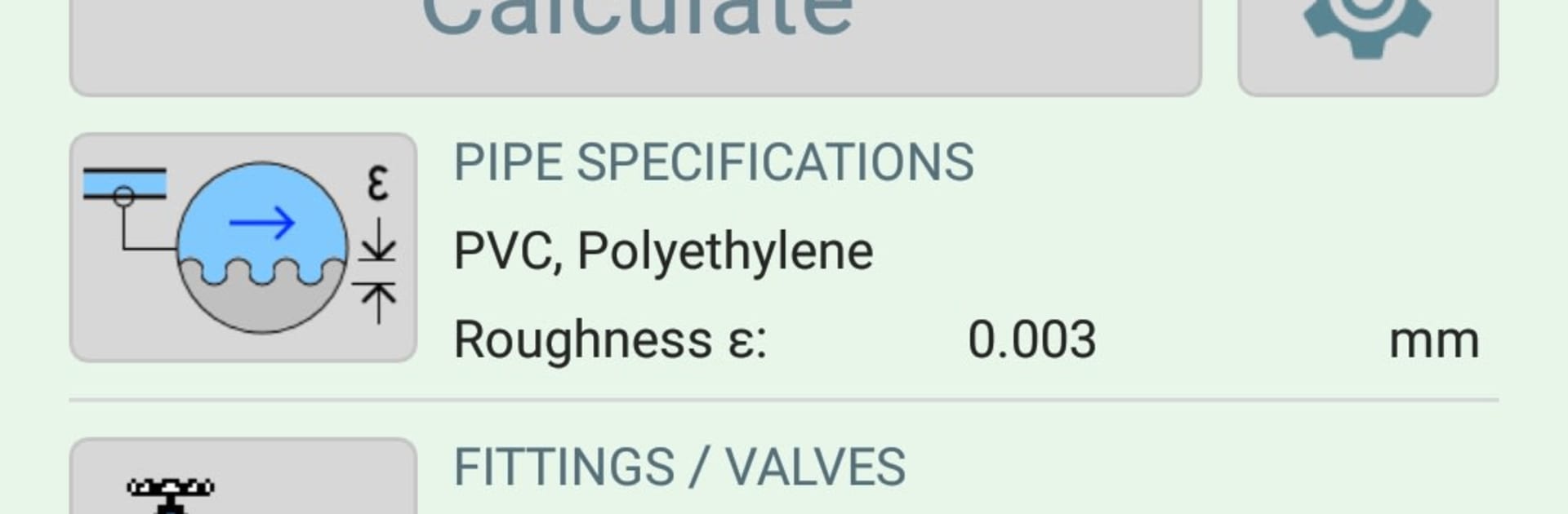
  • Materials, fittings, and fluids libraries: In HydroWiz Pro, quickly apply pipe roughness by material, resistance coefficients for valves and fittings, and fluid properties (fresh water, sea water, various temperatures).
  • Fast what‑if workflow: Tweak a parameter, rerun, and compare—handy for quick checks, line sizing, or sanity‑checking pump selections.
  • Designed for single‑run analysis: Optimized for one pipe length between two known points—simple, focused, and efficient.

Ready to experience HydroWiz Pipe Flow Hydraulics on a bigger screen, in all its glory? Download BlueStacks now.


How to Download and Run HydroWiz Pipe Flow Hydraulics on PC or Mac

  • Download and install BlueStacks on your PC or Mac

  • Complete Google sign-in to access the Play Store, or do it later

  • Look for HydroWiz Pipe Flow Hydraulics in the search bar at the top right corner

  • Click to install HydroWiz Pipe Flow Hydraulics from the search results

  • Complete Google sign-in (if you skipped step 2) to install HydroWiz Pipe Flow Hydraulics

  • Click the HydroWiz Pipe Flow Hydraulics icon on the home screen to start playing

video
Watch Video

Minimum System Requirements

With BlueStacks 5, you can get started on a PC that fulfills the following requirements.

  • Operating System

    Microsoft Windows 7 or above, macOS 11 (Big Sur) or above

  • Processor

    Intel, AMD or Apple Silicon Processor

  • RAM

    at least 4GB

  • HDD

    10GB Free Disk Space

Note:

* You must be an Administrator on your PC. Up to date graphics drivers from Microsoft or the chipset vendor.

HydroWiz Pipe Flow Hydraulics - FAQs

  • How to Run HydroWiz Pipe Flow Hydraulics on Windows PC & Mac?

    Run HydroWiz Pipe Flow Hydraulics on your PC or Mac by following these simple steps.

    • Click on ‘Download HydroWiz Pipe Flow Hydraulics on PC’ to download BlueStacks
    • Install it and log-in to Google Play Store
    • Launch and run the app.
  • Why is BlueStacks the fastest and safest platform to play games on PC?

    BlueStacks respects your privacy and is always safe and secure to use. It does not carry any malware, spyware, or any sort of additional software that could harm your PC.

    It is engineered to optimize speed and performance for a seamless gaming experience.

  • What are HydroWiz Pipe Flow Hydraulics PC requirements?

    Minimum requirement to run HydroWiz Pipe Flow Hydraulics on your PC

    • OS: Microsoft Windows 7 and above:
    • Processor: Intel or AMD Processor:
    • RAM: Your PC must have at least 2GB of RAM. (Note that having 2GB or more disk space is not a substitute for RAM):
    • HDD: 5GB Free Disk Space.
    • You must be an Administrator on your PC.



