
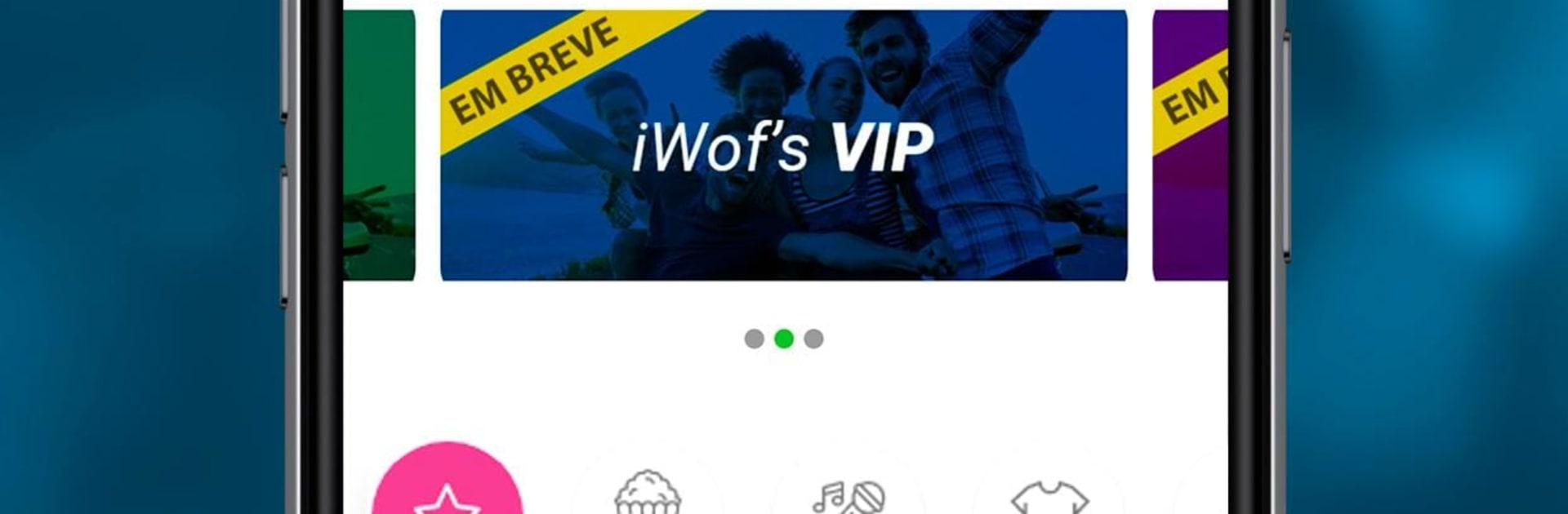
IWOF
IWOF

IWOF

Tools

| iWof

Play on PC with BlueStacks or from our cloud

  • Overview
  • How to Download

Page Modified On: September 02, 2025

Run IWOF on PC or Mac

Why limit yourself to your small screen on the phone? Run IWOF, an app by iWof, best experienced on your PC or Mac with BlueStacks, the world’s #1 Android emulator.

About the App

IWOF is a Tools app from iWof that helps you work on your own terms. Pick the kind of tasks you want, choose when you’re available, and even decide the city where you’ll work. It connects you with paid opportunities from partner companies so you can earn in the way that fits your life.

App Features

  • Your schedule, your call: Set the days and times that work for you. Morning person, night owl, or “only weekends,” it’s all fair game.
  • Choose where to work: Select the city (or move between cities) and grab opportunities where you want to be.
  • Paid gigs from real partners: Access offers shared by companies that post shifts and tasks through the platform—no cold outreach needed.
  • Quick start: Download the app, create your profile, and you’re ready to accept opportunities in just a few steps.
  • Accept, complete, get paid: See an offer you like? Claim it, do the job, and receive your payment without the runaround.
  • Pick what suits you: Go for tasks that match your interests or availability—short stints, longer shifts, weekdays, or just a few hours.
  • Transparent flow: Everything is laid out clearly so you always know what you accepted and what you’ll earn.
  • Purpose-driven approach: Built by iWof with a social focus on opening more doors to paid work, letting people get rewarded for what they enjoy.
  • Prefer a bigger screen?: You can also run IWOF on BlueStacks if you like handling offers from your PC.

Eager to take your app experience to the next level? Start right away by downloading BlueStacks on your PC or Mac.


How to Download and Run IWOF on PC or Mac

  • Download and install BlueStacks on your PC or Mac

  • Complete Google sign-in to access the Play Store, or do it later

  • Look for IWOF in the search bar at the top right corner

  • Click to install IWOF from the search results

  • Complete Google sign-in (if you skipped step 2) to install IWOF

  • Click the IWOF icon on the home screen to start playing

video
Watch Video

Minimum System Requirements

With BlueStacks 5, you can get started on a PC that fulfills the following requirements.

  • Operating System

    Microsoft Windows 7 or above, macOS 11 (Big Sur) or above

  • Processor

    Intel, AMD or Apple Silicon Processor

  • RAM

    at least 4GB

  • HDD

    10GB Free Disk Space

Note:

* You must be an Administrator on your PC. Up to date graphics drivers from Microsoft or the chipset vendor.

IWOF - FAQs

  • How to Run IWOF on Windows PC & Mac?

    Run IWOF on your PC or Mac by following these simple steps.

    • Click on ‘Download IWOF on PC’ to download BlueStacks
    • Install it and log-in to Google Play Store
    • Launch and run the app.
  • Why is BlueStacks the fastest and safest platform to play games on PC?

    BlueStacks respects your privacy and is always safe and secure to use. It does not carry any malware, spyware, or any sort of additional software that could harm your PC.

    It is engineered to optimize speed and performance for a seamless gaming experience.

  • What are IWOF PC requirements?

    Minimum requirement to run IWOF on your PC

    • OS: Microsoft Windows 7 and above:
    • Processor: Intel or AMD Processor:
    • RAM: Your PC must have at least 2GB of RAM. (Note that having 2GB or more disk space is not a substitute for RAM):
    • HDD: 5GB Free Disk Space.
    • You must be an Administrator on your PC.



