
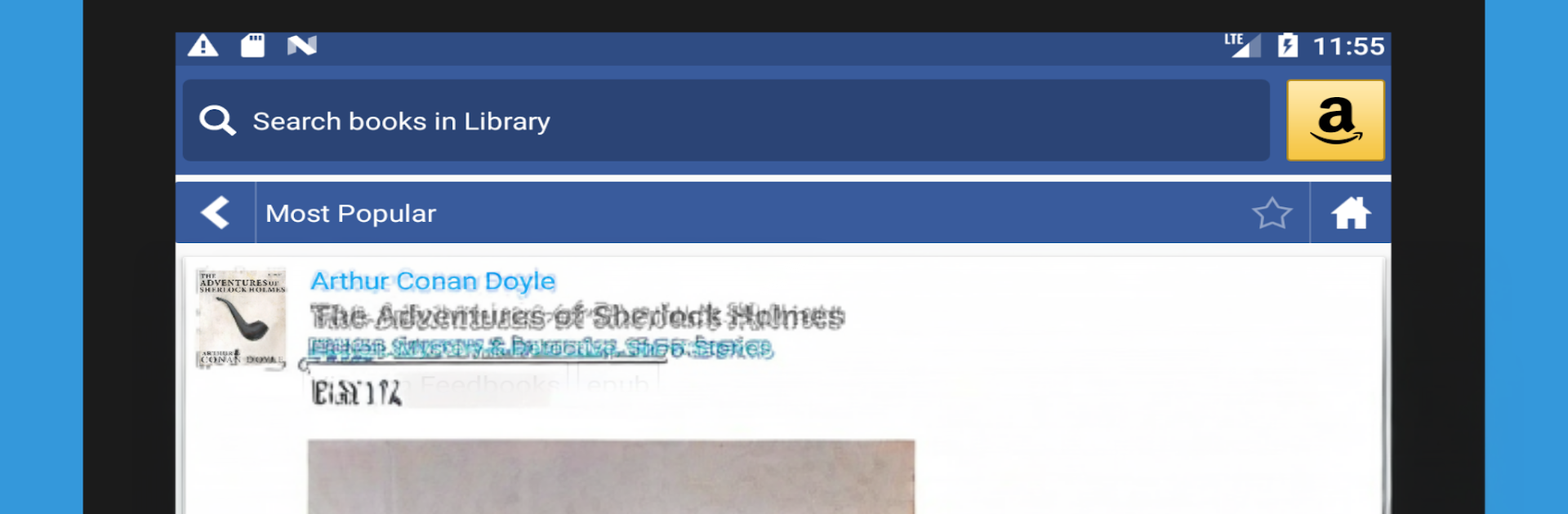
KReader - Kindle for PRC, PDF and all formats

KReader - Kindle for PRC, PDF and all formats

Tools

| HK-Developer

Play on PC with BlueStacks or from our cloud

  • Overview
  • How to Download

Page Modified On: January 09, 2026

Run KReader - Kindle for PRC, PDF and all formats on PC or Mac

What’s better than using KReader – Kindle for PRC, PDF and all formats by HK-Developer? Well, try it on a big screen, on your PC or Mac, with BlueStacks to see the difference.

KReader feels like that reader app someone keeps because it opens almost everything and does not get in the way. On a PC through BlueStacks it works like a comfy desktop reader, and the larger screen really shows off the dual page view for landscape. It handles PDFs, EPUB and EPUB3, MOBI, DJVU, FB2, AZW and AZW3, PRC, TXT, RTF, HTML, XPS, even comics like CBZ and CBR, plus TIFF scans. If a file is lying around, this thing usually opens it, including password protected docs and books tucked inside a zip. There is support for OPDS catalogs too, so pulling books from public libraries or feeds is simple.

What stands out is how much can be tweaked. Fonts, line spacing, bold or italic, justified text, hyphenation, theme colors, page background, five different page flip animations, or just clean vertical scrolling with several auto scroll modes. Brightness adjusts with a quick swipe on the left edge, and almost every tap or key can be remapped for paging, search, bookmarks, or changing font size. The bookshelf view groups by favorites, downloads, authors, tags, and it remembers where the reader left off. Highlights, notes, and drawings are built in, with export if study notes are needed later, plus dictionary lookups and translations using offline or online apps. Text to speech is there for hands free reading. Cloud backup and restore are available, with reading position sync between devices. It is translated into a lot of languages, and there is a paid version if someone wants no ads.

Big screen. Bigger performance. Use BlueStacks on your PC or Mac to run your favorite apps.

How to Download and Run KReader - Kindle for PRC, PDF and all formats on PC or Mac

  • Download and install BlueStacks on your PC or Mac

  • Complete Google sign-in to access the Play Store, or do it later

  • Look for KReader - Kindle for PRC, PDF and all formats in the search bar at the top right corner

  • Click to install KReader - Kindle for PRC, PDF and all formats from the search results

  • Complete Google sign-in (if you skipped step 2) to install KReader - Kindle for PRC, PDF and all formats

  • Click the KReader - Kindle for PRC, PDF and all formats icon on the home screen to start playing

video
Watch Video

Minimum System Requirements

With BlueStacks 5, you can get started on a PC that fulfills the following requirements.

  • Operating System

    Microsoft Windows 7 or above, macOS 11 (Big Sur) or above

  • Processor

    Intel, AMD or Apple Silicon Processor

  • RAM

    at least 4GB

  • HDD

    10GB Free Disk Space

Note:

* You must be an Administrator on your PC. Up to date graphics drivers from Microsoft or the chipset vendor.

KReader - Kindle for PRC, PDF and all formats - FAQs

  • How to Run KReader - Kindle for PRC, PDF and all formats on Windows PC & Mac?

    Run KReader - Kindle for PRC, PDF and all formats on your PC or Mac by following these simple steps.

    • Click on ‘Download KReader - Kindle for PRC, PDF and all formats on PC’ to download BlueStacks
    • Install it and log-in to Google Play Store
    • Launch and run the app.
  • Why is BlueStacks the fastest and safest platform to play games on PC?

    BlueStacks respects your privacy and is always safe and secure to use. It does not carry any malware, spyware, or any sort of additional software that could harm your PC.

    It is engineered to optimize speed and performance for a seamless gaming experience.

  • What are KReader - Kindle for PRC, PDF and all formats PC requirements?

    Minimum requirement to run KReader - Kindle for PRC, PDF and all formats on your PC

    • OS: Microsoft Windows 7 and above:
    • Processor: Intel or AMD Processor:
    • RAM: Your PC must have at least 2GB of RAM. (Note that having 2GB or more disk space is not a substitute for RAM):
    • HDD: 5GB Free Disk Space.
    • You must be an Administrator on your PC.




