
Line Graph Maker
Line Graph Maker

Line Graph Maker

Tools

| Philip Stephens

Play on PC with BlueStacks or from our cloud

  • Overview
  • How to Download

Page Modified On: January 09, 2026

Run Line Graph Maker on PC or Mac

Let BlueStacks turn your PC, Mac, or laptop into the perfect home for Line Graph Maker, a fun Tools app from Philip Stephens.

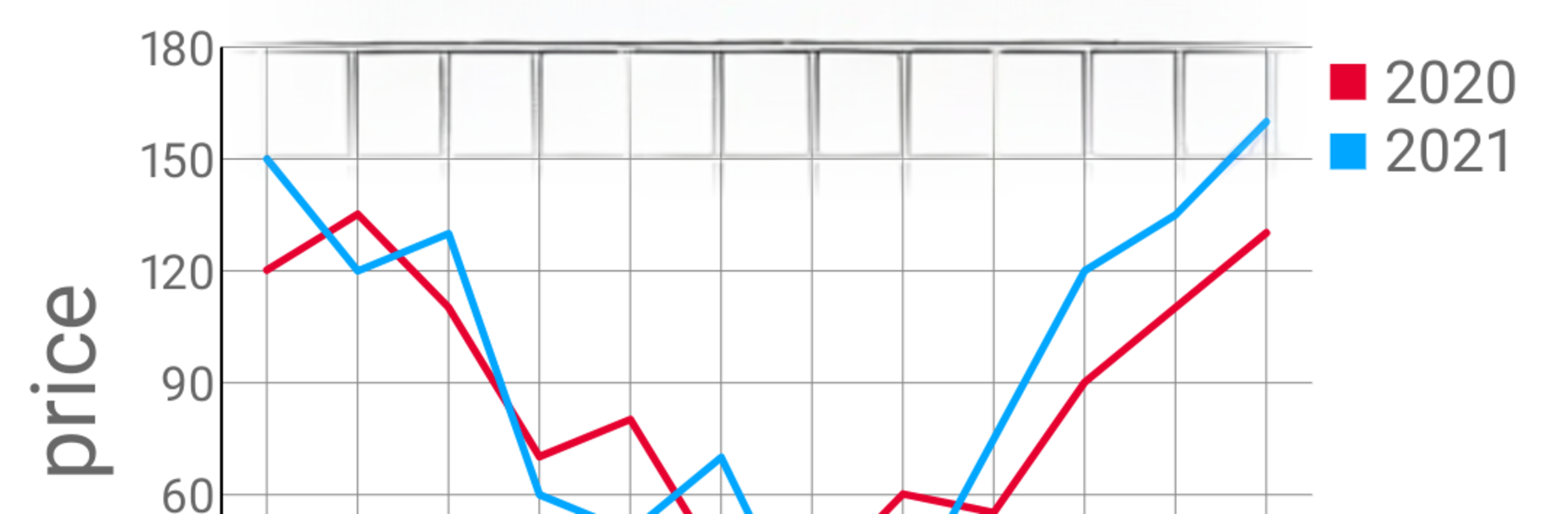
Line Graph Maker feels like a no fuss chart tool that gets straight to the point. The interface is clean, so someone can type numbers, see a line appear, and not dig through a maze of settings. There is a quick flip between 2D and 3D views if a chart needs a little depth for a slide or a report. A legend can be toggled on, or labels can be placed directly on the lines when that looks better. Colors are wide open, so every line, background, and grid can be tuned to match a theme or just personal taste.

The built in data editor is simple and useful. Copy totals or percentages into the sheet, and the graph updates right away without extra steps. When it is done, the chart saves as an image to the gallery, easy to drop into a document, email, or class handout. Nothing overcomplicated here, just enough controls to make a graph look clean.

Running it on PC through BlueStacks is surprisingly handy. A mouse makes selecting series and nudging label positions less fussy, and keyboard paste from spreadsheets feels quicker. The 3D view is more for presentation than analysis, but it looks neat when a project needs a little pop. It is not overloaded with advanced stats or fancy templates, which is kind of the point. For quick, tidy line charts that can be colored the way someone wants and exported without headaches, it does the job.

BlueStacks brings your apps to life on a bigger screen—seamless and straightforward.

How to Download and Run Line Graph Maker on PC or Mac

  • Download and install BlueStacks on your PC or Mac

  • Complete Google sign-in to access the Play Store, or do it later

  • Look for Line Graph Maker in the search bar at the top right corner

  • Click to install Line Graph Maker from the search results

  • Complete Google sign-in (if you skipped step 2) to install Line Graph Maker

  • Click the Line Graph Maker icon on the home screen to start playing

video
Watch Video

Minimum System Requirements

With BlueStacks 5, you can get started on a PC that fulfills the following requirements.

  • Operating System

    Microsoft Windows 7 or above, macOS 11 (Big Sur) or above

  • Processor

    Intel, AMD or Apple Silicon Processor

  • RAM

    at least 4GB

  • HDD

    10GB Free Disk Space

Note:

* You must be an Administrator on your PC. Up to date graphics drivers from Microsoft or the chipset vendor.

Line Graph Maker - FAQs

  • How to Run Line Graph Maker on Windows PC & Mac?

    Run Line Graph Maker on your PC or Mac by following these simple steps.

    • Click on ‘Download Line Graph Maker on PC’ to download BlueStacks
    • Install it and log-in to Google Play Store
    • Launch and run the app.
  • Why is BlueStacks the fastest and safest platform to play games on PC?

    BlueStacks respects your privacy and is always safe and secure to use. It does not carry any malware, spyware, or any sort of additional software that could harm your PC.

    It is engineered to optimize speed and performance for a seamless gaming experience.

  • What are Line Graph Maker PC requirements?

    Minimum requirement to run Line Graph Maker on your PC

    • OS: Microsoft Windows 7 and above:
    • Processor: Intel or AMD Processor:
    • RAM: Your PC must have at least 2GB of RAM. (Note that having 2GB or more disk space is not a substitute for RAM):
    • HDD: 5GB Free Disk Space.
    • You must be an Administrator on your PC.




