
Linux Kernel Documentation

Linux Kernel Documentation

Tools

| Bryan C

Play on PC with BlueStacks or from our cloud

  • Overview
  • How to Download

Page Modified On: April 07, 2026

Run Linux Kernel Documentation on PC or Mac

Multitask effortlessly on your PC or Mac as you try out Linux Kernel Documentation, a Tools app by Bryan C on BlueStacks.

About the App

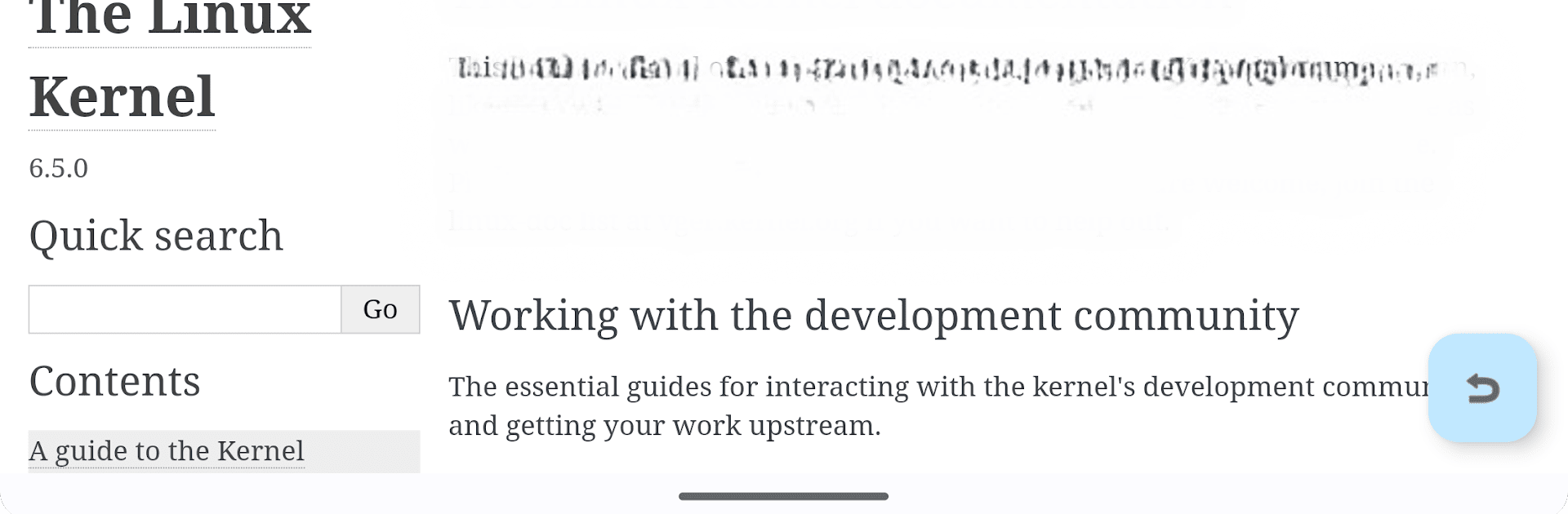
Linux Kernel Documentation puts the official kernel docs right on your phone or tablet, so you can check details anytime—no signal needed. It’s a clean, straightforward reference built from the latest mainline sources, perfect for a quick look-up while coding, tinkering, or just learning how things work under the hood. Made by Bryan C in the Tools genre, it keeps the essentials close without extra fuss.

App Features

  • Offline reference, always with you: The full set of kernel docs is stored on your device, so you can read on a plane, in a lab with no Wi‑Fi, or wherever your work takes you.

  • Based on mainline sources: Content is generated from the current mainline kernel tree to reflect what most developers target. Prepatch/RC releases aren’t included, keeping things stable and predictable.

  • Regularly refreshed content: Mainline kernels roll out on a steady cadence—typically every 9–10 weeks—and the docs follow along, so your local reference stays current with upstream progress.

  • Consistent upstream structure: Sections, guides, and subsystem write-ups keep the familiar organization you expect from the kernel docs, making it easy to find what you need.

  • Practical for devs and learners: Whether you’re digging into APIs, drivers, or subsystem behavior, having the docs at hand saves time and reduces context switching.

  • No connection, less noise: Because everything’s local, pages open quickly and privately—there’s no waiting on web requests.

  • Comfortable on bigger screens too: Use it on your phone, a tablet, or run it on your PC or Mac with BlueStacks if you like more room to read and compare files side by side.

Ready to experience Linux Kernel Documentation on a bigger screen, in all its glory? Download BlueStacks now.


How to Download and Run Linux Kernel Documentation on PC or Mac

  • Download and install BlueStacks on your PC or Mac

  • Complete Google sign-in to access the Play Store, or do it later

  • Look for Linux Kernel Documentation in the search bar at the top right corner

  • Click to install Linux Kernel Documentation from the search results

  • Complete Google sign-in (if you skipped step 2) to install Linux Kernel Documentation

  • Click the Linux Kernel Documentation icon on the home screen to start playing

video
Watch Video

Minimum System Requirements

With BlueStacks 5, you can get started on a PC that fulfills the following requirements.

  • Operating System

    Microsoft Windows 7 or above, macOS 11 (Big Sur) or above

  • Processor

    Intel, AMD or Apple Silicon Processor

  • RAM

    at least 4GB

  • HDD

    10GB Free Disk Space

Note:

* You must be an Administrator on your PC. Up to date graphics drivers from Microsoft or the chipset vendor.

Linux Kernel Documentation - FAQs

  • How to Run Linux Kernel Documentation on Windows PC & Mac?

    Run Linux Kernel Documentation on your PC or Mac by following these simple steps.

    • Click on ‘Download Linux Kernel Documentation on PC’ to download BlueStacks
    • Install it and log-in to Google Play Store
    • Launch and run the app.
  • Why is BlueStacks the fastest and safest platform to play games on PC?

    BlueStacks respects your privacy and is always safe and secure to use. It does not carry any malware, spyware, or any sort of additional software that could harm your PC.

    It is engineered to optimize speed and performance for a seamless gaming experience.

  • What are Linux Kernel Documentation PC requirements?

    Minimum requirement to run Linux Kernel Documentation on your PC

    • OS: Microsoft Windows 7 and above:
    • Processor: Intel or AMD Processor:
    • RAM: Your PC must have at least 2GB of RAM. (Note that having 2GB or more disk space is not a substitute for RAM):
    • HDD: 5GB Free Disk Space.
    • You must be an Administrator on your PC.



