
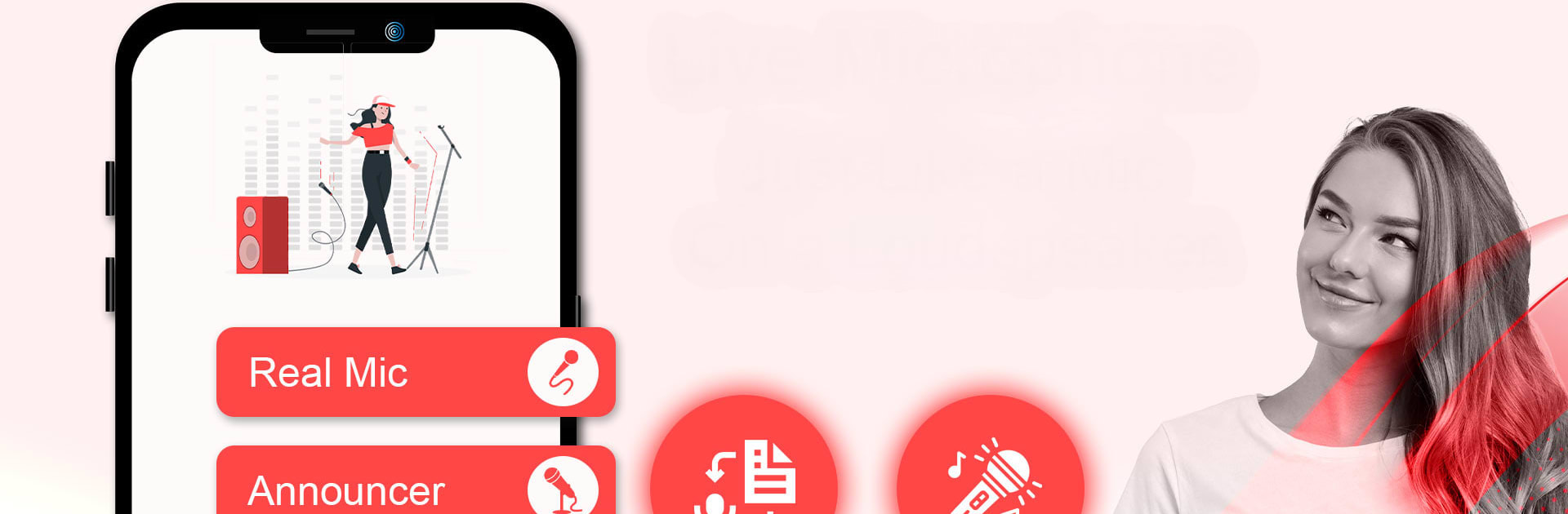
Microphone Live Bluetooth

Microphone Live Bluetooth

Tools

| Master786Apps

Play on PC with BlueStacks or from our cloud

  • Overview
  • How to Download

Page Modified On: May 01, 2025

Run Microphone Live Bluetooth on PC or Mac

Why limit yourself to your small screen on the phone? Run Microphone Live Bluetooth, an app by Master786Apps, best experienced on your PC or Mac with BlueStacks, the world’s #1 Android emulator.

About the App

Looking for a simple way to turn your phone into a real microphone? Microphone Live Bluetooth by Master786Apps makes your Android device feel just like a wireless mic. Whether you’re leading a meeting, making announcements, or just want to sing along at a party, this app gets your voice booming through any connected Bluetooth speaker. The setup’s quick, the controls are straightforward, and you don’t need fancy equipment—your phone and a speaker are all it takes.

App Features

  • Effortless Bluetooth Connection
    With just a tap or two, link your phone to any Bluetooth speaker. No complicated menus or puzzling settings—just connect and you’re ready to go.

  • Live Mic Playback
    Speak or sing into your phone and hear your amplified voice instantly through the speaker, much like you would with an actual microphone.

  • Echo and Voice Effects
    Add a little extra flair to your announcements or karaoke sessions with built-in echo effects. Great for making your voice pop or just having some fun.

  • Versatile Uses
    Works perfectly for presentations, school events, or any time you need your voice heard by a crowd. You can even use it as a practical hearing aid during conversations.

  • Headphone Microphone Support
    Don’t love using your phone’s mic? Plug in wired headphones or connect a headset over Bluetooth—the app supports both for added comfort and better sound quality.

  • Noise Reduction & Amplification
    The built-in microphone amplifier helps minimize background noise and really boosts your voice, making it sound clear and loud.

  • Hands-Free Convenience
    Slip your Android phone in your pocket, clip on a headset, and you’re good to go—no tangled cords or bulky mics required.

  • Works Seamlessly with BlueStacks
    Want to try your setup from your computer? Microphone Live Bluetooth runs smoothly on BlueStacks, letting you stay in control from your PC if that’s more your style.

With Microphone Live Bluetooth, you get a handy tool that adapts to wherever you need amplification—no more passing around an old-fashioned mic, just your phone and a Bluetooth speaker.

Switch to BlueStacks and make the most of your apps on your PC or Mac.

How to Download and Run Microphone Live Bluetooth on PC or Mac

  • Download and install BlueStacks on your PC or Mac

  • Complete Google sign-in to access the Play Store, or do it later

  • Look for Microphone Live Bluetooth in the search bar at the top right corner

  • Click to install Microphone Live Bluetooth from the search results

  • Complete Google sign-in (if you skipped step 2) to install Microphone Live Bluetooth

  • Click the Microphone Live Bluetooth icon on the home screen to start playing

video
Watch Video

Minimum System Requirements

With BlueStacks 5, you can get started on a PC that fulfills the following requirements.

  • Operating System

    Microsoft Windows 7 or above, macOS 11 (Big Sur) or above

  • Processor

    Intel, AMD or Apple Silicon Processor

  • RAM

    at least 4GB

  • HDD

    10GB Free Disk Space

Note:

* You must be an Administrator on your PC. Up to date graphics drivers from Microsoft or the chipset vendor.

Microphone Live Bluetooth - FAQs

  • How to Run Microphone Live Bluetooth on Windows PC & Mac?

    Run Microphone Live Bluetooth on your PC or Mac by following these simple steps.

    • Click on ‘Download Microphone Live Bluetooth on PC’ to download BlueStacks
    • Install it and log-in to Google Play Store
    • Launch and run the app.
  • Why is BlueStacks the fastest and safest platform to play games on PC?

    BlueStacks respects your privacy and is always safe and secure to use. It does not carry any malware, spyware, or any sort of additional software that could harm your PC.

    It is engineered to optimize speed and performance for a seamless gaming experience.

  • What are Microphone Live Bluetooth PC requirements?

    Minimum requirement to run Microphone Live Bluetooth on your PC

    • OS: Microsoft Windows 7 and above:
    • Processor: Intel or AMD Processor:
    • RAM: Your PC must have at least 2GB of RAM. (Note that having 2GB or more disk space is not a substitute for RAM):
    • HDD: 5GB Free Disk Space.
    • You must be an Administrator on your PC.




