




Upgrade your experience. Try MathBird Calculator, the fantastic Tools app from RealMax LK, from the comfort of your laptop, PC, or Mac, only on BlueStacks.
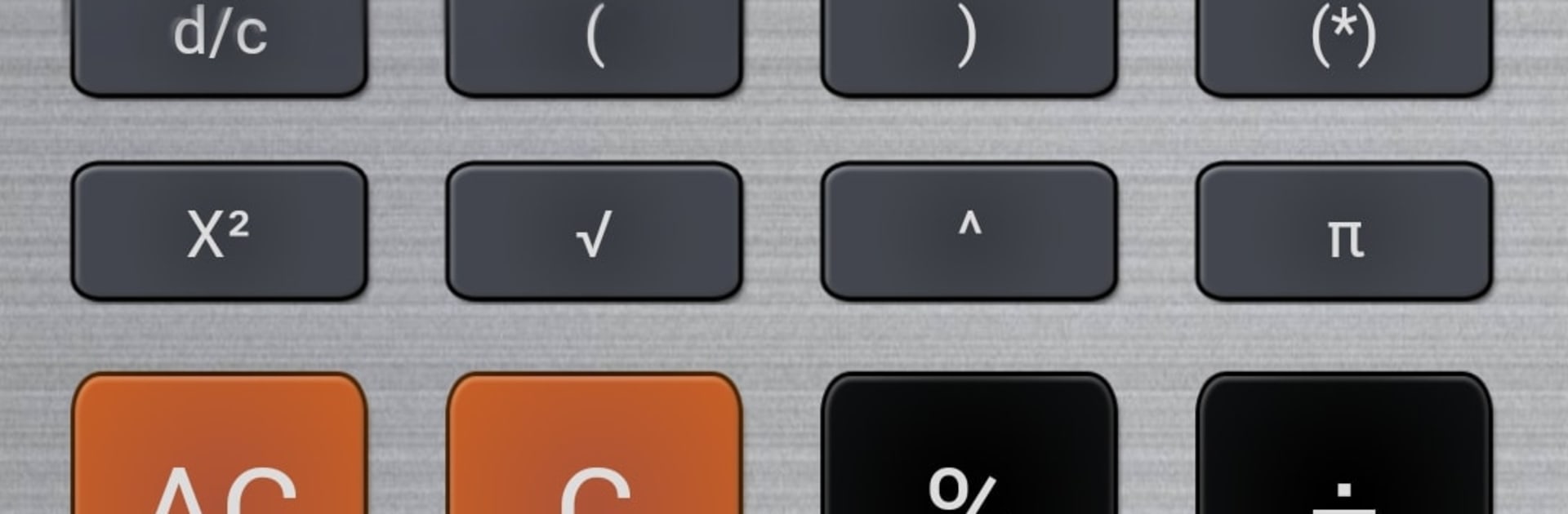
MathBird Calculator feels like a straightforward, do not-overthink-it kind of tool that covers daily math without trying to be fancy. The layout is clean, buttons are clear, and it keeps a running history so a person can scroll back and see what was entered earlier, then pull a result into the next step. Fractions are a big win here. It accepts entries like 3/8 + 5/12, handles parentheses properly, and shows results in a way that actually makes sense for homework or recipes. There is a simple tax and discount mode that helps check sale prices or totals, which is handy for quick store math, and all the usual everyday operations are there for pocket-calculator tasks. The menu sits behind the little MathBird symbol, easy to miss at first, but once noticed it becomes second nature.
On PC with BlueStacks, it runs smooth and feels comfortable with a keyboard, especially if a number pad is nearby. Window resizing helps a lot for long expressions so the line does not feel cramped, and copy paste into a doc or spreadsheet is painless. Samsung multi window support exists on phones and tablets, and on desktop it sits nicely beside other apps while working. The history view is reliable for double checking calcualtions, and it keeps everything tidy when working through longer problems. It stays simple, but the fraction support and quick percent tools give it a bit more muscle than a plain basic calc.
Ready to experience MathBird Calculator on a bigger screen, in all its glory? Download BlueStacks now.





