




Upgrade your experience. Try Messenger SMS: Messages Home, the fantastic Tools app from aMessage studio, from the comfort of your laptop, PC, or Mac, only on BlueStacks.
About the App
Looking to give your phone a fresh vibe while keeping texting front and center? Messenger SMS: Messages Home by aMessage studio isn’t just another Android launcher—it’s a handy combo that revamps your home screen while making messaging friends and family easy and a lot more fun. You get quick access to your conversations, easy search, and plenty of ways to make your phone feel like your own, whether you love customizing or just need a faster way to keep in touch.
App Features
-
All-in-One Home Launcher:
Switch up your regular home screen with a launcher that brings your favorite apps, search, and quick actions together—all in one spot. Swipe up or long press icons to organize apps the way you like. -
SMS Messenger Built Right In:
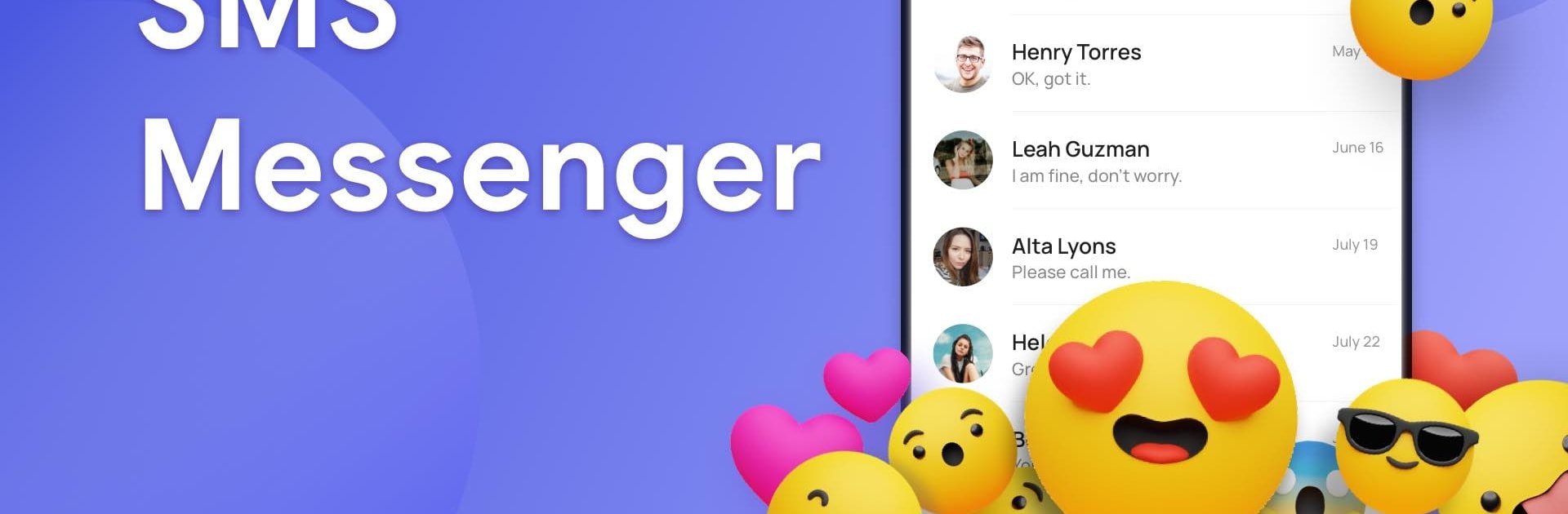
Messaging’s always just a swipe away. Send and receive texts and media, share emojis, GIFs, stickers, and handle SMS or MMS chats in a single app. Group chats or one-on-one, it’s all streamlined. -
Seamless Customization:
Make your phone reflect your style. Adjust your desktop layout, use photos as wallpapers, set up your favorite widgets, or change up icon styles without any fuss. -
Hide Apps & Private Messenger Box:
Tidy up your screen by hiding seldom-used apps, or keep conversations private with a secure message box—perfect for when you want to keep things discreet. -
Spam Blocking:
Bothered by unwanted texts? Add contacts to your blacklist and let the spam blocker handle it for you, so only important messages get your attention. -
Schedule Text Messages:
Got a birthday wish or reminder you want to send later? You can schedule your SMS or MMS for any time, and the app will deliver it right on schedule. -
Fun Add-Ons:
Spice up chats with an endless selection of GIFs, stickers, and emojis. Messaging isn’t just practical—it’s expressive. -
Dual SIM Support:
If you use two numbers, the app’s right there with you, making it easy to manage texts from both SIM cards. -
Personalized Shortcuts & Folders:
Quickly create shortcuts to the apps or contacts you use most. Organize everything with folders, and tweak your layout for maximum convenience. -
Easy Web Search:
No need to jump to a browser—just search the web straight from your home screen for answers, directions, or whatever’s on your mind.
Messenger SMS: Messages Home feels even smoother on a big screen with BlueStacks, if you’re the type who likes managing messages from your PC. Whether you’re about keeping connections close, having a tidy home screen, or just adding some extra fun to texting, this app has you covered.
Ready to experience Messenger SMS: Messages Home on a bigger screen, in all its glory? Download BlueStacks now.





