
motionEye
motionEye

motionEye

Tools

| FutureJJ

Play on PC with BlueStacks or from our cloud

  • Overview
  • How to Download

Page Modified On: August 22, 2025

Run motionEye on PC or Mac

Upgrade your experience. Try motionEye, the fantastic Tools app from FutureJJ, from the comfort of your laptop, PC, or Mac, only on BlueStacks.

About the App

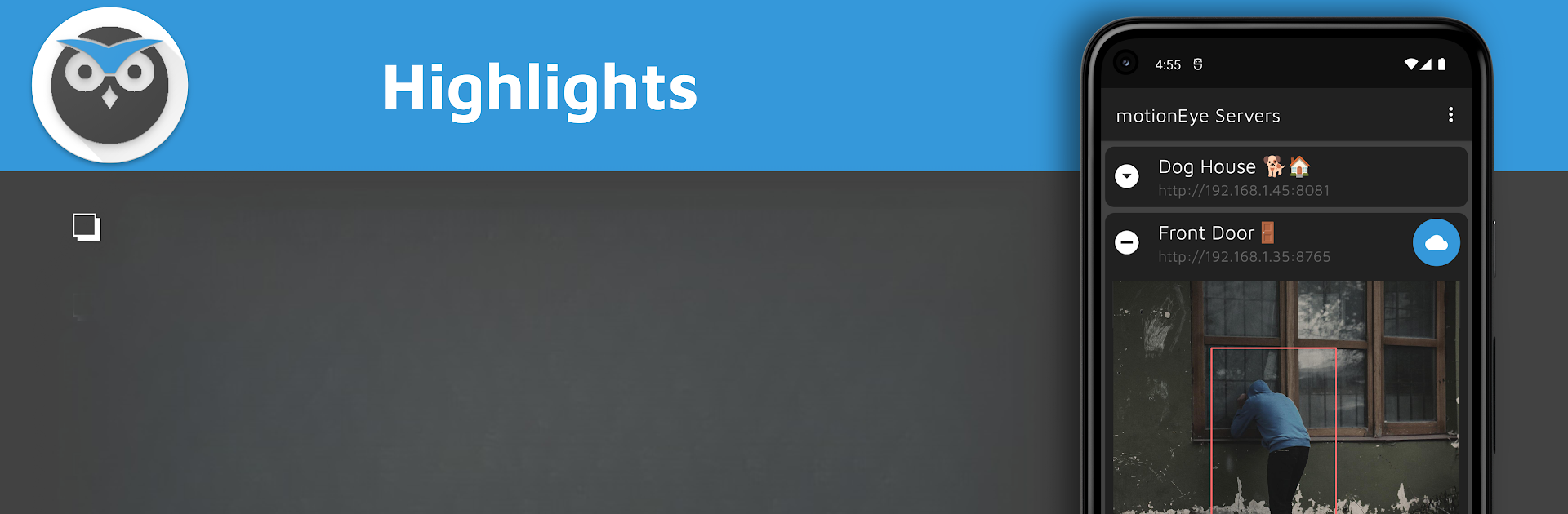
Ever wish you could manage all your security cameras in a single spot—without the hassle? motionEye, created by FutureJJ in the Tools category, lets you keep tabs on every camera powered by motionEye right from one simple app. Whether it’s checking in on your home, keeping an eye on your workspace, or just making sure everything’s alright, motionEye is all about making that process quick and easy. If you already use motionEye devices, you’ll feel right at home here, and it works great on your PC using BlueStacks if you want a bigger view.

App Features

  • Quick Camera Monitoring
    See live feeds from every motionEye-powered camera you’ve set up, all together on your main screen—no jumping around between separate windows.

  • Download and Save Footage
    Need to save a clip or photo that caught your eye? Easily download motion-triggered videos or snapshots straight to your connected cloud storage, like Google Drive.

  • Add Multiple Cameras
    Got more than one camera? Just add as many as you want. You get full control and can keep all your feeds organized, whether it’s for home, office, or both.

  • Stream Support
    Not limited to official gear—if you’ve got other network cameras (even if they’re not motionEye at heart), there’s a good chance you can add those into the mix.

  • Smooth Help and Troubleshooting
    Stuck on something? There’s a dedicated Help and FAQ section ready to walk you through common problems, so you’re not left on your own.

  • Open Source Contributions
    Feeling techy? motionEye is open source, so you’re welcome to get involved and help shape future updates.

  • Runs Great with BlueStacks
    Want that security station feel? Set up motionEye on your computer with BlueStacks for a wider, comfortable view.

Plug in your cameras, link your cloud, and you’re set—motionEye does the heavy lifting, so you don’t have to fuss.

Ready to experience motionEye on a bigger screen, in all its glory? Download BlueStacks now.

How to Download and Run motionEye on PC or Mac

  • Download and install BlueStacks on your PC or Mac

  • Complete Google sign-in to access the Play Store, or do it later

  • Look for motionEye in the search bar at the top right corner

  • Click to install motionEye from the search results

  • Complete Google sign-in (if you skipped step 2) to install motionEye

  • Click the motionEye icon on the home screen to start playing

video
Watch Video

Minimum System Requirements

With BlueStacks 5, you can get started on a PC that fulfills the following requirements.

  • Operating System

    Microsoft Windows 7 or above, macOS 11 (Big Sur) or above

  • Processor

    Intel, AMD or Apple Silicon Processor

  • RAM

    at least 4GB

  • HDD

    10GB Free Disk Space

Note:

* You must be an Administrator on your PC. Up to date graphics drivers from Microsoft or the chipset vendor.

motionEye - FAQs

  • How to Run motionEye on Windows PC & Mac?

    Run motionEye on your PC or Mac by following these simple steps.

    • Click on ‘Download motionEye on PC’ to download BlueStacks
    • Install it and log-in to Google Play Store
    • Launch and run the app.
  • Why is BlueStacks the fastest and safest platform to play games on PC?

    BlueStacks respects your privacy and is always safe and secure to use. It does not carry any malware, spyware, or any sort of additional software that could harm your PC.

    It is engineered to optimize speed and performance for a seamless gaming experience.

  • What are motionEye PC requirements?

    Minimum requirement to run motionEye on your PC

    • OS: Microsoft Windows 7 and above:
    • Processor: Intel or AMD Processor:
    • RAM: Your PC must have at least 2GB of RAM. (Note that having 2GB or more disk space is not a substitute for RAM):
    • HDD: 5GB Free Disk Space.
    • You must be an Administrator on your PC.




