
MeuID - Identidade Digital

MeuID - Identidade Digital

Tools

| idwall

Play on PC with BlueStacks or from our cloud

  • Overview
  • How to Download

Page Modified On: January 05, 2026

Run MeuID - Identidade Digital on PC or Mac

Why limit yourself to your small screen on the phone? Run MeuID – Identidade Digital, an app by idwall, best experienced on your PC or Mac with BlueStacks, the world’s #1 Android emulator.

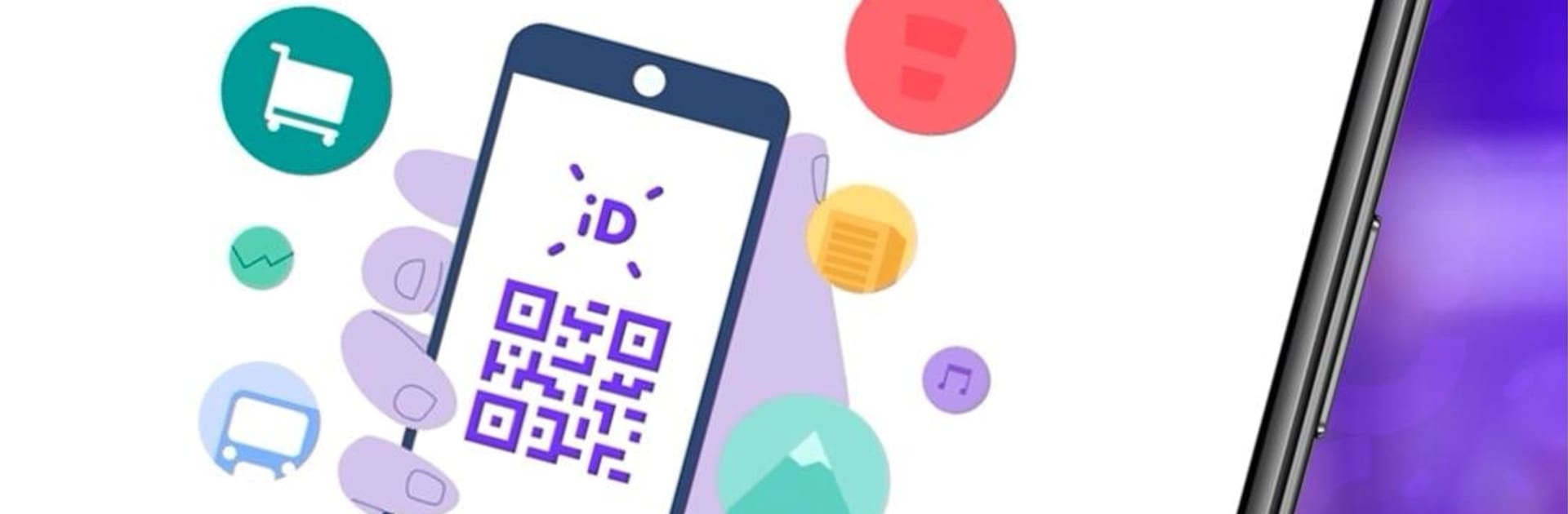
MeuID feels like a tidy digital hub for Brazilian documents, not a replacement for an official digital RG or DNI. The idea is simple and useful. Add RG, CPF, and CNH details, the app checks trusted sources to confirm everything is real, and then that identity stays ready to use. When a service or venue supports MeuID, a unique QR code does the heavy lifting, so there is no repeating the same identity check again and again. What stands out is the control over personal data. Permissions can be granted or removed, and stored info can be deleted whenever someone wants. It keeps things in one place without feeling locked in.

On a PC with BlueStacks, setup and form filling feel cleaner. Typing long numbers on a keyboard is less annoying, the QR code shows larger on the screen, and copy and paste for sign-ups is just easier. It does depend on where MeuID is accepted, so the real magic shows up when apps and places actually integrate with it. The team seems to be building toward more services, so it could keep getting more useful over time. For anyone who hates redoing the same KYC steps and wants a flexible way to share only what is needed, this has a calm, no-fuss flow that makes sense.

BlueStacks brings your apps to life on a bigger screen—seamless and straightforward.

How to Download and Run MeuID - Identidade Digital on PC or Mac

  • Download and install BlueStacks on your PC or Mac

  • Complete Google sign-in to access the Play Store, or do it later

  • Look for MeuID - Identidade Digital in the search bar at the top right corner

  • Click to install MeuID - Identidade Digital from the search results

  • Complete Google sign-in (if you skipped step 2) to install MeuID - Identidade Digital

  • Click the MeuID - Identidade Digital icon on the home screen to start playing

video
Watch Video

Minimum System Requirements

With BlueStacks 5, you can get started on a PC that fulfills the following requirements.

  • Operating System

    Microsoft Windows 7 or above, macOS 11 (Big Sur) or above

  • Processor

    Intel, AMD or Apple Silicon Processor

  • RAM

    at least 4GB

  • HDD

    10GB Free Disk Space

Note:

* You must be an Administrator on your PC. Up to date graphics drivers from Microsoft or the chipset vendor.

MeuID - Identidade Digital - FAQs

  • How to Run MeuID - Identidade Digital on Windows PC & Mac?

    Run MeuID - Identidade Digital on your PC or Mac by following these simple steps.

    • Click on ‘Download MeuID - Identidade Digital on PC’ to download BlueStacks
    • Install it and log-in to Google Play Store
    • Launch and run the app.
  • Why is BlueStacks the fastest and safest platform to play games on PC?

    BlueStacks respects your privacy and is always safe and secure to use. It does not carry any malware, spyware, or any sort of additional software that could harm your PC.

    It is engineered to optimize speed and performance for a seamless gaming experience.

  • What are MeuID - Identidade Digital PC requirements?

    Minimum requirement to run MeuID - Identidade Digital on your PC

    • OS: Microsoft Windows 7 and above:
    • Processor: Intel or AMD Processor:
    • RAM: Your PC must have at least 2GB of RAM. (Note that having 2GB or more disk space is not a substitute for RAM):
    • HDD: 5GB Free Disk Space.
    • You must be an Administrator on your PC.




