




Upgrade your experience. Try Net Signal Pro:WiFi & 5G Meter, the fantastic Tools app from Phuongpn, from the comfort of your laptop, PC, or Mac, only on BlueStacks.
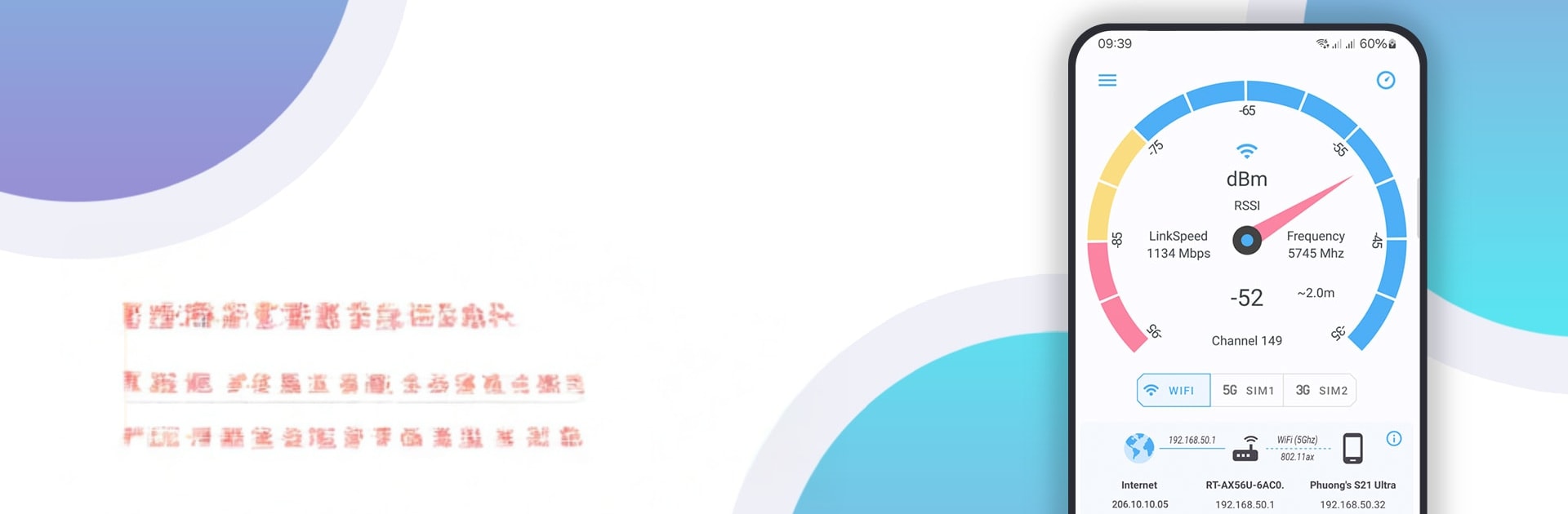
Net Signal Pro is not flashy, it is just very practical. It shows live WiFi and cellular strength with those real dBm numbers that actually mean something, plus simple bars and readouts that are easy to glance at. On a bigger screen through BlueStacks, the meters and tiny details are way easier to read, so it feels more like a proper dashboard than a phone widget. Leave it open and the signal updates constantly, so someone can move around a room and see where the connection drops, where it spikes, and where to place a smart camera or speaker that keeps disconnecting.
There are separate panels for cellular and WiFi. The cellular side lists 2G, 3G, 4G, 5G, the network operator, SIM operator, phone type, network type, and strength in dBm, along with IP info. The WiFi side gets nerdy in a helpful way. SSID, BSSID, channel, maximum link speed, local IP, public IP, subnet mask, gateway, DHCP, DNS, all right there without digging through system settings. WiFi roaming is a neat extra. It shows which access point the device is actually using, router name, network id, and time, which helps when there are multiple APs and the device clings to the wrong one. The built in ping tool is basic but handy to confirm if slowdowns are signal or just the internet being cranky. It feels like carrying a tiny field meter, only simpler to read on a laptop with BlueStacks.
Ready to experience Net Signal Pro:WiFi & 5G Meter on a bigger screen, in all its glory? Download BlueStacks now.





