




Get freedom from your phone’s obvious limitations. Use NetKeeper, made by minhui.zhu, a Tools app on your PC or Mac with BlueStacks, and level up your experience.
About the App
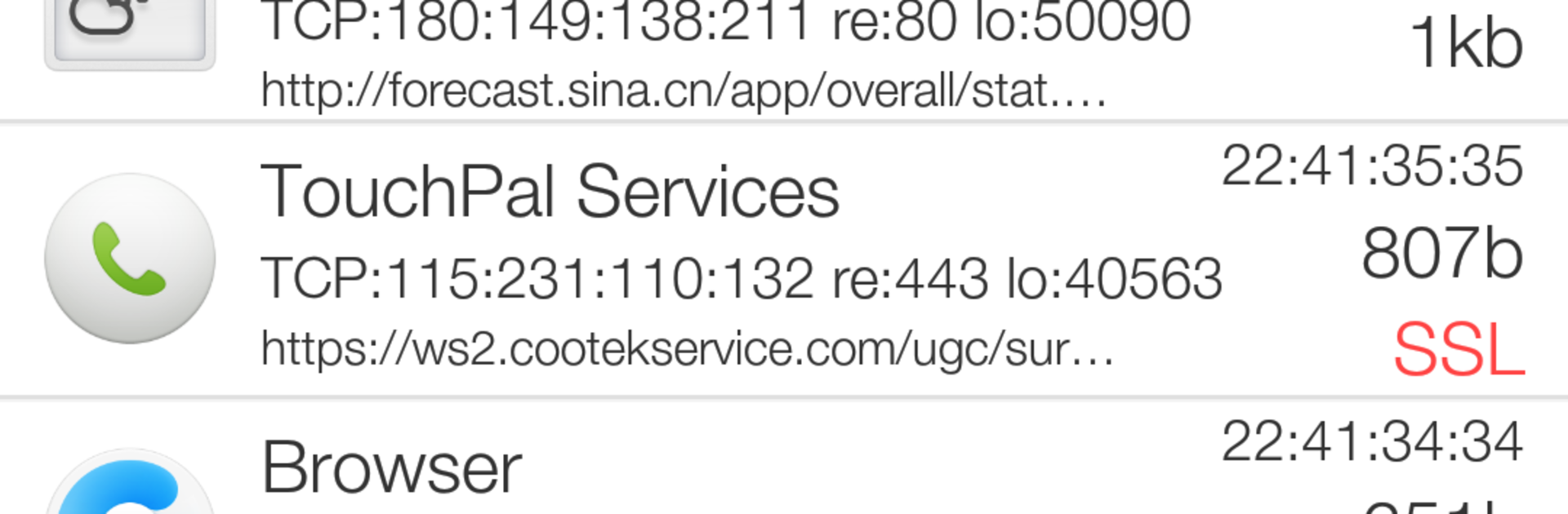
NetKeeper is a straightforward Tools app from minhui.zhu that lets you capture and inspect network traffic right on your Android device. It uses a local VPN to record HTTP and HTTPS requests, then decodes and saves what it finds—so you can actually see what’s going on. Great for Android developers during debugging, and surprisingly handy for curious users who want a clearer picture of their browsing data. Prefer a bigger view? It also runs smoothly via BlueStacks.
App Features
- Lightning-fast capture: Start recording HTTP/HTTPS traffic in seconds through a local VPN, with sessions saved automatically so nothing gets lost.
- No root required: Works out of the box—no system tweaks, no rooting, no headaches.
- HTTPS inspection: Decode secure traffic for your own apps and networks using a trusted certificate and a man-in-the-middle technique designed for debugging.
- Smart decoding: Understands GZIP and chunked transfers, and can even decode images so you can preview what was sent or received.
- Media aware: Capture audio and video streams to see how multimedia content is loaded.
- Floating window: Keep a live view of captures while you use other apps—multitask without breaking your flow.
- Search and organize: Quickly search results and see data sorted into clear categories for easier analysis.
- UDP parsing: Go beyond TCP—parse UDP data when your investigation needs it.
- Open source: Transparent by design, making it easier to learn from or extend.
- Targeted capture: Filter by specific apps or hosts to cut noise and focus on exactly what matters.
- Tips for newer Android versions: On Android 6.0 and above, some apps may limit traffic under a VPN. Narrow your capture to certain apps/hosts, and for your own projects, adjust your network security config so debugging HTTPS works as expected.
BlueStacks gives you the much-needed freedom to experience your favorite apps on a bigger screen. Get it now.





