
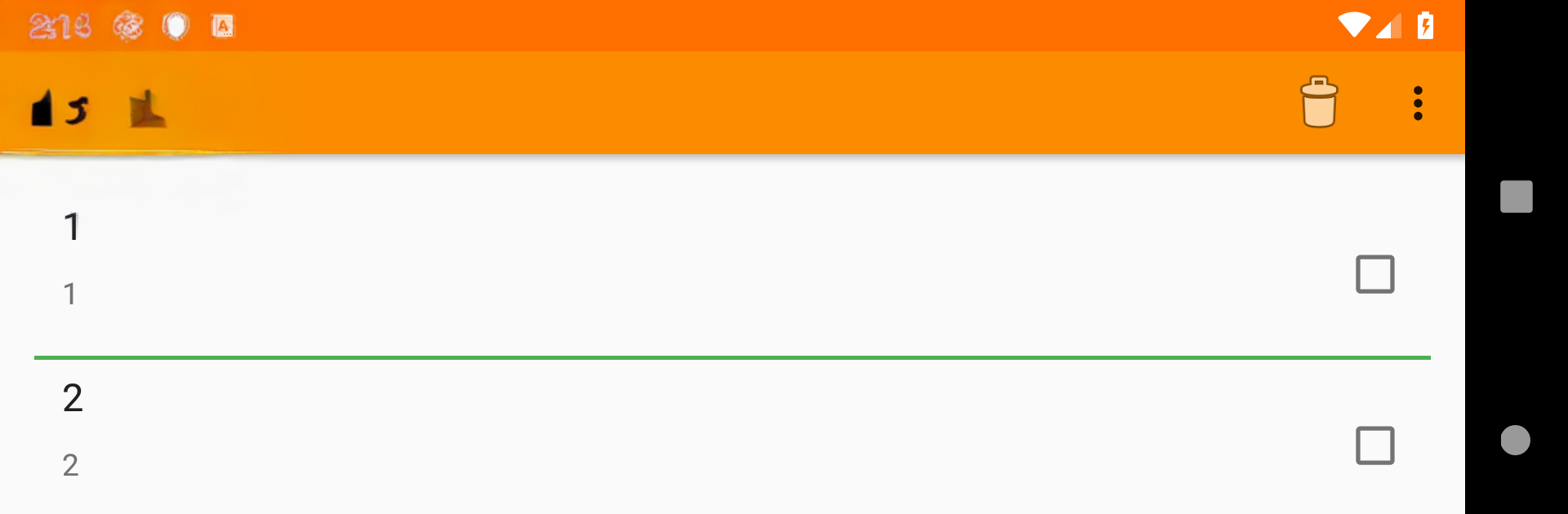
NoteBook: NoAds Notepad

NoteBook: NoAds Notepad

Tools

| Shankar Bhumkar

Play on PC with BlueStacks or from our cloud

  • Overview
  • How to Download

Page Modified On: January 06, 2026

Run NoteBook: NoAds Notepad on PC or Mac

Get freedom from your phone’s obvious limitations. Use NoteBook: NoAds Notepad, made by Shankar Bhumkar, a Tools app on your PC or Mac with BlueStacks, and level up your experience.

NoteBook: NoAds Notepad is one of those super plain, gets-the-job-done apps that does not try to be clever. It opens to a little bookshelf with colorful notebook covers, which makes it feel like real journals instead of one long list. On PC with BlueStacks, it feels extra tidy, since typing with a keyboard is quick and the bigger screen makes flipping through notes easy. There are no ads anywhere, no popups, no nagging, just write and move on. People can make unlimited notebooks and notes, change the shelf style, pick a light or dark theme, set custom titles and covers, and even tweak fonts and sizes so long reads do not tire the eyes. The page view has a clean look with small animations, nothing loud.

Notes can be plain text, quick finger drawings, or photo notes; with a mouse or tablet pen on PC, drawing feels simple enough. Sorting can go newest first or oldest first, and search shows recent suggestions, which is handy when there are a lot of entries. Exporting to .txt or .pdf is built in, sharing via email or SMS is there, and copying to clipboard is one tap. There is a toggle to reopen a book at the last note, plus a neat uppercase or lowercase switch while editing. It supports a long list of languages, runs light, and does not cap anything in the free version. If someone just wants a quiet, tidy notebook that stays out of the way, this hits that mood.

Eager to take your app experience to the next level? Start right away by downloading BlueStacks on your PC or Mac.


How to Download and Run NoteBook: NoAds Notepad on PC or Mac

  • Download and install BlueStacks on your PC or Mac

  • Complete Google sign-in to access the Play Store, or do it later

  • Look for NoteBook: NoAds Notepad in the search bar at the top right corner

  • Click to install NoteBook: NoAds Notepad from the search results

  • Complete Google sign-in (if you skipped step 2) to install NoteBook: NoAds Notepad

  • Click the NoteBook: NoAds Notepad icon on the home screen to start playing

video
Watch Video

Minimum System Requirements

With BlueStacks 5, you can get started on a PC that fulfills the following requirements.

  • Operating System

    Microsoft Windows 7 or above, macOS 11 (Big Sur) or above

  • Processor

    Intel, AMD or Apple Silicon Processor

  • RAM

    at least 4GB

  • HDD

    10GB Free Disk Space

Note:

* You must be an Administrator on your PC. Up to date graphics drivers from Microsoft or the chipset vendor.

NoteBook: NoAds Notepad - FAQs

  • How to Run NoteBook: NoAds Notepad on Windows PC & Mac?

    Run NoteBook: NoAds Notepad on your PC or Mac by following these simple steps.

    • Click on ‘Download NoteBook: NoAds Notepad on PC’ to download BlueStacks
    • Install it and log-in to Google Play Store
    • Launch and run the app.
  • Why is BlueStacks the fastest and safest platform to play games on PC?

    BlueStacks respects your privacy and is always safe and secure to use. It does not carry any malware, spyware, or any sort of additional software that could harm your PC.

    It is engineered to optimize speed and performance for a seamless gaming experience.

  • What are NoteBook: NoAds Notepad PC requirements?

    Minimum requirement to run NoteBook: NoAds Notepad on your PC

    • OS: Microsoft Windows 7 and above:
    • Processor: Intel or AMD Processor:
    • RAM: Your PC must have at least 2GB of RAM. (Note that having 2GB or more disk space is not a substitute for RAM):
    • HDD: 5GB Free Disk Space.
    • You must be an Administrator on your PC.



