




What’s better than using PAcalculate by Doctor ProAudio? Well, try it on a big screen, on your PC or Mac, with BlueStacks to see the difference.
PAcalculate feels like a pocket toolbox for anyone who deals with PA or lighting rigs, only it sits neatly on a screen and opens fast. The app is tiny, works offline, and packs a ton of calculators that actually solve the everyday stuff that comes up on gigs or installs. Think SPL math with sensitivity, power, number of boxes, phase and distance all in one place, quick SPL summing, air absorption by humidity and temperature, the usual time to distance conversions, and frequency to wavelength with those half and two-thirds tricks for arrays. There is a little help for line array near-to-far field distance, gain staging with limiter thresholds and amplifier gain, and cable loss on both low impedance and 70V or 100V lines, including damping factor and energy drop so there are fewer surprises.
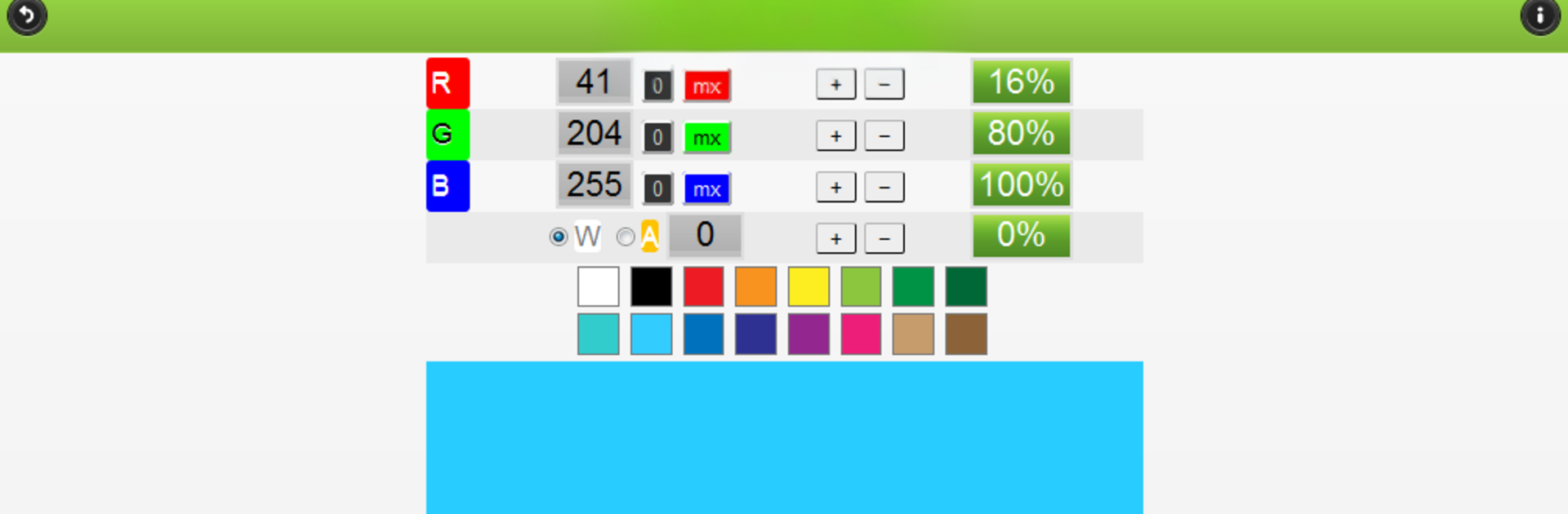
There are handy bits for lighting too, like DMX channel math and RGB, RGBW, RGBA or CMY mixing. Reference pages cover connector pinouts for XLR, quarter-inch, SpeakOn, DB25, plus Fletcher-Munson style curves and microphone polar plots. It even throws in an inclinometer and a flashlight, though that one needs camera permission that can be turned off later. Using it on BlueStacks makes the tiny numbers and graphs easier to read, and typing values with a keyboard is quicker than tapping. It is not flashy, it just gets the job done, which is probably the point.
Switch to BlueStacks and make the most of your apps on your PC or Mac.





