
Persian calligraphy
Persian calligraphy

Persian calligraphy

Tools

| Khosrov Boloorian

Play on PC with BlueStacks or from our cloud

  • Overview
  • How to Download

Page Modified On: October 04, 2025

Run Persian calligraphy on PC or Mac

Upgrade your experience. Try Persian calligraphy, the fantastic Tools app from Khosrov Boloorian, from the comfort of your laptop, PC, or Mac, only on BlueStacks.

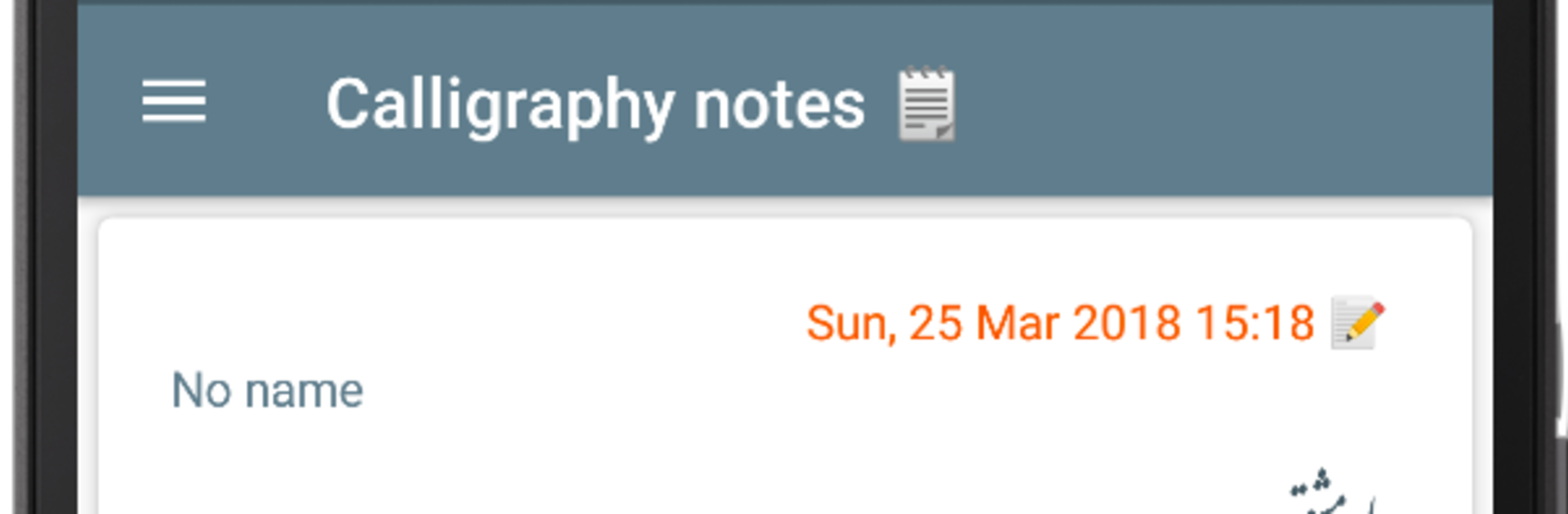
Persian Calligraphy feels like a simple little studio for making Persian text look elegant. It centers on Nastaliq and Naskh, and there are more than ten fonts to switch between, so a quote or a short note can be styled in a few distinct ways without fuss. The app gives a blank canvas, then lets someone add calligraphic text, change size and color, and place it where it looks right. Background textures are included, so a line of poetry can sit on something that looks like aged paper or a soft patterned surface. A photo can also be pulled in as the backdrop, which works nicely for greeting cards or posts.

It does not drown anyone in menus, which is nice. Type the words, pick the font, nudge the text around, and that is most of the flow. Saving and sharing is built in, so the final piece can be kept in the gallery or sent out fast. On BlueStacks, it feels even cleaner since the mouse makes positioning easier and the bigger screen helps with spacing. It suits anyone who wants Persian scripts to look polished without needing drawing skills. Quick note, short verse, maybe a title for an invite, it handles that kind of thing well and does not get in the way.

Switch to BlueStacks and make the most of your apps on your PC or Mac.

How to Download and Run Persian calligraphy on PC or Mac

  • Download and install BlueStacks on your PC or Mac

  • Complete Google sign-in to access the Play Store, or do it later

  • Look for Persian calligraphy in the search bar at the top right corner

  • Click to install Persian calligraphy from the search results

  • Complete Google sign-in (if you skipped step 2) to install Persian calligraphy

  • Click the Persian calligraphy icon on the home screen to start playing

video
Watch Video

Minimum System Requirements

With BlueStacks 5, you can get started on a PC that fulfills the following requirements.

  • Operating System

    Microsoft Windows 7 or above, macOS 11 (Big Sur) or above

  • Processor

    Intel, AMD or Apple Silicon Processor

  • RAM

    at least 4GB

  • HDD

    10GB Free Disk Space

Note:

* You must be an Administrator on your PC. Up to date graphics drivers from Microsoft or the chipset vendor.

Persian calligraphy - FAQs

  • How to Run Persian calligraphy on Windows PC & Mac?

    Run Persian calligraphy on your PC or Mac by following these simple steps.

    • Click on ‘Download Persian calligraphy on PC’ to download BlueStacks
    • Install it and log-in to Google Play Store
    • Launch and run the app.
  • Why is BlueStacks the fastest and safest platform to play games on PC?

    BlueStacks respects your privacy and is always safe and secure to use. It does not carry any malware, spyware, or any sort of additional software that could harm your PC.

    It is engineered to optimize speed and performance for a seamless gaming experience.

  • What are Persian calligraphy PC requirements?

    Minimum requirement to run Persian calligraphy on your PC

    • OS: Microsoft Windows 7 and above:
    • Processor: Intel or AMD Processor:
    • RAM: Your PC must have at least 2GB of RAM. (Note that having 2GB or more disk space is not a substitute for RAM):
    • HDD: 5GB Free Disk Space.
    • You must be an Administrator on your PC.




