
Pocket Vapor CoilCalculator

Pocket Vapor CoilCalculator

Tools

| Alexandr Savitskiy

Play on PC with BlueStacks or from our cloud

  • Overview
  • How to Download

Page Modified On: August 29, 2025

Run Pocket Vapor CoilCalculator on PC or Mac

Multitask effortlessly on your PC or Mac as you try out Pocket Vapor CoilCalculator, a Tools app by Alexandr Savitskiy on BlueStacks.

About the App

Pocket Vapor CoilCalculator is a no-frills, super handy Tools app from Alexandr Savitskiy for anyone who builds or tinkers with vape coils. Punch in a few details, and it takes care of the math—so you can focus on the build, not spreadsheets. It’s quick, practical, and made for everyday use whether you’re experimenting or dialing in a favorite setup. Prefer a bigger screen while planning builds? You can also run it on your PC with BlueStacks.

App Features

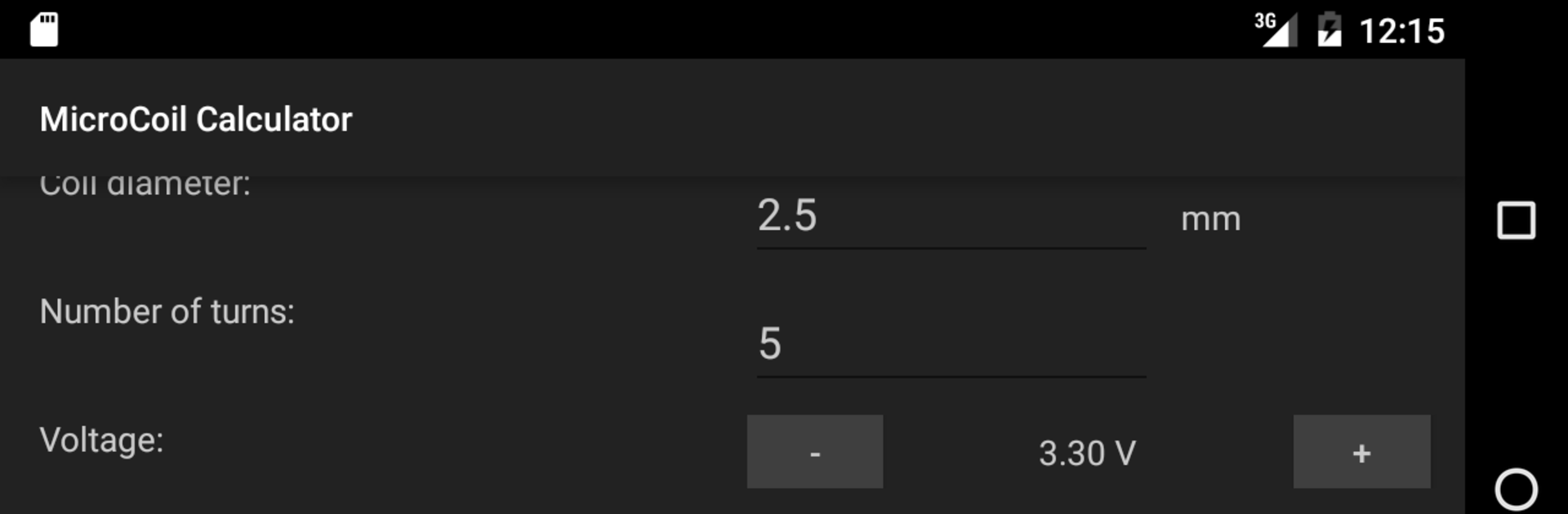
  • Smart coil math: Get instant calculations for resistance, wire length, coil length, and more, tailored to your build.
  • Voltage and power sweet spot: See recommended voltage and power ranges to help hit that balanced, comfortable vape.
  • Materials library: Work with popular options, including Nickel and SS AISI 316, plus the usual staples like Kanthal and Nichrome.
  • Coil types you actually use: Calculate for Microcoil, Clapton, and even Fused Clapton without guesswork.
  • Single, dual, or more: Choose how many coils you’re building and see how it affects the final resistance and power needs.
  • Multi-strand support: Plan microcoils with multiple wires and understand how each strand changes the numbers.
  • AWG and metric: Enter wire diameter in AWG or metric so you can build with whatever specs you’ve got on hand.
  • Surface power insight: Check heat flux (surface power) to better understand how hot your coil will run.
  • Input voltage range: Model setups across 1–20V to see how different devices or batteries might perform.
  • Fast and precise: Built to be accurate and responsive, so you can tweak variables and get results right away.

BlueStacks brings your apps to life on a bigger screen—seamless and straightforward.

How to Download and Run Pocket Vapor CoilCalculator on PC or Mac

  • Download and install BlueStacks on your PC or Mac

  • Complete Google sign-in to access the Play Store, or do it later

  • Look for Pocket Vapor CoilCalculator in the search bar at the top right corner

  • Click to install Pocket Vapor CoilCalculator from the search results

  • Complete Google sign-in (if you skipped step 2) to install Pocket Vapor CoilCalculator

  • Click the Pocket Vapor CoilCalculator icon on the home screen to start playing

video
Watch Video

Minimum System Requirements

With BlueStacks 5, you can get started on a PC that fulfills the following requirements.

  • Operating System

    Microsoft Windows 7 or above, macOS 11 (Big Sur) or above

  • Processor

    Intel, AMD or Apple Silicon Processor

  • RAM

    at least 4GB

  • HDD

    10GB Free Disk Space

Note:

* You must be an Administrator on your PC. Up to date graphics drivers from Microsoft or the chipset vendor.

Pocket Vapor CoilCalculator - FAQs

  • How to Run Pocket Vapor CoilCalculator on Windows PC & Mac?

    Run Pocket Vapor CoilCalculator on your PC or Mac by following these simple steps.

    • Click on ‘Download Pocket Vapor CoilCalculator on PC’ to download BlueStacks
    • Install it and log-in to Google Play Store
    • Launch and run the app.
  • Why is BlueStacks the fastest and safest platform to play games on PC?

    BlueStacks respects your privacy and is always safe and secure to use. It does not carry any malware, spyware, or any sort of additional software that could harm your PC.

    It is engineered to optimize speed and performance for a seamless gaming experience.

  • What are Pocket Vapor CoilCalculator PC requirements?

    Minimum requirement to run Pocket Vapor CoilCalculator on your PC

    • OS: Microsoft Windows 7 and above:
    • Processor: Intel or AMD Processor:
    • RAM: Your PC must have at least 2GB of RAM. (Note that having 2GB or more disk space is not a substitute for RAM):
    • HDD: 5GB Free Disk Space.
    • You must be an Administrator on your PC.




