
Pokebattler Raid Party

Pokebattler Raid Party

Tools

| Battler Empire, LLC

Play on PC with BlueStacks or from our cloud

  • Overview
  • How to Download

Page Modified On: November 20, 2025

Run Pokebattler Raid Party on PC or Mac

Let BlueStacks turn your PC, Mac, or laptop into the perfect home for Pokebattler Raid Party, a fun Tools app from Battler Empire, LLC.

About the App

Pokebattler Raid Party is your go-to sidekick for organizing and winning raids without the guesswork. It brings players together from across the globe, helps you figure out the best counters for any Raid Boss, and shows your odds before you jump in. Built by Battler Empire, LLC, this Tools app focuses on accuracy, ease, and a clean, ad-free experience. Prefer a bigger screen? It also plays nicely on BlueStacks.

App Features

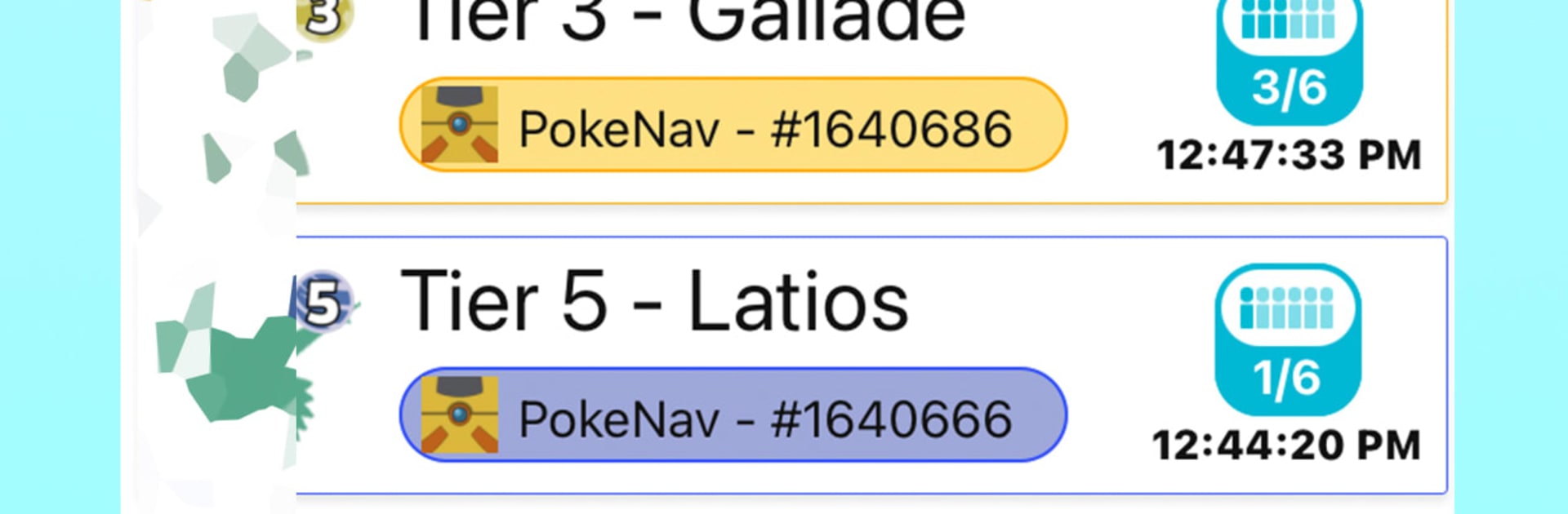
  • Global raids, on demand: Browse active raid lobbies from around the world or start your own. Join remotely, coordinate fast, and raid when it works for you.

  • Simple party codes: Share a unique number (or link) with friends to fill your group. Private or public—your call.

  • Discord-friendly coordination: Pull in raids from popular Discord servers and use automatic integrations to invite friends and keep everyone in sync.

  • Smart counters for every player: Get reliable generic counters for free, or unlock personalized counters tied to your Pokebattler account for even sharper recommendations.

  • Group-based simulations: See how your entire team stacks up before the timer starts. The app simulates the fight using advanced modeling so you know what to expect.

  • Clear, useful metrics: Check Time, Time to Win, TDO, Estimator, Deaths, and Deaths to Win—quick definitions are built in, so the numbers make sense at a glance.

  • Fast Pokebox management: Add or remove Pokémon in seconds and immediately see how your lineup affects your results.

  • Ad-free interface: A clean, straightforward layout keeps the focus on raiding, not distractions.

  • Optional subscription perks: Get room for larger Pokeboxes and even more precise simulations—great for frequent raiders who want that extra edge.

BlueStacks gives you the much-needed freedom to experience your favorite apps on a bigger screen. Get it now.


How to Download and Run Pokebattler Raid Party on PC or Mac

  • Download and install BlueStacks on your PC or Mac

  • Complete Google sign-in to access the Play Store, or do it later

  • Look for Pokebattler Raid Party in the search bar at the top right corner

  • Click to install Pokebattler Raid Party from the search results

  • Complete Google sign-in (if you skipped step 2) to install Pokebattler Raid Party

  • Click the Pokebattler Raid Party icon on the home screen to start playing

video
Watch Video

Minimum System Requirements

With BlueStacks 5, you can get started on a PC that fulfills the following requirements.

  • Operating System

    Microsoft Windows 7 or above, macOS 11 (Big Sur) or above

  • Processor

    Intel, AMD or Apple Silicon Processor

  • RAM

    at least 4GB

  • HDD

    10GB Free Disk Space

Note:

* You must be an Administrator on your PC. Up to date graphics drivers from Microsoft or the chipset vendor.

Pokebattler Raid Party - FAQs

  • How to Run Pokebattler Raid Party on Windows PC & Mac?

    Run Pokebattler Raid Party on your PC or Mac by following these simple steps.

    • Click on ‘Download Pokebattler Raid Party on PC’ to download BlueStacks
    • Install it and log-in to Google Play Store
    • Launch and run the app.
  • Why is BlueStacks the fastest and safest platform to play games on PC?

    BlueStacks respects your privacy and is always safe and secure to use. It does not carry any malware, spyware, or any sort of additional software that could harm your PC.

    It is engineered to optimize speed and performance for a seamless gaming experience.

  • What are Pokebattler Raid Party PC requirements?

    Minimum requirement to run Pokebattler Raid Party on your PC

    • OS: Microsoft Windows 7 and above:
    • Processor: Intel or AMD Processor:
    • RAM: Your PC must have at least 2GB of RAM. (Note that having 2GB or more disk space is not a substitute for RAM):
    • HDD: 5GB Free Disk Space.
    • You must be an Administrator on your PC.



