
PolarAligner Pro (Astro Tool)

PolarAligner Pro (Astro Tool)

Tools

| Kechkoindustries

Play on PC with BlueStacks or from our cloud

  • Overview
  • How to Download

Page Modified On: January 09, 2026

Run PolarAligner Pro (Astro Tool) on PC or Mac

Why limit yourself to your small screen on the phone? Run PolarAligner Pro (Astro Tool), an app by Kechkoindustries, best experienced on your PC or Mac with BlueStacks, the world’s #1 Android emulator.

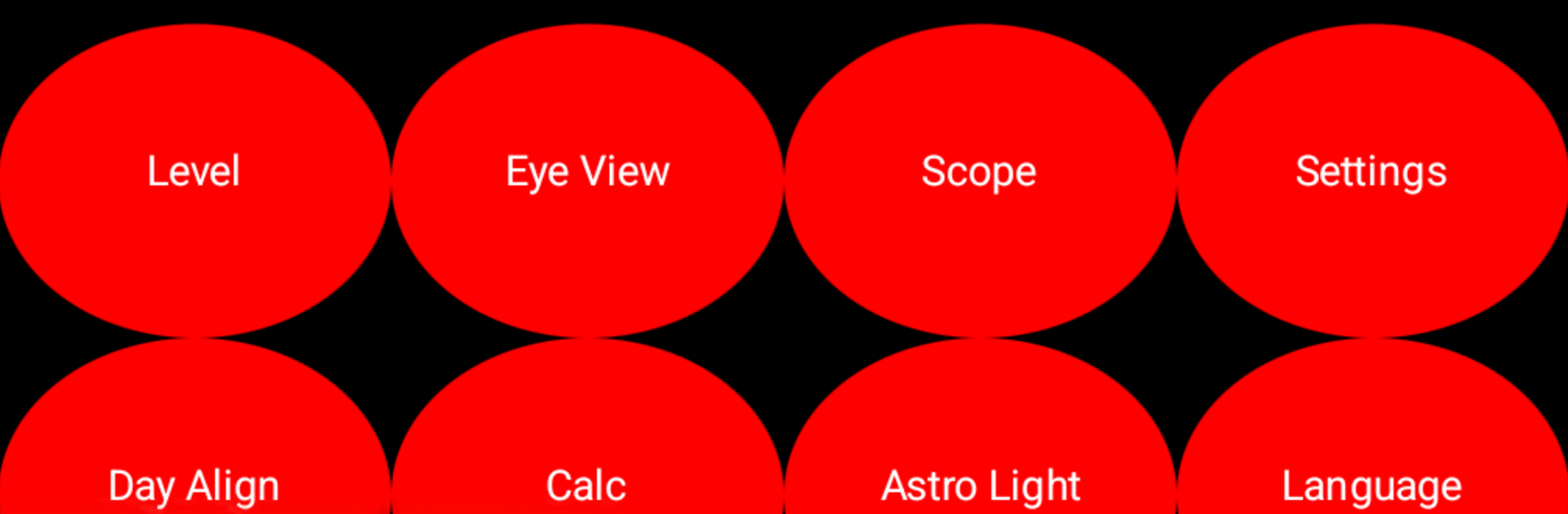
PolarAligner Pro is one of those small astronomy tools that focuses on a single job and keeps it simple. It helps line up an equatorial mount in either hemisphere, with a built‑in compass and a spirit level so the mount gets leveled and pointed the right way. The compass can use magnetic north or true north, and you can set declination either manually or let it calculate true north offline with no internet. The level can be calibrated against a real spirit level, which makes it surprisingly accurrate for a phone. There is also a daylight alignment mode, so setup does not have to wait for darkness.

What stands out is the Polaris view. It grabs GPS for latitude, longitude, and altitude, then shows a clear graphic of where Polaris should sit, the hour angle, and the numbers that actually matter. There is a quick drift alignment guide and a calculator to help nudge azimuth and altitude with as little error as possible. The app includes reticles for a bunch of polarscopes like iOptron, Sky‑Watcher, Sky Adventurer, Orion, Meade, Vixen, Takahashi, Celestron, Bresser, and Astro‑Physics, so the overlay looks like the scope already on the mount. There is even a manual if someone wants the details.

Heads up though, the compass and level rely on hardware sensors. If the phone or tablet does not have a magnetometer and a tilt sensor, those tools will not work, which is why some reviews look rough. That is a hardware limit, not the app being broken. On a PC with BlueStacks, the big screen is great for reading the charts and reticles and setting location, but most desktops do not have those sensors either, so treat it more as a planning and reference tool at the desk, then take the numbers outside.

Eager to take your app experience to the next level? Start right away by downloading BlueStacks on your PC or Mac.


How to Download and Run PolarAligner Pro (Astro Tool) on PC or Mac

  • Download and install BlueStacks on your PC or Mac

  • Complete Google sign-in to access the Play Store, or do it later

  • Look for PolarAligner Pro (Astro Tool) in the search bar at the top right corner

  • Click to install PolarAligner Pro (Astro Tool) from the search results

  • Complete Google sign-in (if you skipped step 2) to install PolarAligner Pro (Astro Tool)

  • Click the PolarAligner Pro (Astro Tool) icon on the home screen to start playing

video
Watch Video

Minimum System Requirements

With BlueStacks 5, you can get started on a PC that fulfills the following requirements.

  • Operating System

    Microsoft Windows 7 or above, macOS 11 (Big Sur) or above

  • Processor

    Intel, AMD or Apple Silicon Processor

  • RAM

    at least 4GB

  • HDD

    10GB Free Disk Space

Note:

* You must be an Administrator on your PC. Up to date graphics drivers from Microsoft or the chipset vendor.

PolarAligner Pro (Astro Tool) - FAQs

  • How to Run PolarAligner Pro (Astro Tool) on Windows PC & Mac?

    Run PolarAligner Pro (Astro Tool) on your PC or Mac by following these simple steps.

    • Click on ‘Download PolarAligner Pro (Astro Tool) on PC’ to download BlueStacks
    • Install it and log-in to Google Play Store
    • Launch and run the app.
  • Why is BlueStacks the fastest and safest platform to play games on PC?

    BlueStacks respects your privacy and is always safe and secure to use. It does not carry any malware, spyware, or any sort of additional software that could harm your PC.

    It is engineered to optimize speed and performance for a seamless gaming experience.

  • What are PolarAligner Pro (Astro Tool) PC requirements?

    Minimum requirement to run PolarAligner Pro (Astro Tool) on your PC

    • OS: Microsoft Windows 7 and above:
    • Processor: Intel or AMD Processor:
    • RAM: Your PC must have at least 2GB of RAM. (Note that having 2GB or more disk space is not a substitute for RAM):
    • HDD: 5GB Free Disk Space.
    • You must be an Administrator on your PC.



