
Powerful RAM Monitor Pro

Powerful RAM Monitor Pro

Tools

| System monitor tools lab - Cpu Ram Battery

Play on PC with BlueStacks or from our cloud

  • Overview
  • How to Download

Page Modified On: September 19, 2025

Run Powerful RAM Monitor Pro on PC or Mac

Get freedom from your phone’s obvious limitations. Use Powerful RAM Monitor Pro, made by System monitor tools lab – Cpu Ram Battery, a Tools app on your PC or Mac with BlueStacks, and level up your experience.

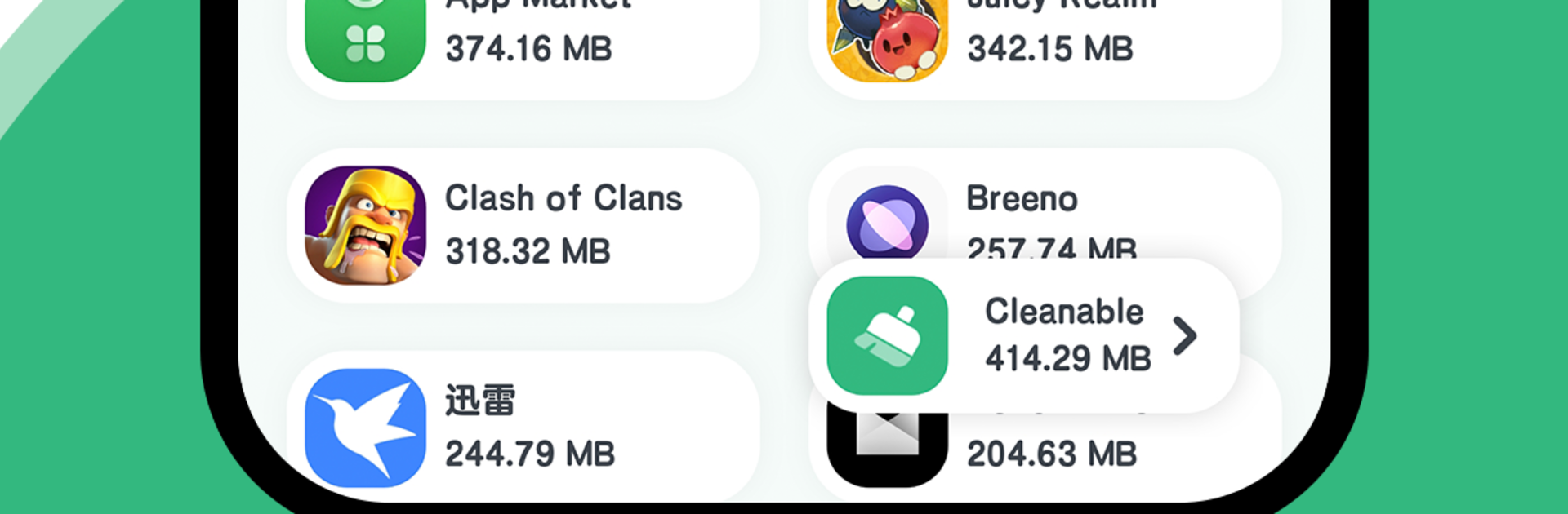
Powerful RAM Monitor Pro is basically a live dashboard for the phone’s guts, and it feels snappy to use. It shows how much RAM and storage are being used, plus CPU and battery details, all ticking in real time. The layout is clean and easy to read, so there is not a lot of hunting through menus. What stands out is how visible everything can be. There are floating windows that sit on top of whatever they are doing, and little status bar readouts that keep the numbers in view without getting in the way. If the phone or tablet starts running hot, it can throw an overheat alert for the CPU or battery, which is super handy for anyone who pushes their device with games or big downloads.

Widgets are a nice touch too. They can drop a RAM, CPU, or battery widget on the home screen and get quick info without opening the app. It even has themes, so they can switch the look to match their setup. On BlueStacks it works fine, and having those floating panels on a big monitor is strangely satisfying. It just sits there on the desktop window, updating live while apps run, so it is easy to spot a memory spike or a thermal climb before things slow down. Nothing flashy, just fast, clear system stats that stay where they are needed.

Switch to BlueStacks and make the most of your apps on your PC or Mac.

How to Download and Run Powerful RAM Monitor Pro on PC or Mac

  • Download and install BlueStacks on your PC or Mac

  • Complete Google sign-in to access the Play Store, or do it later

  • Look for Powerful RAM Monitor Pro in the search bar at the top right corner

  • Click to install Powerful RAM Monitor Pro from the search results

  • Complete Google sign-in (if you skipped step 2) to install Powerful RAM Monitor Pro

  • Click the Powerful RAM Monitor Pro icon on the home screen to start playing

video
Watch Video

Minimum System Requirements

With BlueStacks 5, you can get started on a PC that fulfills the following requirements.

  • Operating System

    Microsoft Windows 7 or above, macOS 11 (Big Sur) or above

  • Processor

    Intel, AMD or Apple Silicon Processor

  • RAM

    at least 4GB

  • HDD

    10GB Free Disk Space

Note:

* You must be an Administrator on your PC. Up to date graphics drivers from Microsoft or the chipset vendor.

Powerful RAM Monitor Pro - FAQs

  • How to Run Powerful RAM Monitor Pro on Windows PC & Mac?

    Run Powerful RAM Monitor Pro on your PC or Mac by following these simple steps.

    • Click on ‘Download Powerful RAM Monitor Pro on PC’ to download BlueStacks
    • Install it and log-in to Google Play Store
    • Launch and run the app.
  • Why is BlueStacks the fastest and safest platform to play games on PC?

    BlueStacks respects your privacy and is always safe and secure to use. It does not carry any malware, spyware, or any sort of additional software that could harm your PC.

    It is engineered to optimize speed and performance for a seamless gaming experience.

  • What are Powerful RAM Monitor Pro PC requirements?

    Minimum requirement to run Powerful RAM Monitor Pro on your PC

    • OS: Microsoft Windows 7 and above:
    • Processor: Intel or AMD Processor:
    • RAM: Your PC must have at least 2GB of RAM. (Note that having 2GB or more disk space is not a substitute for RAM):
    • HDD: 5GB Free Disk Space.
    • You must be an Administrator on your PC.




