




Let BlueStacks turn your PC, Mac, or laptop into the perfect home for Raspberry Pi Relay – GPIO Cont, a fun Tools app from jasonfindlay.com.
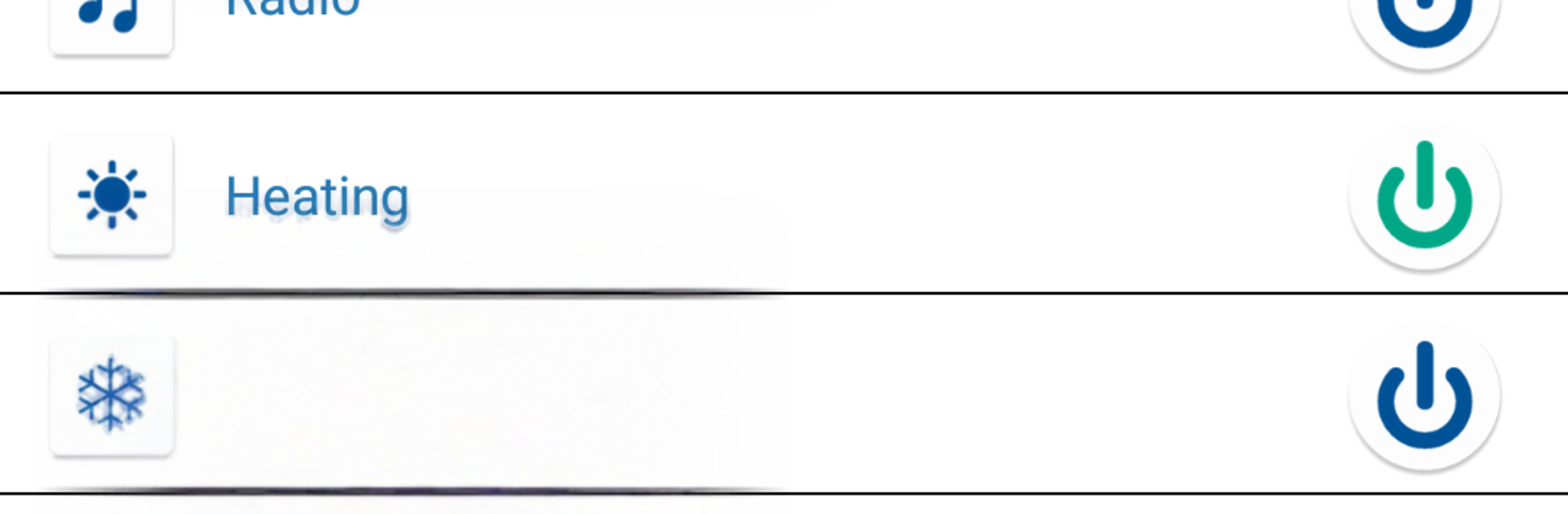
Raspberry Pi Relay – GPIO Cont is basically a clean remote control for GPIO relays, so it turns a Raspberry Pi into a tap-and-toggle panel. The whole thing feels practical rather than flashy. After a quick setup on the Pi side a few terminal commands to install WiringPi, a tiny PHP script, and enabling web access it asks for the Pi’s IP address in the app settings, then it is ready. It handles a single relay or a whole grid, up to 100 relays spread across as many as 10 Pis, which is great for anyone running lights, gates, doors, heating, or any other on off gear. The interface is straightforward and fast, with a pull-to-refresh to check current states, and a pulse option that flicks a relay on then off for momentary actions like a garage door button.
A few thoughtful touches stand out. Relays can have custom icons and names, there are alternative on and off icons, and it even includes header diagrams for older and newer Pi boards to help match pins. Each relay can be mapped to a specific WiringPi pin number, so wiring does not have to be perfect to keep things organized. Screen rotation behaves well and the title bar name can be changed, which sounds small but helps when there are multiple setups. It is ad supported with a simple one-time purchase to remove ads. Running it on BlueStacks on a PC makes the dashboard feel roomier and clicking relays with a mouse is very handy when there are a lot of them. Just remember, without a Raspberry Pi set up first, the app will not do anything.
Big screen. Bigger performance. Use BlueStacks on your PC or Mac to run your favorite apps.





