




Get freedom from your phone’s obvious limitations. Use Screen On, made by Dieter Thiess, a Tools app on your PC or Mac with BlueStacks, and level up your experience.
Screen On is the sort of tiny tool that ends up living on the device because it just solves a boring problem cleanly. It keeps the screen awake when needed, either bright or gently dim, so long videos, recipes, docs, or streams do not fade out mid-task. On BlueStacks it works the same way in the Android layer, so the emulator session stays alive while a guide or a reader app sits open, which is exactly what someone wants when they are multitasking on a PC.
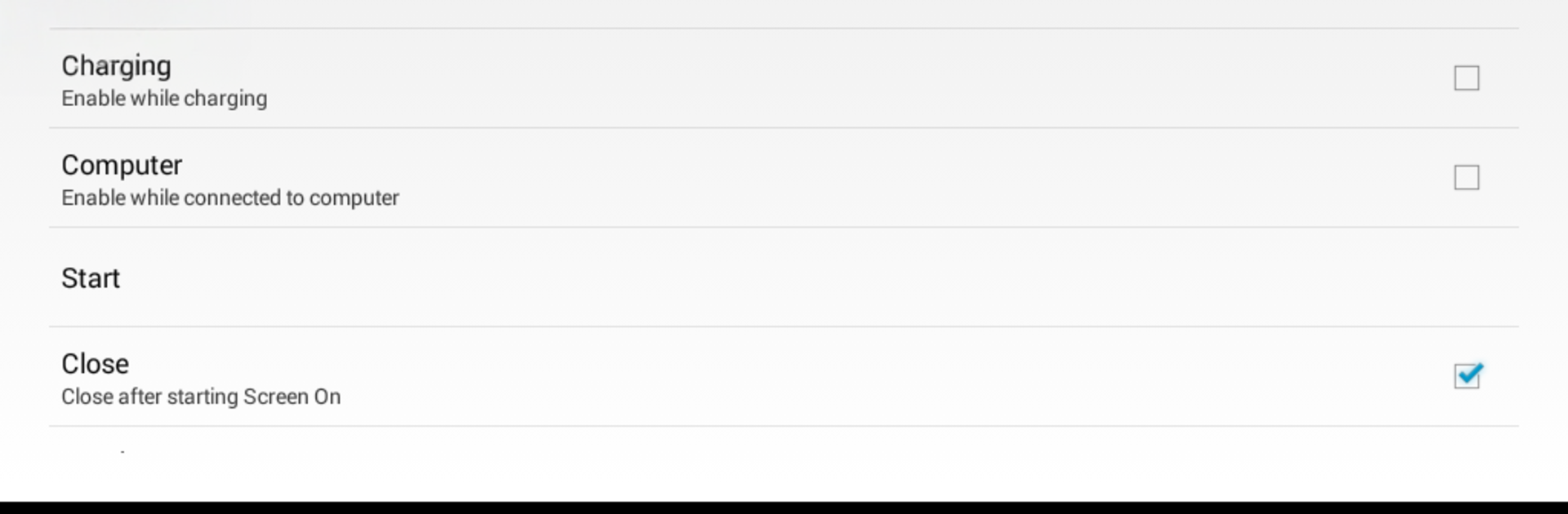
What stands out is how many small triggers it supports. It can flip on automatically when charging or when the device is connected to a computer, and it can turn itself off if the battery gets low so it does not chew power by accident. There are optional rules that enable Screen On only for selected apps using the accessibility service, so a game or a map can stay awake while everything else behaves normally. A simple timer helps for those one-off moments when a temporary boost is enough. The widget makes quick toggling painless, and there is even a flashlight toggle for phone use, though that is less useful on an emulator. No ads, no noise, just a straightforward utility with translations in several languages and a settings page that takes two minutes to setup and then rarely needs to be opened again.
Switch to BlueStacks and make the most of your apps on your PC or Mac.





