
Simple by Monkey Vision

Simple by Monkey Vision

Tools

| Mammoth Innovation

Play on PC with BlueStacks or from our cloud

  • Overview
  • How to Download

Page Modified On: November 20, 2025

Run Simple by Monkey Vision on PC or Mac

Multitask effortlessly on your PC or Mac as you try out Simple by Monkey Vision, a Tools app by Mammoth Innovation on BlueStacks.

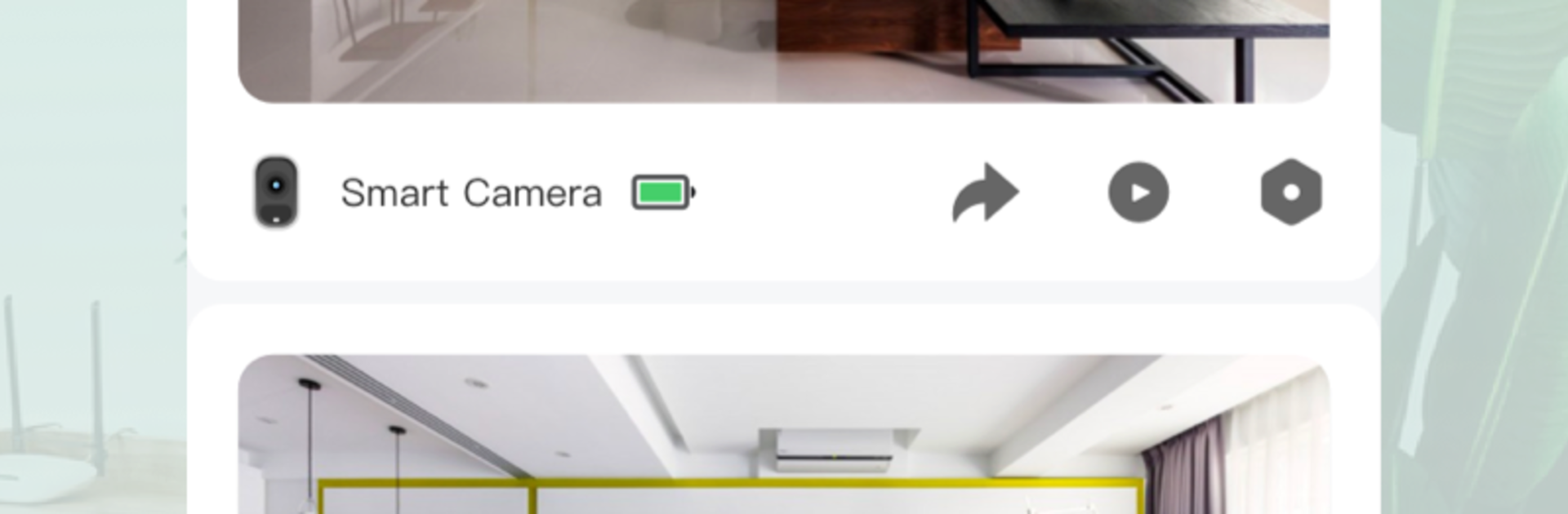
Simple by Monkey Vision is basically a clean, no-fuss way to check security cameras without wrestling with menus. It opens fast, shows live feeds clearly, and keeps things straightforward so a person can see what matters and move on. Cloud storage is a big part of it, since clips are saved off the phone, so there is no need to babysit local files. The app nudges toward the AI stuff as a subscription, which is not pushy, more like an optional layer that makes alerts smarter and less noisy. That part stands out because it cuts down on those false buzzes that make people mute notifications anyway.

On a PC with BlueStacks, it actually feels nicer for longer sessions, since the bigger screen makes multi-camera viewing less cramped. Scrubbing through recordings with a mouse is easier, and hopping between cameras does not feel fiddly. The layout scales well, menus stay readable, and there is nothing weird about controls. It does the simple things right, like connecting from anywhere without a lot of setup pain, and keeping playback smooth even when switching dates. Someone who wants a security app that does not act like a gadget catalog will likely appreciate the focus. It is not flashy, it just gets out of the way and lets a person check their place, save what they need, and carry on.

Big screen. Bigger performance. Use BlueStacks on your PC or Mac to run your favorite apps.

How to Download and Run Simple by Monkey Vision on PC or Mac

  • Download and install BlueStacks on your PC or Mac

  • Complete Google sign-in to access the Play Store, or do it later

  • Look for Simple by Monkey Vision in the search bar at the top right corner

  • Click to install Simple by Monkey Vision from the search results

  • Complete Google sign-in (if you skipped step 2) to install Simple by Monkey Vision

  • Click the Simple by Monkey Vision icon on the home screen to start playing

video
Watch Video

Minimum System Requirements

With BlueStacks 5, you can get started on a PC that fulfills the following requirements.

  • Operating System

    Microsoft Windows 7 or above, macOS 11 (Big Sur) or above

  • Processor

    Intel, AMD or Apple Silicon Processor

  • RAM

    at least 4GB

  • HDD

    10GB Free Disk Space

Note:

* You must be an Administrator on your PC. Up to date graphics drivers from Microsoft or the chipset vendor.

Simple by Monkey Vision - FAQs

  • How to Run Simple by Monkey Vision on Windows PC & Mac?

    Run Simple by Monkey Vision on your PC or Mac by following these simple steps.

    • Click on ‘Download Simple by Monkey Vision on PC’ to download BlueStacks
    • Install it and log-in to Google Play Store
    • Launch and run the app.
  • Why is BlueStacks the fastest and safest platform to play games on PC?

    BlueStacks respects your privacy and is always safe and secure to use. It does not carry any malware, spyware, or any sort of additional software that could harm your PC.

    It is engineered to optimize speed and performance for a seamless gaming experience.

  • What are Simple by Monkey Vision PC requirements?

    Minimum requirement to run Simple by Monkey Vision on your PC

    • OS: Microsoft Windows 7 and above:
    • Processor: Intel or AMD Processor:
    • RAM: Your PC must have at least 2GB of RAM. (Note that having 2GB or more disk space is not a substitute for RAM):
    • HDD: 5GB Free Disk Space.
    • You must be an Administrator on your PC.




