
Sketcher PRO
Sketcher PRO

Sketcher PRO

Tools

| Android Tools (ru)

Play on PC with BlueStacks or from our cloud

  • Overview
  • How to Download

Page Modified On: September 12, 2025

Run Sketcher PRO on PC or Mac

Upgrade your experience. Try Sketcher PRO, the fantastic Tools app from Android Tools (ru), from the comfort of your laptop, PC, or Mac, only on BlueStacks.

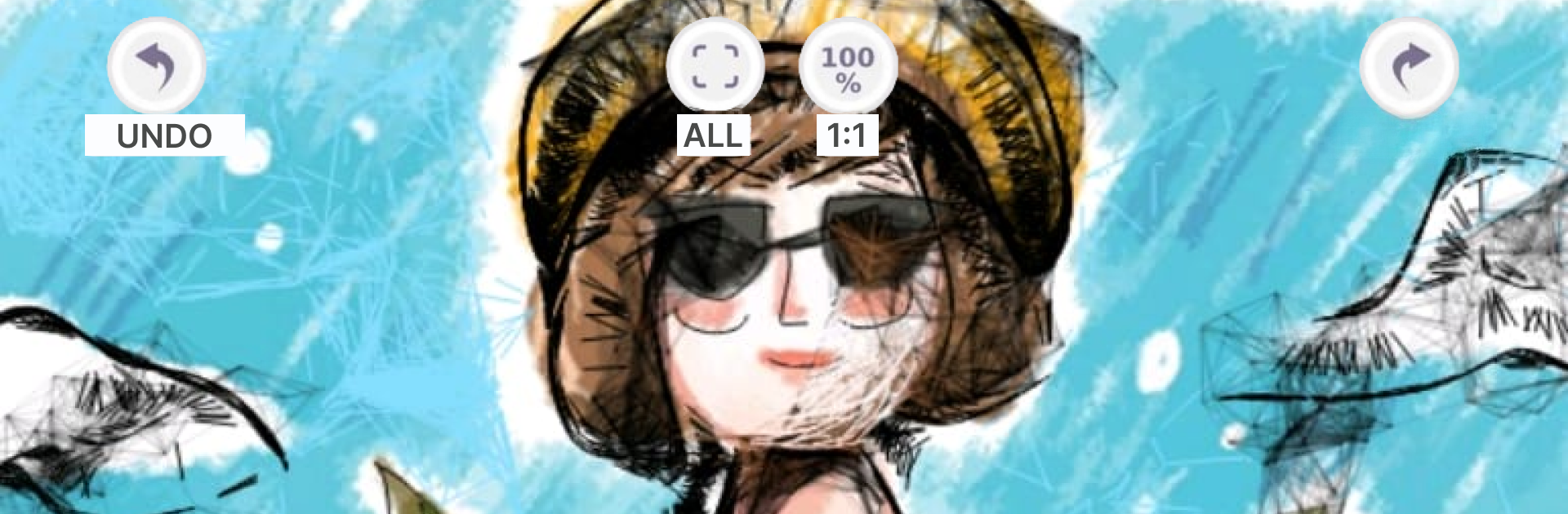
Sketcher PRO comes across like a chill drawing playground that leans hard into procedural brushes. No ads popping up, which keeps the flow clean. The standout is how those special brushes behave. Fur lays down fuzzy texture in seconds, web links strokes into stringy patterns, ribbon curls as it draws, grid‑pixel snaps into chunky pixels, and chrome gives smooth blends for reflective stuff. There is even a strangely named six brush that behaves like wool, great for soft shading or fibers. Because it is procedural, textures scale up or down without turning blurry, and combining brushes makes fast background patterns or little design experiments that look more complex than the effort it takes.

The basics are simple enough for anyone. Open a canvas from a solid color, tracing paper mode, or a photo. Set orientation and size, swap background colors with a palette, nudge RGB sliders, adjust transparency, pick colors with the eyedropper, and get standard undo, redo, eraser, and zoom. Tracing mode is handy when someone wants to sit a reference underneath and build an outline or quick backdrop. It saves on exit automatically, and there is text overlay for labels or notes. Works with finger or stylus, and on BlueStacks with a mouse it feels tidy on a bigger screen, especially for tracing or pixel work. The interface stays minimal and clear, so beginners can sketch right away, while more experienced folks can whip up repeatable textures or quick concept art without wrestling menus.

Switch to BlueStacks and make the most of your apps on your PC or Mac.

How to Download and Run Sketcher PRO on PC or Mac

  • Download and install BlueStacks on your PC or Mac

  • Complete Google sign-in to access the Play Store, or do it later

  • Look for Sketcher PRO in the search bar at the top right corner

  • Click to install Sketcher PRO from the search results

  • Complete Google sign-in (if you skipped step 2) to install Sketcher PRO

  • Click the Sketcher PRO icon on the home screen to start playing

video
Watch Video

Minimum System Requirements

With BlueStacks 5, you can get started on a PC that fulfills the following requirements.

  • Operating System

    Microsoft Windows 7 or above, macOS 11 (Big Sur) or above

  • Processor

    Intel, AMD or Apple Silicon Processor

  • RAM

    at least 4GB

  • HDD

    10GB Free Disk Space

Note:

* You must be an Administrator on your PC. Up to date graphics drivers from Microsoft or the chipset vendor.

Sketcher PRO - FAQs

  • How to Run Sketcher PRO on Windows PC & Mac?

    Run Sketcher PRO on your PC or Mac by following these simple steps.

    • Click on ‘Download Sketcher PRO on PC’ to download BlueStacks
    • Install it and log-in to Google Play Store
    • Launch and run the app.
  • Why is BlueStacks the fastest and safest platform to play games on PC?

    BlueStacks respects your privacy and is always safe and secure to use. It does not carry any malware, spyware, or any sort of additional software that could harm your PC.

    It is engineered to optimize speed and performance for a seamless gaming experience.

  • What are Sketcher PRO PC requirements?

    Minimum requirement to run Sketcher PRO on your PC

    • OS: Microsoft Windows 7 and above:
    • Processor: Intel or AMD Processor:
    • RAM: Your PC must have at least 2GB of RAM. (Note that having 2GB or more disk space is not a substitute for RAM):
    • HDD: 5GB Free Disk Space.
    • You must be an Administrator on your PC.




