




Why limit yourself to your small screen on the phone? Run Smart Metal Detector, an app by Rich Dev Apps, best experienced on your PC or Mac with BlueStacks, the world’s #1 Android emulator.
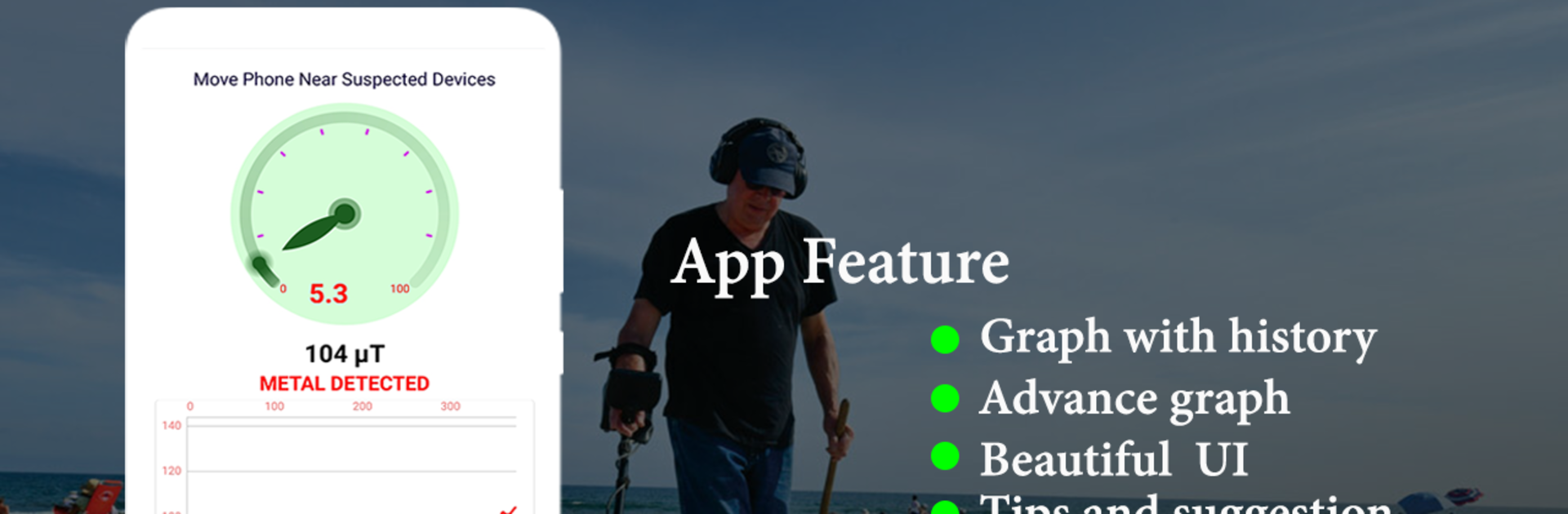
Smart Metal Detector feels like a simple little toolbox app that turns a phone into a basic magnetic field scanner. It shows live numbers in microTesla and a clean needle gauge, plus a graph that spikes when something magnetic gets close. The earth usually sits around 30 to 60 µT, so when the meter jumps well above that, it suggests nails, screws, keys, or pipes nearby. The interface is plain and easy to read, no clutter, and it runs offline without asking for logins or odd permissions, which is nice. It is light on battery and storage, so it just sits there waiting for a quick check during a DIY moment or a small science experiment.
A lot of the appeal is in the practical stuff. Someone can scan a wall to spot screws or studs, sweep over tiles to guess where a pipe runs, or poke around appliances to see where magnets live. It works best when the phone is steady and moved slowly, and not too close to other electronics. Real range depends on the device, but expect something like a hand’s length, maybe 15 to 25 cm in good cases. There is one catch. It needs a magnetometer. Many phones have it, some do not, and without it the app will just sit at boring values. Running it in BlueStacks on a PC is fine for checking the layout and features, but real detection depends on the sensor the hardware provides, so do not be surprised if the readings stay flat there. For someone who likes tinkering or needs quick checks around the house, it is surprisingly handy and oddly fun.
Eager to take your app experience to the next level? Start right away by downloading BlueStacks on your PC or Mac.





