




What’s better than using Smart Tools – Multipurpose Kit by EZHIL? Well, try it on a big screen, on your PC or Mac, with BlueStacks to see the difference.
About the App
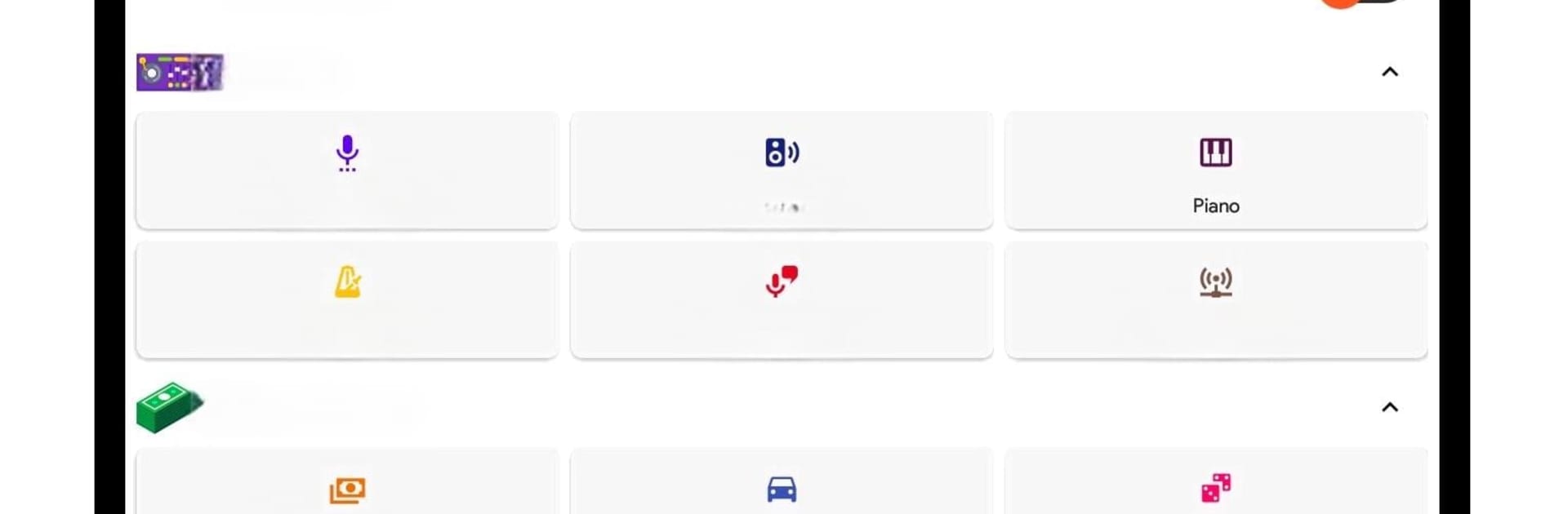
Meet Smart Tools – Multipurpose Kit, your all-in-one toolbox for all those daily moments when you wish your phone could just do a little more. Whether you’re fixing stuff at home, figuring out a math problem, or you simply need a flashlight, this handy app by EZHIL keeps everything you need in one spot. Expect a smooth blend of practical tools—some you never knew you’d use so often—all right at your fingertips.
App Features
-
Super Bright Flashlight
Need extra light? Easily turn your phone’s flash into a powerful torch—perfect for finding keys in the dark or navigating a power outage. -
QR & Barcode Scanner
Point, scan, and get info right away. It’s speedy, reliable, and makes checking product details or prices a breeze. -
Precision Compass
Lost your sense of direction? Stay on course with an accurate digital compass that responds instantly to your movements. -
Bubble Level
Checking if something’s perfectly straight or level is simple. Hang that picture frame with confidence. -
Full-Featured Calculator
From quick calculations to complex functions, the scientific calculator knocks out both basics and the tougher math when you need it. -
Ruler for On-the-Go Measuring
Measure small items anywhere with your phone—no need to hunt for a physical ruler. -
Sound Level Meter
Wondering if it’s getting too loud? Measure noise levels clearly, right from your device. -
Digital Speedometer
Track your speed and distance whether you’re running, biking, or just curious about your commute. -
Text-to-Speech Conversion
Type it out and let your phone read it for you in a clear voice—handy for accessibility or just multitasking. -
Built-In Pedometer
Get those steps counted in real time, plus calories burned, distance, and walking speed, right in the app. -
World Clock
Easily check the current time in hundreds of cities or compare time zones, which is especially useful for frequent travelers or remote workers. -
Fuel Efficiency Calculator
Keep track of your mileage, fuel usage, and even compare gas prices for more cost-efficient journeys. -
Extra Utilities
There’s more: calculate age, check your battery status, count items, convert shoe sizes, handle cooking measurements, switch between number bases, and even more little helpers packed in.
Smart Tools – Multipurpose Kit works smoothly on just about any device, providing accurate readings by tapping into your phone’s built-in sensors. And if you like using your apps on BlueStacks, you’re set—everything runs right there, too.
BlueStacks gives you the much-needed freedom to experience your favorite apps on a bigger screen. Get it now.





