
Sound Meter Pro
Sound Meter Pro

Sound Meter Pro

Tools

| Smart Tools co.

Play on PC with BlueStacks or from our cloud

  • Overview
  • How to Download

Page Modified On: November 03, 2025

Run Sound Meter Pro on PC or Mac

Let BlueStacks turn your PC, Mac, or laptop into the perfect home for Sound Meter Pro, a fun Tools app from Smart Tools co..

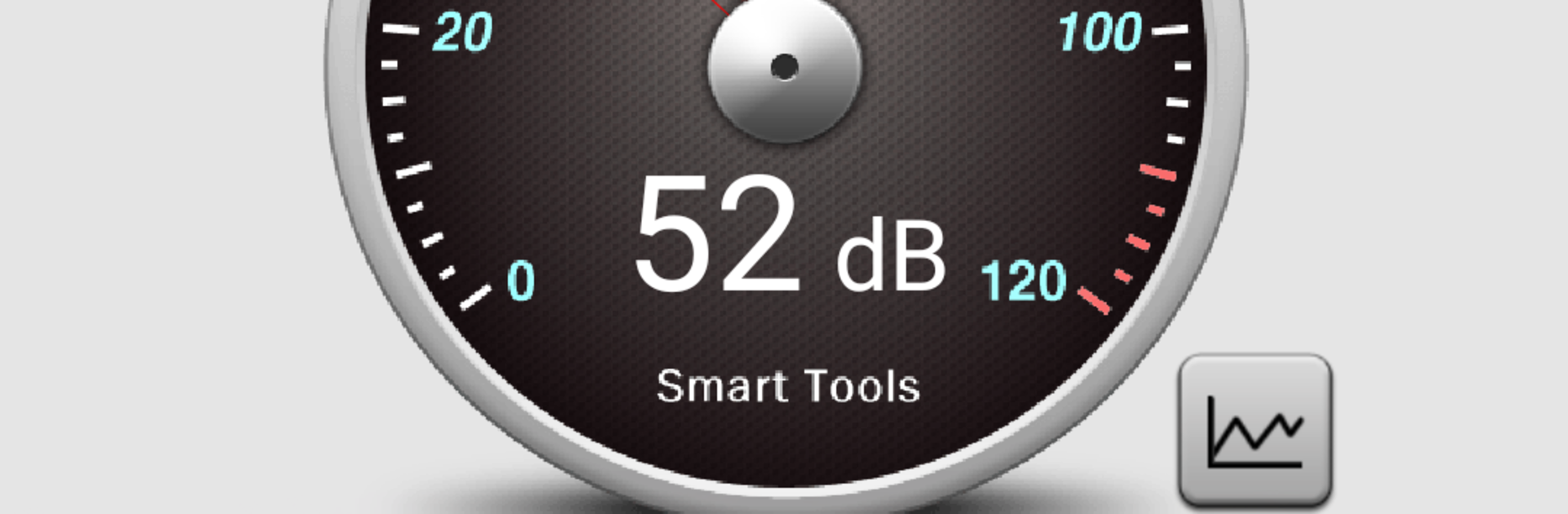
Sound Meter Pro is basically a handy noise checker that turns a device’s mic into a decibel meter. It shows an easy readout with reference levels, so a person can see if a room is quiet, normal, or getting loud. The catch is clear and explained well in the app: most mics are tuned for human voice ranges, so everyday sounds around 40 to 70 dB look accurate, while really loud stuff may hit a ceiling. Some phones top out in the 80s or low 90s dB, and laptops are not that different. On BlueStacks it pulls from the computer’s microphone, which makes the big graph and numbers super easy to read on a monitor, but it still has the same hardware limits, so it is a reference tool, not lab gear.

There is also a vibrometer tucked in. It uses motion sensors to show how strong vibrations are, mapped to the Modified Mercalli Intensity scale, which is a neat touch for checking rumble from traffic or a washing machine. Calibration is built in, so users can nudge it if readings feel off and aim for a max around 10 or 11 on that scale. The pro version keeps things clean with no ads, combines the sound meter and vibrometer in one place, and adds stats like a line chart, longer chart duration, plus CSV export for people who want to save logs. It works offline after the first couple launches, and it is a one time payment, so no nagging subscriptions. There is mention of a newer advanced version in the same family if someone wants the latest, but this one is still updated and does the essentials well.

Big screen. Bigger performance. Use BlueStacks on your PC or Mac to run your favorite apps.

How to Download and Run Sound Meter Pro on PC or Mac

  • Download and install BlueStacks on your PC or Mac

  • Complete Google sign-in to access the Play Store, or do it later

  • Look for Sound Meter Pro in the search bar at the top right corner

  • Click to install Sound Meter Pro from the search results

  • Complete Google sign-in (if you skipped step 2) to install Sound Meter Pro

  • Click the Sound Meter Pro icon on the home screen to start playing

video
Watch Video

Minimum System Requirements

With BlueStacks 5, you can get started on a PC that fulfills the following requirements.

  • Operating System

    Microsoft Windows 7 or above, macOS 11 (Big Sur) or above

  • Processor

    Intel, AMD or Apple Silicon Processor

  • RAM

    at least 4GB

  • HDD

    10GB Free Disk Space

Note:

* You must be an Administrator on your PC. Up to date graphics drivers from Microsoft or the chipset vendor.

Sound Meter Pro - FAQs

  • How to Run Sound Meter Pro on Windows PC & Mac?

    Run Sound Meter Pro on your PC or Mac by following these simple steps.

    • Click on ‘Download Sound Meter Pro on PC’ to download BlueStacks
    • Install it and log-in to Google Play Store
    • Launch and run the app.
  • Why is BlueStacks the fastest and safest platform to play games on PC?

    BlueStacks respects your privacy and is always safe and secure to use. It does not carry any malware, spyware, or any sort of additional software that could harm your PC.

    It is engineered to optimize speed and performance for a seamless gaming experience.

  • What are Sound Meter Pro PC requirements?

    Minimum requirement to run Sound Meter Pro on your PC

    • OS: Microsoft Windows 7 and above:
    • Processor: Intel or AMD Processor:
    • RAM: Your PC must have at least 2GB of RAM. (Note that having 2GB or more disk space is not a substitute for RAM):
    • HDD: 5GB Free Disk Space.
    • You must be an Administrator on your PC.




