




Upgrade your experience. Try TasmotaRemota, the fantastic Tools app from RobTech, from the comfort of your laptop, PC, or Mac, only on BlueStacks.
About the App
TasmotaRemota by RobTech is a Tools app that makes managing your Tasmota devices on your home network feel easy and organized. Discover everything on your LAN, group devices the way you like, build scenes, and set timers with a clean, touch-friendly layout. Prefer a keyboard and larger screen? It runs smoothly on BlueStacks too.
App Features
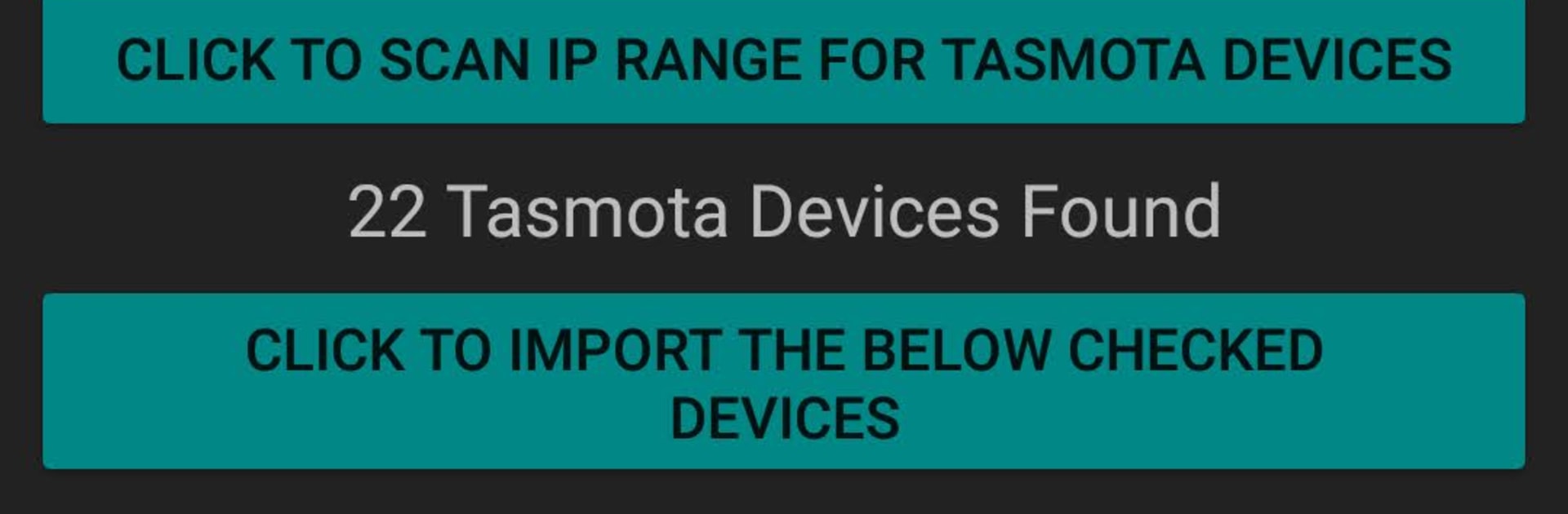
- Fast device scan — Enter shared credentials once, then scan your LAN to find compatible Tasmota hardware. Import discovered relays, switches, and sensors into groups in a tap.
- Per-switch control — Every relay, switch, or sensor shows up as its own device, even if they’re on the same board. Tap a status area to toggle power instantly.
- Flexible groups — Swipe between group screens. Turn everything on/off at once, temporarily disable a group, rename and recolor, or reorder to keep things tidy.
- Scenes made easy — All switchable devices are ready for Scenes. Pre-set ON/OFF or override states and activate them together when you need that one-touch change.
- Visual week planner — Configure up to 16 native Tasmota timers per device using a simple weekly grid. Tap to edit times, flip +/− for start/stop, then push changes to the device.
- PulseTime and more — Set PulseTime for auto-off behavior, tweak device details, or jump straight to the device’s Tasmota web UI when you need deeper settings.
- No ads — A clean, distraction-free experience while you manage your setup.
- Backup and restore — Export your configuration to local storage or a chosen folder, share or move your backups, and import them later from your backup or Downloads.
- Drag-and-drop sorting (Premium) — Arrange devices and groups exactly how you want with quick drag/drop tools.
- Power graphs (Premium) — View power trends from supported devices to spot patterns at a glance.
- Basic vs Premium — Basic includes 2 groups, 2 scenes, and saving for timer 1. Premium unlocks 16 groups, 10 scenes, saving for all 16 timers, drag/drop sorting, power graphs, and access to the Tasmota WebServer interface.
BlueStacks brings your apps to life on a bigger screen—seamless and straightforward.





