
Toksta - Get Followers & Likes

Toksta - Get Followers & Likes

Tools

| GROW SOCIAL CLUB

Play on PC with BlueStacks or from our cloud

  • Overview
  • How to Download

Page Modified On: October 03, 2025

Run Toksta - Get Followers & Likes on PC or Mac

Get freedom from your phone’s obvious limitations. Use Toksta – Get Followers & Likes, made by GROW SOCIAL CLUB, a Tools app on your PC or Mac with BlueStacks, and level up your experience.

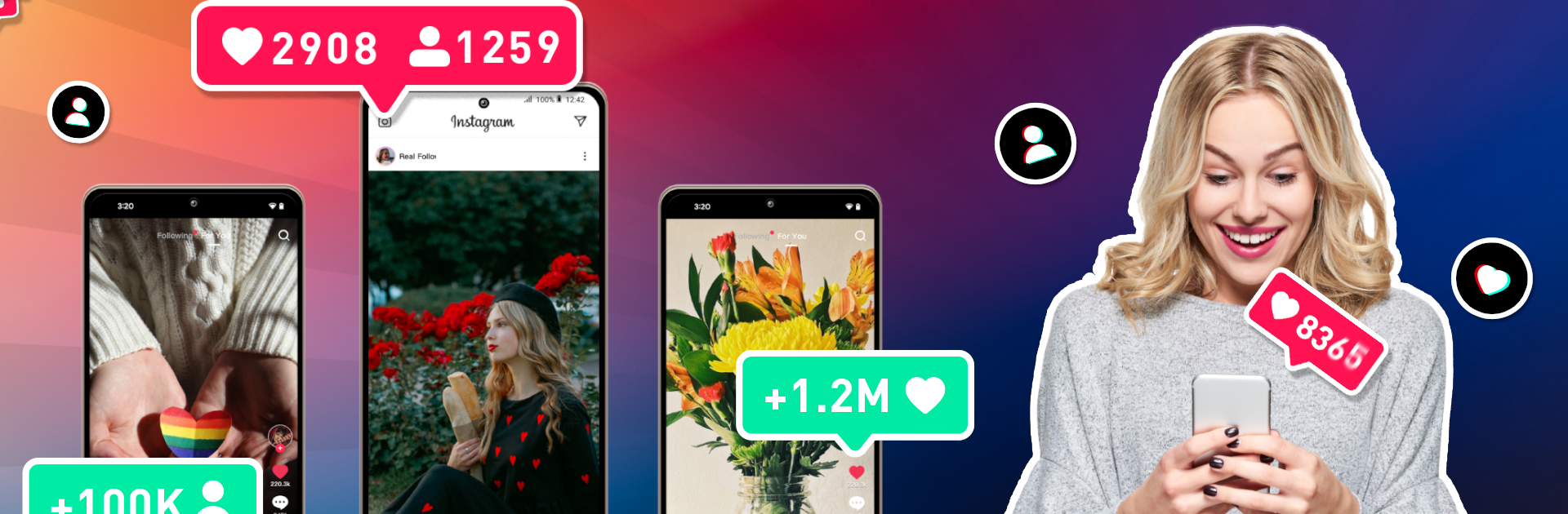
Toksta is basically a quick helper for people who post on Instagram or TikTok and want more eyes on their stuff without messing with logins. It serves up ready to copy hashtag bundles and short caption ideas, all grouped by themes like travel, fashion, fitness, memes, and so on. Using it feels simple. Pick a set of tags that matches the post, copy them, paste into the app you are posting on, hop back for a caption, paste again, then publish. There is no sign in and no password asked, which takes a bit of worry off. It is not doing anything sneaky behind the scenes. It just gives decent tags and writing prompts so the post does not sit there with an empty caption or random hashtags.

Running it on PC with BlueStacks actually makes the copy and paste workflow smoother. The bigger screen helps skim long lists, and switching between Toksta and a browser tab or desktop app is fast with a keyboard. The tag sets aim to be relevant and current, so a post may reach people who follow those topics, but it still depends on the content and timing. What stands out is the straight to the point flow. No clutter, no confusing steps, just pick, copy, paste. It is a third party tool, not connected to Instagram or TikTok, and that is clearly stated. For someone who freezes up writing captions or spends too long hunting hashtags, this feels like a small but handy toolkit that speeds up posting and keeps things organized.

Switch to BlueStacks and make the most of your apps on your PC or Mac.

How to Download and Run Toksta - Get Followers & Likes on PC or Mac

  • Download and install BlueStacks on your PC or Mac

  • Complete Google sign-in to access the Play Store, or do it later

  • Look for Toksta - Get Followers & Likes in the search bar at the top right corner

  • Click to install Toksta - Get Followers & Likes from the search results

  • Complete Google sign-in (if you skipped step 2) to install Toksta - Get Followers & Likes

  • Click the Toksta - Get Followers & Likes icon on the home screen to start playing

video
Watch Video

Minimum System Requirements

With BlueStacks 5, you can get started on a PC that fulfills the following requirements.

  • Operating System

    Microsoft Windows 7 or above, macOS 11 (Big Sur) or above

  • Processor

    Intel, AMD or Apple Silicon Processor

  • RAM

    at least 4GB

  • HDD

    10GB Free Disk Space

Note:

* You must be an Administrator on your PC. Up to date graphics drivers from Microsoft or the chipset vendor.

Toksta - Get Followers & Likes - FAQs

  • How to Run Toksta - Get Followers & Likes on Windows PC & Mac?

    Run Toksta - Get Followers & Likes on your PC or Mac by following these simple steps.

    • Click on ‘Download Toksta - Get Followers & Likes on PC’ to download BlueStacks
    • Install it and log-in to Google Play Store
    • Launch and run the app.
  • Why is BlueStacks the fastest and safest platform to play games on PC?

    BlueStacks respects your privacy and is always safe and secure to use. It does not carry any malware, spyware, or any sort of additional software that could harm your PC.

    It is engineered to optimize speed and performance for a seamless gaming experience.

  • What are Toksta - Get Followers & Likes PC requirements?

    Minimum requirement to run Toksta - Get Followers & Likes on your PC

    • OS: Microsoft Windows 7 and above:
    • Processor: Intel or AMD Processor:
    • RAM: Your PC must have at least 2GB of RAM. (Note that having 2GB or more disk space is not a substitute for RAM):
    • HDD: 5GB Free Disk Space.
    • You must be an Administrator on your PC.




