
Trafik Ceza Rehberi 2020

Trafik Ceza Rehberi 2020

Tools

| Ufuk Ali ARSLAN

Play on PC with BlueStacks or from our cloud

  • Overview
  • How to Download

Page Modified On: January 06, 2026

Run Trafik Ceza Rehberi 2020 on PC or Mac

Upgrade your experience. Try Trafik Ceza Rehberi 2020, the fantastic Tools app from Ufuk Ali ARSLAN, from the comfort of your laptop, PC, or Mac, only on BlueStacks.

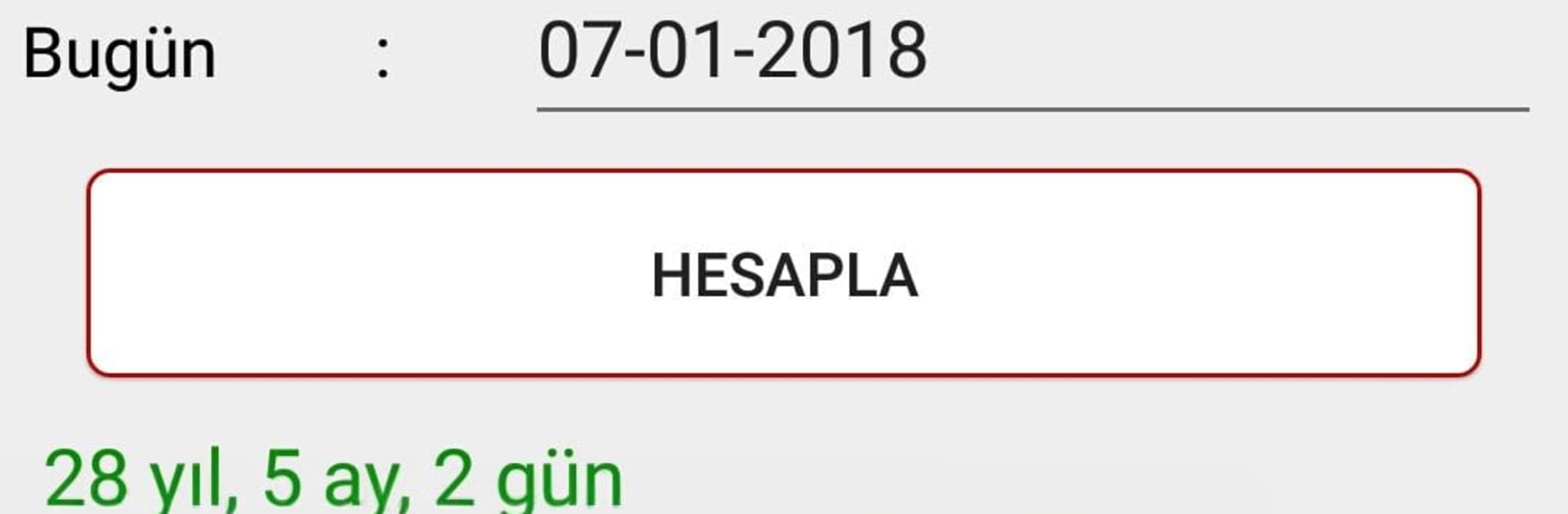
Trafik Ceza Rehberi 2020 feels like a serious pocket handbook that just happens to live on the phone, not a game. It lays out Turkey’s 2020 traffic fines in a straight line, what violation triggers what amount, how many penalty points that means, and when a license gets taken away. There is coverage for license classes, the fines tied to Law 4925, and dangerous goods penalties tied to Decree 655. The Tonajmatik tool is the practical bit, it calculates how much load a vehicle can carry so no guessing. There are other quick helpers too, like an age calculator, a speed from skid marks estimator, notes on primary faults in accidents, tachograph usage, an alcohol rate converter, speed lookups, license restriction codes, motorcycle exemptions, and a clean list of traffic signs.

The legal section is basically a bookshelf, with the Highway Traffic Regulation, Highway Traffic Law, Road Transport Regulation, Misdemeanors Law, how traffic fines are collected, rules for service transportation, and guidance on what measures to take during inspections and after crashes. It is clearly built for traffic police, gendarmerie, and volunteer inspectors, so it reads like a reference guide. Anyone expecting driving lessons, maps, or cute tips will likely feel disappointed. On a PC with BlueStacks, the long texts and tables are easier to scan, the search feels quicker with a keyboard, and the calculators are less cramped. No fluff, no ads shouting, just a focused tool that tells exactly what the rule says and what it costs.

Eager to take your app experience to the next level? Start right away by downloading BlueStacks on your PC or Mac.


How to Download and Run Trafik Ceza Rehberi 2020 on PC or Mac

  • Download and install BlueStacks on your PC or Mac

  • Complete Google sign-in to access the Play Store, or do it later

  • Look for Trafik Ceza Rehberi 2020 in the search bar at the top right corner

  • Click to install Trafik Ceza Rehberi 2020 from the search results

  • Complete Google sign-in (if you skipped step 2) to install Trafik Ceza Rehberi 2020

  • Click the Trafik Ceza Rehberi 2020 icon on the home screen to start playing

video
Watch Video

Minimum System Requirements

With BlueStacks 5, you can get started on a PC that fulfills the following requirements.

  • Operating System

    Microsoft Windows 7 or above, macOS 11 (Big Sur) or above

  • Processor

    Intel, AMD or Apple Silicon Processor

  • RAM

    at least 4GB

  • HDD

    10GB Free Disk Space

Note:

* You must be an Administrator on your PC. Up to date graphics drivers from Microsoft or the chipset vendor.

Trafik Ceza Rehberi 2020 - FAQs

  • How to Run Trafik Ceza Rehberi 2020 on Windows PC & Mac?

    Run Trafik Ceza Rehberi 2020 on your PC or Mac by following these simple steps.

    • Click on ‘Download Trafik Ceza Rehberi 2020 on PC’ to download BlueStacks
    • Install it and log-in to Google Play Store
    • Launch and run the app.
  • Why is BlueStacks the fastest and safest platform to play games on PC?

    BlueStacks respects your privacy and is always safe and secure to use. It does not carry any malware, spyware, or any sort of additional software that could harm your PC.

    It is engineered to optimize speed and performance for a seamless gaming experience.

  • What are Trafik Ceza Rehberi 2020 PC requirements?

    Minimum requirement to run Trafik Ceza Rehberi 2020 on your PC

    • OS: Microsoft Windows 7 and above:
    • Processor: Intel or AMD Processor:
    • RAM: Your PC must have at least 2GB of RAM. (Note that having 2GB or more disk space is not a substitute for RAM):
    • HDD: 5GB Free Disk Space.
    • You must be an Administrator on your PC.



