




What’s better than using VigiControl by SoftGuard Technologies LLC? Well, try it on a big screen, on your PC or Mac, with BlueStacks to see the difference.
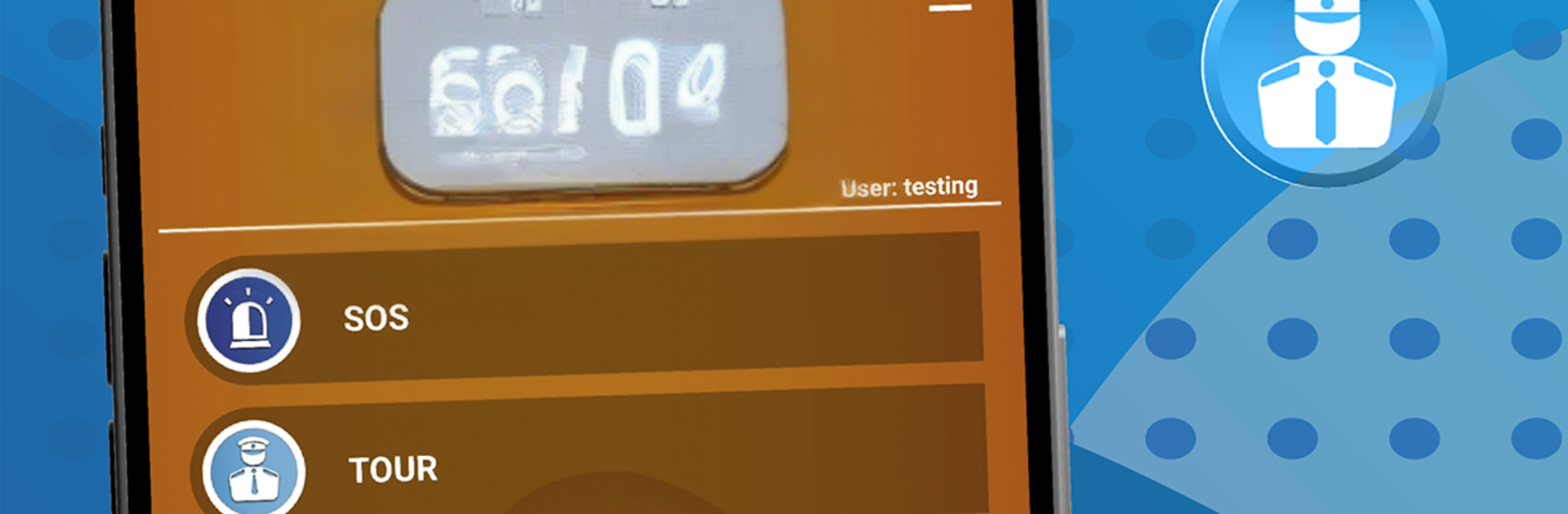
VigiControl feels like a simple control panel for security work, more practical than flashy. On a PC with BlueStacks it clicks along smoothly, so moving between screens and buttons feels quick and clear. The app is built around four big actions. SOS is the panic button, it grabs location and can attach a photo, and there is even a test mode so no one fires off a real alarm by mistake. Alive Signal is a timed check in, a button that must be pressed every so often, and if it is missed the monitoring center gets an alert. Route is for logging arrivals, departures, and control points on a tour, with time, date, and GPS baked in so there is a clean history of where and when. News works like a reporting inbox, letting guards send photos, scan QR codes, drop text or voice notes, or place a call when something needs attention.
What stands out is how steady it stays under different connections. It prefers Wi Fi or mobile data, but if that drops it can fall back to SMS so alerts still go through. GPS can lag indoors or in dense areas, yet the alarm still reaches the center, which is what matters. It only runs if linked to a monitoring provider’s server, so it is clearly meant for real teams. English, Spanish, Polish, and Portuguese are in there, with more promised. The whole thing feels strict but reassuring, 24 by 7, which suits a guard shift that never really stops.
BlueStacks gives you the much-needed freedom to experience your favorite apps on a bigger screen. Get it now.





