




Upgrade your experience. Try Volumen Control Plus, the fantastic Tools app from AMDROID, from the comfort of your laptop, PC, or Mac, only on BlueStacks.
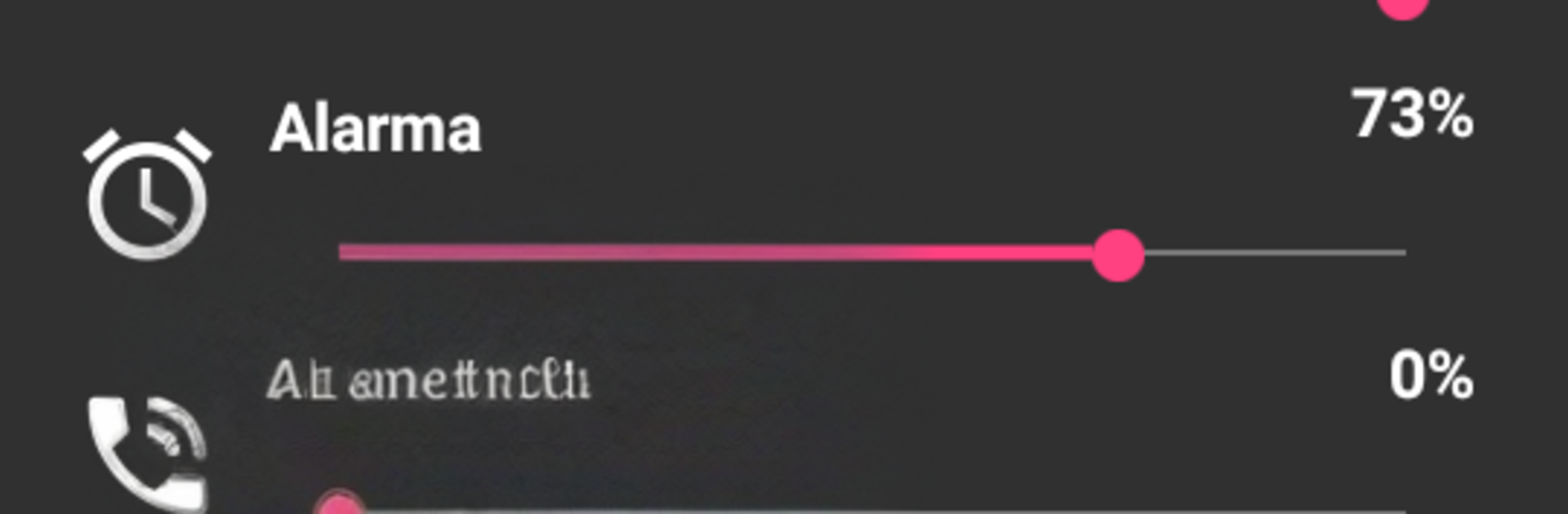
Volumen Control Plus feels like a simple control room for a phone’s sound, all in one clean screen. Instead of digging through menus, there are sliders for the main volume types side by side, so media, calls, alarms, notifications, and the rest can be tweaked in seconds. It does not try to be fancy, which is kind of the point. Everything is direct and easy to read, so someone can set it and move on. The presets help too. There are three ready profiles to switch between, so a quick tap can put the phone in quiet mode for work, louder for music, or something in between without fiddling every slider again.
The notification feature is surprisingly handy. It lets the user choose which indicators show in the status bar, then shows what is active and how loud it is at a glance. Those little indicators with their usage levels make it clear what might blast sound and what is muted. On PC with BlueStacks it works smoothly, and the mouse makes tiny adjustments less annoying. Switching presets with a click feels neat, and it is easy to keep the window tucked to the side while doing other stuff. It is not trying to be a full audio studio, just a friendly companion to Android that makes day to day volume control a lot less fussy.
BlueStacks gives you the much-needed freedom to experience your favorite apps on a bigger screen. Get it now.





