




Get freedom from your phone’s obvious limitations. Use Volume Control – Volume Slider, made by GeniusTools Labs, a Tools app on your PC or Mac with BlueStacks, and level up your experience.
About the App
Volume Control – Volume Slider is a clean, customizable way to manage sound on your Android phone or tablet. Whether your volume buttons are flaky or you just want a better-looking panel, it gives you quick, precise control that actually feels nice to use. It’s a smart Tools app from GeniusTools Labs with tons of style options and a smooth, modern experience. It even plays nicely on bigger screens, including when you’re running Android apps on your PC or Mac with BlueStacks.
App Features
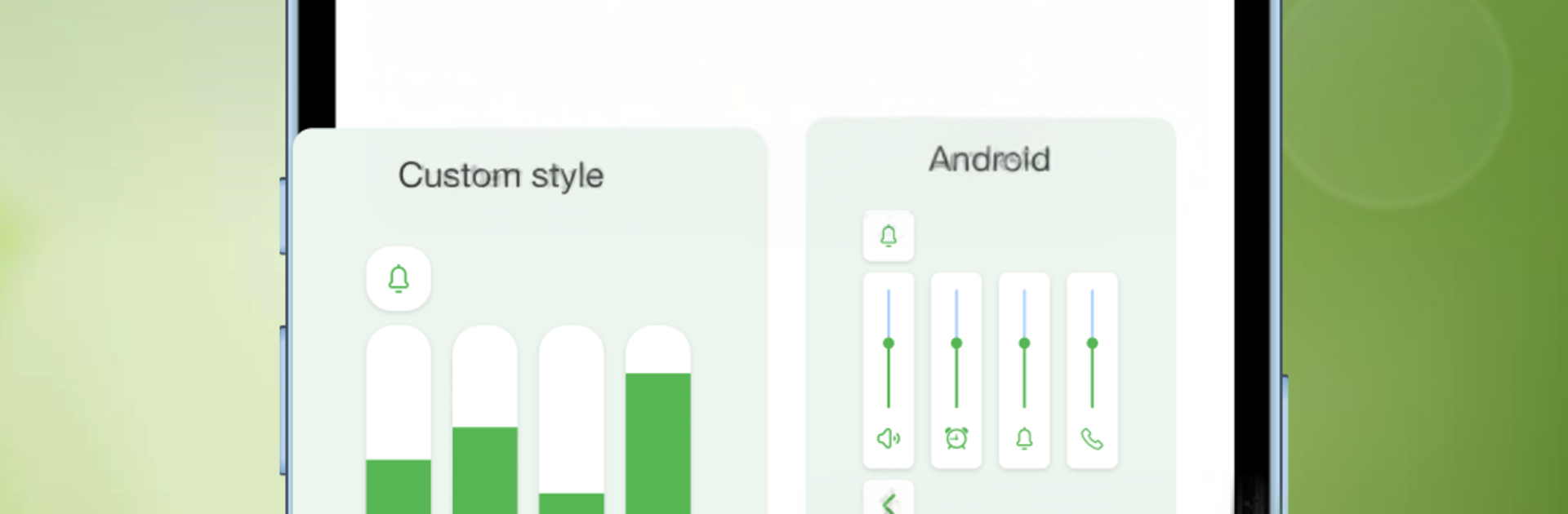
- Theme-rich volume panel: Pick from 50+ panel styles with smooth animations to match your home screen or mood.
- All volumes in one place: Tweak media, calls, ringtone, alarm, notifications, and system sounds without digging through settings.
- No hardware keys needed: Use on-screen sliders when your physical buttons are hard to reach or not working.
- Precise, fast sliders: Make small or big changes with responsive controls that move exactly how you want.
- Left or right friendly: Flip the panel orientation to keep controls comfy for either hand.
- Music and call controls: Adjust what you’re listening to and manage call volume from the same streamlined panel.
- Simple, friendly UI: Clean design, easy gestures, and quick access wherever you are on your device.
- Accessibility transparency: Uses Accessibility Service only to detect volume-button presses so the custom panel can appear. It doesn’t read what you type or collect personal data; the system warning popup is standard.
- Background service tips: Requires permission to run in the background. Some phones may stop the service—follow the in-app steps if that happens.
Eager to take your app experience to the next level? Start right away by downloading BlueStacks on your PC or Mac.





