
W-KING
W-KING

W-KING

Tools

| W-KING APP

Play on PC with BlueStacks or from our cloud

  • Overview
  • How to Download

Page Modified On: January 05, 2026

Run W-KING on PC or Mac

Get freedom from your phone’s obvious limitations. Use W-KING, made by W-KING APP, a Tools app on your PC or Mac with BlueStacks, and level up your experience.

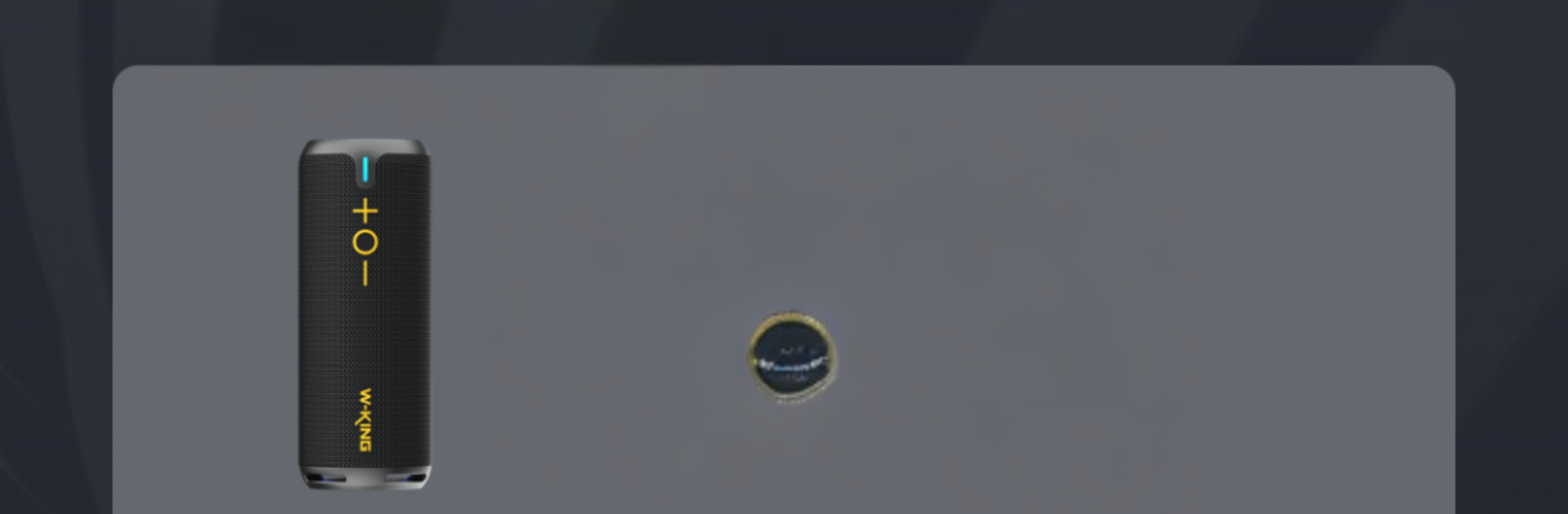
W-KING feels like a straightforward companion for W-KING speakers, more of a control hub than a music player. On a PC with BlueStacks, it opens into a simple panel that shows the connected speaker, battery level, and whatever options that model supports. The big thing here is tweaking the sound. There are EQ sliders and a few presets, so someone can bump the bass or clear up voices without hunting through tiny menus. For some speakers there are extra toggles like indoor or outdoor mode, bass boost, stereo pairing if two matching speakers are around, and sometimes lighting effects if the speaker has LEDs. It is clean, fast to learn, and does not get cluttered with stuff that the device cannot do.

Using it on a computer actually helps. Mouse control makes the sliders less fiddly, and typing a custom preset name or renaming the speaker is quicker on a keyboard. Firmware updates live in one place, which is nice when a speaker needs a little tune up. Not every W-KING model shows the same features, so someone with an older unit might only see the basics, but the app does a good job of surfacing what is available and hiding what is not. If the goal is to personalize how a W-KING speaker sounds and keep it running smoothly, this gets the job done without drama. Just pair a supported device, open the app in BlueStacks, and it works like a remote control that stays on the desk.

Switch to BlueStacks and make the most of your apps on your PC or Mac.

How to Download and Run W-KING on PC or Mac

  • Download and install BlueStacks on your PC or Mac

  • Complete Google sign-in to access the Play Store, or do it later

  • Look for W-KING in the search bar at the top right corner

  • Click to install W-KING from the search results

  • Complete Google sign-in (if you skipped step 2) to install W-KING

  • Click the W-KING icon on the home screen to start playing

video
Watch Video

Minimum System Requirements

With BlueStacks 5, you can get started on a PC that fulfills the following requirements.

  • Operating System

    Microsoft Windows 7 or above, macOS 11 (Big Sur) or above

  • Processor

    Intel, AMD or Apple Silicon Processor

  • RAM

    at least 4GB

  • HDD

    10GB Free Disk Space

Note:

* You must be an Administrator on your PC. Up to date graphics drivers from Microsoft or the chipset vendor.

W-KING - FAQs

  • How to Run W-KING on Windows PC & Mac?

    Run W-KING on your PC or Mac by following these simple steps.

    • Click on ‘Download W-KING on PC’ to download BlueStacks
    • Install it and log-in to Google Play Store
    • Launch and run the app.
  • Why is BlueStacks the fastest and safest platform to play games on PC?

    BlueStacks respects your privacy and is always safe and secure to use. It does not carry any malware, spyware, or any sort of additional software that could harm your PC.

    It is engineered to optimize speed and performance for a seamless gaming experience.

  • What are W-KING PC requirements?

    Minimum requirement to run W-KING on your PC

    • OS: Microsoft Windows 7 and above:
    • Processor: Intel or AMD Processor:
    • RAM: Your PC must have at least 2GB of RAM. (Note that having 2GB or more disk space is not a substitute for RAM):
    • HDD: 5GB Free Disk Space.
    • You must be an Administrator on your PC.




