Fashion City:Style&Dress Up

Fashion City:Style&Dress Up

Trivia

| Meta Dream

Play on PC with BlueStacks or from our cloud

  • Overview
  • Game Features
  • How to Play

Page Modified On: September 05, 2025

Play Fashion City:Style&Dress Up on PC or Mac

Bring your A-game to Fashion City:Style&Dress Up, the Trivia game sensation from Meta Dream. Give your gameplay the much-needed boost with precise game controls, high FPS graphics, and top-tier features on your PC or Mac with BlueStacks.

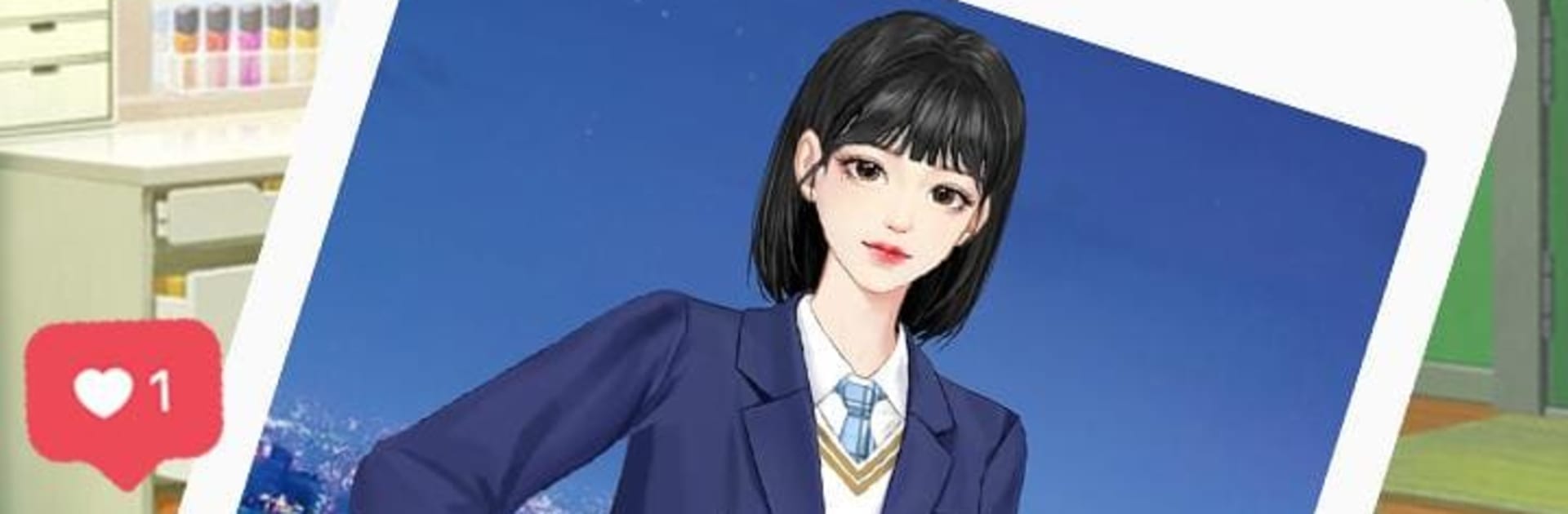
Fashion City: Style & Dress Up is a straight-up outfit sandbox with a light romance layer on top. It throws a big closet of trendy clothes at players and just lets them mix everything freely. Tops with statement skirts, clean streetwear, soft dresses, chunky shoes, neat bags, hair and makeup to match, it is all about building looks that feel right for the moment. The flow is quick and easy to learn, more about tapping through options than fiddly menus, so putting a full look together only takes a minute. On PC with BlueStacks, the bigger screen makes colors and textures pop, and clicking through categories is faster than swiping on a phone, which helps when there are a lot of accessories to try.

There is a dating side too, with several boyfriend characters that lean into different styles. The tone stays sweet and low-stress, more cute outings and short story beats than drama. Dress for a scene, show the look, collect rewards, and the closet grows so new combos keep opening up. The art feels bright and tidy, and the download is small, so it does not chew through storage or take ages to install. It suits anyone who enjoys styling outfits for fun, wants bite-size sessions, and likes the idea of charming dates being a reason to try another color palette or a new silhouette, then another one after that.

Ready to top the leaderboard? We bet you do. Let precise controls and sharp visuals optimized on BlueStacks lead you to victory.


Game Features

Enhancements

  • Macros
  • Multi Instance
  • Multi Instance Sync
  • Script
  • Enhancements
Macros

Macros

Automate the predictable in Fashion City:Style&Dress Up and transform your gameplay with Macros. Get access to inventive Macros in the BlueStacks Macro Community
Multi Instance

Multi Instance

Play Fashion City:Style&Dress Up on one window. And chat with your friend on the other. Press CTRL + Shift + 8 to open the Multi-Instance Manager. And start creating fresh instances or clone an existing one.
Multi Instance Sync

Multi Instance Sync

Play Fashion City:Style&Dress Up with the power of Multi-Instance Sync. Replicate what you are doing on the main instance on all other instances. Level up faster, play more.
Script

Script

Script your way to gaming glory in Fashion City:Style&Dress Up with BlueStacks Script. Write and run a set of commands to automate repeated tasks. Trigger the command by assigning it to any key.
Read More

How to Download and Play Fashion City:Style&Dress Up on PC or Mac

  • Download and install BlueStacks on your PC or Mac

  • Complete Google sign-in to access the Play Store, or do it later

  • Look for Fashion City:Style&Dress Up in the search bar at the top right corner

  • Click to install Fashion City:Style&Dress Up from the search results

  • Complete Google sign-in (if you skipped step 2) to install Fashion City:Style&Dress Up

  • Click the Fashion City:Style&Dress Up icon on the home screen to start playing

video
Watch Video

Minimum System Requirements

With BlueStacks 5, you can get started on a PC that fulfills the following requirements.

  • Operating System

    Microsoft Windows 7 or above, macOS 11 (Big Sur) or above

  • Processor

    Intel, AMD or Apple Silicon Processor

  • RAM

    at least 4GB

  • HDD

    10GB Free Disk Space

Note:

* You must be an Administrator on your PC. Up to date graphics drivers from Microsoft or the chipset vendor.

Fashion City:Style&Dress Up - FAQs

  • How to play Fashion City:Style&Dress Up on Windows PC & Mac?

    Play Fashion City:Style&Dress Up on your PC or Mac by following these simple steps.

    • Click on 'Play Fashion City:Style&Dress Up on PC’ to download BlueStacks
    • Install it and log-in to Google Play Store
    • Launch and play the game.
  • Why is BlueStacks the fastest and safest platform to play games on PC?

    BlueStacks respects your privacy and is always safe and secure to use. It does not carry any malware, spyware, or any sort of additional software that could harm your PC.

    It is engineered to optimize speed and performance for a seamless gaming experience.

  • What are Fashion City:Style&Dress Up PC requirements?

    Minimum requirement to run Fashion City:Style&Dress Up on your PC

    • OS: Microsoft Windows 7 or above MacOS 11 (Big Sur) or above
    • Processor: Intel, AMD or Apple Silicon Processor
    • RAM: Your PC must have at least 4GB of RAM. (Note that having 4GB or more disk space is not a substitute for RAM)
    • HDD: 10GB Free Disk Space.
    • You must be an Administrator on your PC.