RewardNest: Play Games & Earn

RewardNest: Play Games & Earn

Trivia

| FaizTech

Play on PC with BlueStacks or from our cloud

  • Overview
  • Game Features
  • How to Play

Page Modified On: August 17, 2026

Play RewardNest: Play Games & Earn on PC or Mac

Step into the World of RewardNest: Play Games & Earn, a thrilling Trivia game from the house of FaizTech. Play this Android game on BlueStacks App Player and experience immersive gaming on PC or Mac.

About the Game

RewardNest: Play Games & Earn is a laid-back way to pass a few minutes and still feel like you did something. It mixes quick puzzles, mini-challenges, and bite-sized quizzes into one neat package, then lets you turn the coins you earn into cash through UPI. It sits comfortably in the Trivia genre, but there’s plenty here beyond questions—think puzzles, memory tests, and a couple of classics. Prefer a bigger screen? It works smoothly on PC with BlueStacks.

Game Features

  • Daily Wheel
    Give the wheel a spin and scoop up coins in a couple of taps. It’s quick, simple, and oddly satisfying.

  • Picture Puzzles
    Slide tiles to rebuild images across multiple difficulty levels. The tougher the board, the sweeter the coin haul.

  • Quick Quizzes
    Short word and math prompts that reward correct answers right away. Great for a brain warm-up between tasks.

  • Scratch Cards
    Reveal hidden coin amounts with a quick scratch. Fast reveal, instant results.

  • Memory Match
    Flip, remember, and pair cards before the timer runs out to stack more coins.

  • Tic-Tac-Toe and Coin Toss
    Two classics with a rewarding twist—win a round, pocket more coins.

  • Real-Time Puzzle Tournaments
    Race the clock, climb the standings, and aim for a share of a larger coin pool.

  • Mystery Box
    Pop open a box each day for a surprise coin bump.

  • Goal Tracker and Streaks
    Set weekly or monthly targets and watch your progress grow. Keep a login streak going to nudge your balance higher.

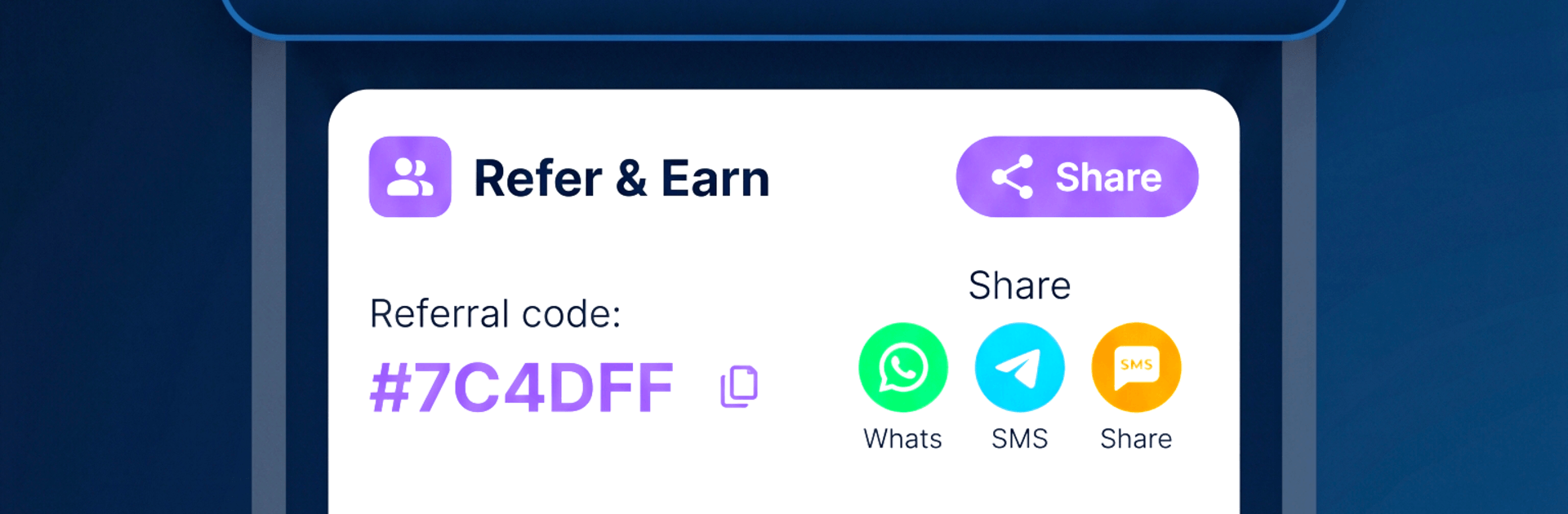
  • Refer and Earn
    Invite friends and both of you benefit once they start playing.

  • Leaderboards
    See how you rank week to week or all-time and chase that top slot.

  • Clear Earnings and UPI Withdrawals
    Track your wallet, history, and redemptions in one place. Convert coins to cash via UPI with transparent rates.

  • Optional Ads, Your Call
    Watch an ad only if you want a perk—like extra moves, a doubled win, or opening a box. Your coins stay yours either way.

BlueStacks gives you more room to focus on the game and less time adjusting around mobile limitations.


Game Features

Enhancements

  • Macros
  • Multi Instance
  • Multi Instance Sync
  • Script
  • Enhancements
Macros

Macros

Automate the predictable in RewardNest: Play Games & Earn and transform your gameplay with Macros. Get access to inventive Macros in the BlueStacks Macro Community
Multi Instance

Multi Instance

Play RewardNest: Play Games & Earn on one window. And chat with your friend on the other. Press CTRL + Shift + 8 to open the Multi-Instance Manager. And start creating fresh instances or clone an existing one.
Multi Instance Sync

Multi Instance Sync

Play RewardNest: Play Games & Earn with the power of Multi-Instance Sync. Replicate what you are doing on the main instance on all other instances. Level up faster, play more.
Script

Script

Script your way to gaming glory in RewardNest: Play Games & Earn with BlueStacks Script. Write and run a set of commands to automate repeated tasks. Trigger the command by assigning it to any key.
Read More

How to Download and Play RewardNest: Play Games & Earn on PC or Mac

  • Download and install BlueStacks on your PC or Mac

  • Complete Google sign-in to access the Play Store, or do it later

  • Look for RewardNest: Play Games & Earn in the search bar at the top right corner

  • Click to install RewardNest: Play Games & Earn from the search results

  • Complete Google sign-in (if you skipped step 2) to install RewardNest: Play Games & Earn

  • Click the RewardNest: Play Games & Earn icon on the home screen to start playing

video
Watch Video

Minimum System Requirements

With BlueStacks 5, you can get started on a PC that fulfills the following requirements.

  • Operating System

    Microsoft Windows 7 or above, macOS 11 (Big Sur) or above

  • Processor

    Intel, AMD or Apple Silicon Processor

  • RAM

    at least 4GB

  • HDD

    10GB Free Disk Space

Note:

* You must be an Administrator on your PC. Up to date graphics drivers from Microsoft or the chipset vendor.

RewardNest: Play Games & Earn - FAQs

  • How to play RewardNest: Play Games & Earn on Windows PC & Mac?

    Play RewardNest: Play Games & Earn on your PC or Mac by following these simple steps.

    • Click on 'Play RewardNest: Play Games & Earn on PC’ to download BlueStacks
    • Install it and log-in to Google Play Store
    • Launch and play the game.
  • Why is BlueStacks the fastest and safest platform to play games on PC?

    BlueStacks respects your privacy and is always safe and secure to use. It does not carry any malware, spyware, or any sort of additional software that could harm your PC.

    It is engineered to optimize speed and performance for a seamless gaming experience.

  • What are RewardNest: Play Games & Earn PC requirements?

    Minimum requirement to run RewardNest: Play Games & Earn on your PC

    • OS: Microsoft Windows 7 or above MacOS 11 (Big Sur) or above
    • Processor: Intel, AMD or Apple Silicon Processor
    • RAM: Your PC must have at least 4GB of RAM. (Note that having 4GB or more disk space is not a substitute for RAM)
    • HDD: 10GB Free Disk Space.
    • You must be an Administrator on your PC.